
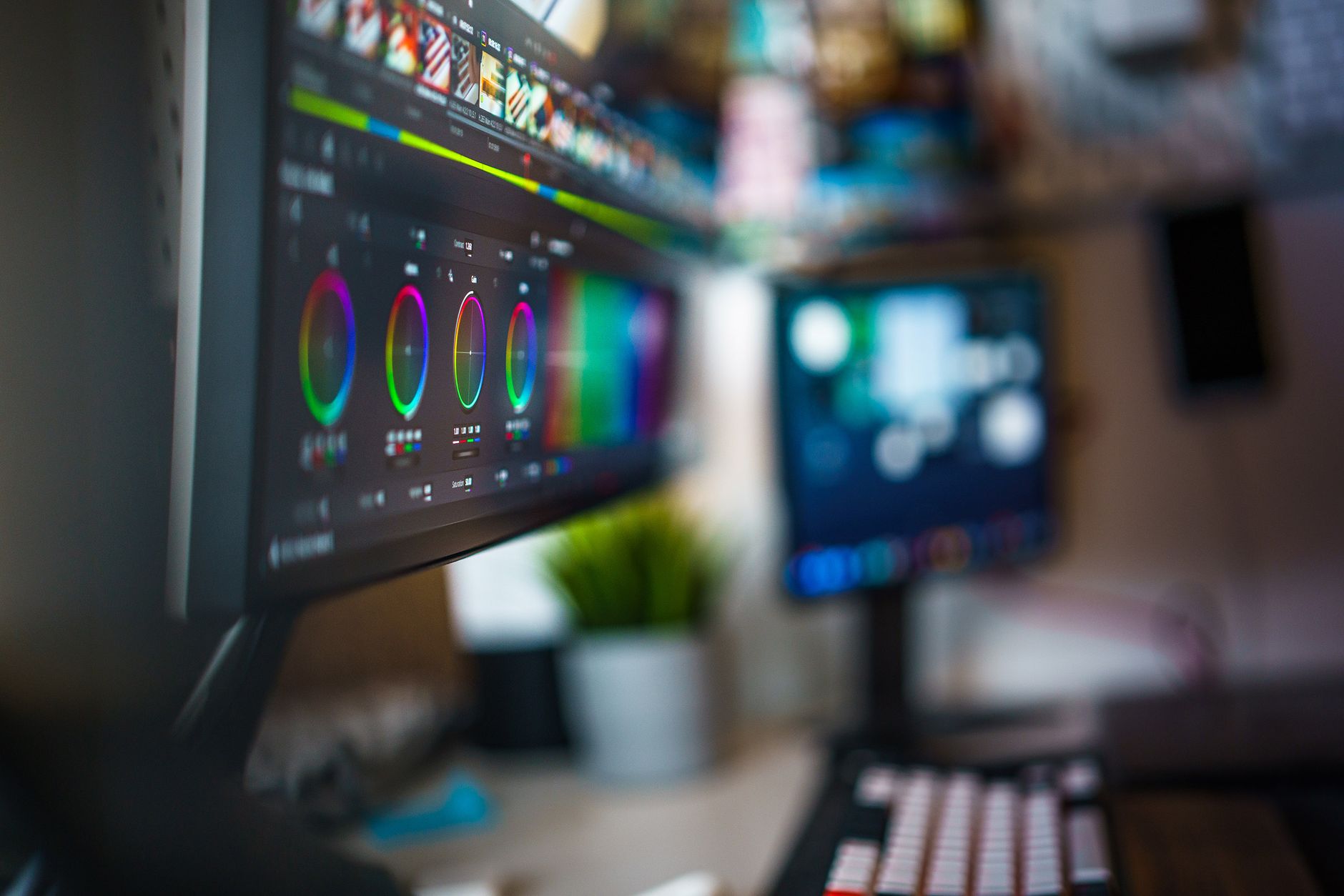
Understanding color gamut is essential for anyone involved in digital media, photography, graphic design, or video production. A color gamut refers to the range of colors that can be displayed or reproduced by a digital device such as a monitor, printer, or camera. This article delves into the concept of color gamuts, how they affect display quality, and the key features that define them.
As technology progresses, devices are increasingly capable of reproducing more colors, which directly impacts the quality of the visuals we consume. Knowing how to assess and compare color gamuts can help you make informed choices when purchasing displays, cameras, or printers.
What Is a Color Gamut?
A color gamut is essentially a specific range of colors that can be displayed or produced by a device. Think of it as a triangular or polygonal shape on a color space diagram, with the three primary colors at the corners representing the full palette of potential colors. Each device has a unique color gamut, influenced by its hardware capabilities and the technology used.
Why Is Color Gamut Important?
Color gamut plays a vital role in ensuring accurate color reproduction across various media. Understanding this concept is important for several reasons:
- Visual Fidelity: A wider color gamut can produce more vibrant and accurate colors, enhancing the visual experience.
- Consistency: When different devices (like monitors and printers) can reproduce more consistent colors, it ensures that what you see on screen closely matches the final printed product.
- Professional Quality: In fields like photography and graphic design, color accuracy is critical for brand consistency and aesthetics.
Color Spaces and Gamuts
To understand color gamuts better, it’s essential to grasp the relationship between various color spaces. A color space is a specific organization or mapping of colors that involves the gamut of that organization. Here are some commonly used color spaces:
- sRGB: The standard color space for web content and most consumer displays. It has a smaller gamut compared to others.
- Adobe RGB: A broader color space, particularly favored in print and professional photography, offering a wider range of colors.
- DCI-P3: Frequently used in digital cinema and high-end displays; it covers a more extensive gamut than sRGB.
- Rec. 2020: Intended for Ultra High Definition (UHD) displays, it encompasses an even larger percentage of visible colors.
Measuring Color Gamut
Measuring a device’s color gamut typically involves the use of a colorimeter or spectrophotometer, which quantifies the colors a device can reproduce. The results are often visualized on a graph, showing the device’s gamut compared to standard color spaces. Here’s how the measurement process works:
- Device Calibration: Ensure the device is properly calibrated before measurement.
- Color Calibration Tool: Use a colorimeter or spectrophotometer connected to a computer. Popular tools include X-Rite i1Display and Datacolor Spyder.
- Software Analysis: Use software that supports color gamut analysis, which will illustrate the device’s color gamut against established standards like sRGB or Adobe RGB.
- Interpret Results: Analyze the results to understand how your device performs concerning color reproduction.
Factors Affecting Color Gamut
Multiple factors influence the color gamut of a device:
- Display Technology: Different technologies such as LCD, OLED, and LED have varying capabilities when it comes to color reproduction. For instance, OLED displays often provide a wider color gamut compared to traditional LCDs.
- LED Backlighting: The type of backlighting used can also impact color reproduction. Quantum Dot technology, for example, enhances color performance significantly.
- Color Depth: The number of bits allocated per channel in color processing impacts the range of colors displayed. Higher bit depths (like 10-bit) allow for a wider range of colors.
- Calibration and Profile: Regular calibration and proper color profiles can maximize a device’s potential in reproducing colors.
Common Uses of Color Gamut
A deeper understanding of color gamuts is essential in various fields:
- Photography: Photographers often choose cameras and monitors based on their color gamuts, ensuring accurate representation of images.
- Graphic Design: Designers work across many mediums and need a comprehensive understanding of color gamuts to maintain color consistency.
- Video Production: Videographers utilize color gamuts for accurate color grading to achieve cinematic quality.
Color Gamut in Consumer Electronics
When purchasing consumer electronics like TVs and monitors, understanding their color gamut can make a significant difference in your viewing experience. Here are some key considerations:
- Specifications: Always check the specifications for color gamut coverage, usually represented as a percentage of sRGB or DCI-P3.
- Display Quality: Higher-end displays generally offer wider color gamuts. OLED TVs, for instance, often support nearly the full DCI-P3 color gamut.
- HDR Support: High Dynamic Range (HDR) content is designed to take advantage of wide color gamuts. Ensure your display supports HDR alongside a wide gamut for the best experience.
Understanding Gamut Compression and Clipping
Not all color gamuts are created equal, and devices may struggle to replicate certain colors. This can lead to two common issues: gamut compression and clipping.
- Gamut Compression: This occurs when colors in a given scene are compressed to fit within a narrower gamut, often resulting in a loss of detail and variation in color.
- Gamut Clipping: When colors exceed a device’s gamut, they get clipped to the nearest representable color, which can lead to distorted images and loss of vibrancy.
How to Choose a Device Based on Color Gamut
If you’re in the market for a monitor, TV, or printer, there are a few key tips to help you choose the right device based on color gamut:
- Consider Your Use Case: Determine what you intend to use the device for (gaming, photography, graphic design) and how critical color accuracy is for that purpose.
- Research Specifications: Look for specifications that include color gamut percentages, such as 99% sRGB or 95% DCI-P3.
- Read Reviews: Reviews often provide insights into real-world performance with regard to color accuracy and fidelity.
- Test First: If possible, test the devices in-store. Look for samples that showcase vibrant colors to assess their performance.
Color Gamut vs. Color Accuracy
While color gamut refers to the range of colors a device can produce, color accuracy is about how closely those colors match the original source. It’s crucial to understand the distinction for optimal performance:
- Color Gamut: High gamut indicates a potential for better color reproduction, but doesn’t guarantee it.
- Color Accuracy: Achieving high color accuracy requires proper calibration and the right profiles.
Common Myths About Color Gamut
Several misconceptions can lead to confusion when discussing color gamuts. Here are a few to clarify:
- Wider Is Always Better: While a wider gamut generally allows for more vibrant colors, the importance of color accuracy remains crucial.
- All Devices Are the Same: Devices vary significantly in how they handle color. Two monitors may both claim wide gamuts, but their real-world performance may differ.
- Primaries Don’t Matter: The primary colors used in a display can shape its whole gamut. Not all RGB setups perform equally well.
Future Trends in Color Gamut Technology
With continuous advancements in technology, color gamuts are also evolving. Potential future trends include:
- Wider Gamuts: Future displays may cover a more significant range of colors, bringing more vibrancy to our daily media consumption.
- Smart Calibration: Automated calibration software may streamline the process of achieving optimal color accuracy based on individual device use.
- Integration with AI: Artificial intelligence could potentially help in adjusting color settings dynamically based on the content being viewed.
Understanding color gamuts is crucial for anyone engaged in digital media. Whether you are a professional photographer, a graphic designer, or just a consumer looking for a new display, being informed about this aspect of technology can significantly enhance your experience.
For more insights on related topics, consider exploring our articles on HDR and DPI. These resources will deepen your understanding of how display technologies interact with color and image quality.