
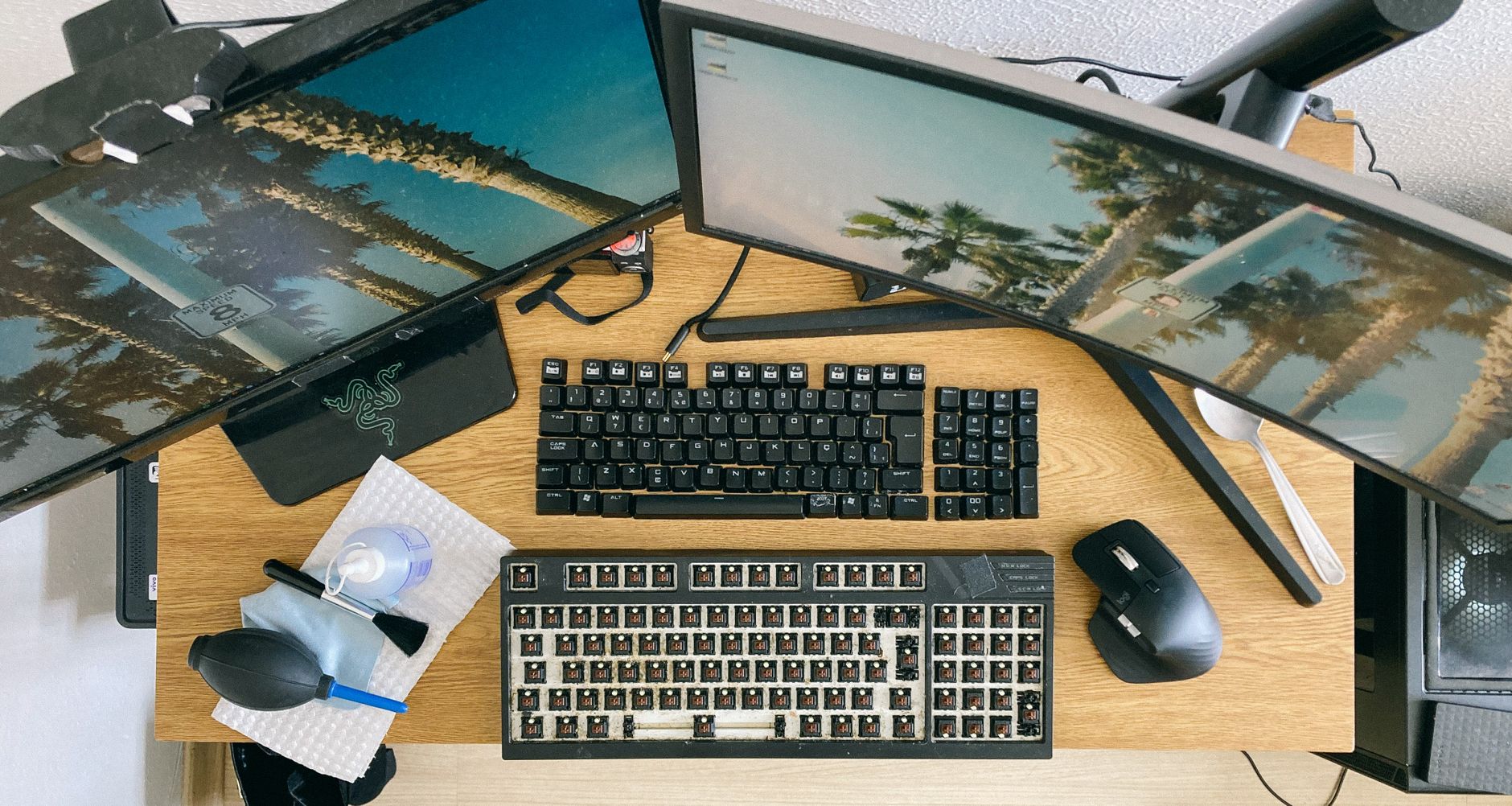
Keeping your monitor screen clean is essential for a clear display and better viewing experience. Dust, fingerprints, and smudges can accumulate on the surface, detracting from image clarity. In this guide, we will discuss safe tools and methods for cleaning monitor screens, ensuring you have a pristine screen with minimal risk of damage.
We will explore the recommended cleaning tools, step-by-step cleaning procedures, common mistakes to avoid, and tips for maintaining a clean monitor over time. Let’s get started!
How to Clean Monitor Screen?
To clean a monitor screen effectively, gather appropriate tools and follow a careful cleaning process. Using the wrong cleaners or methods can damage the screen. This guide provides specific steps to safely achieve a spotless monitor.
Prerequisites for Cleaning Your Monitor Screen
- Microfiber cloth
- Distilled water
- White vinegar or a commercial screen cleaner (optional)
- Spray bottle (for mixing cleaning solutions)
- Soft, dust-free environment
Safe Tools for Cleaning Monitor Screens
When it comes to cleaning monitor screens, the tools you choose can significantly impact the effectiveness of your cleaning efforts. Here are some safe and effective tools to prepare before you start:
Microfiber Cloths
Microfiber cloths are designed to trap dirt and dust without scratching the surface of your monitor. They are highly absorbent and lint-free, making them an excellent choice for cleaning screens.
Distilled Water
Using distilled water reduces the chance of mineral deposits left behind from tap water. It is gentle enough to clean most monitor surfaces without causing damage.
White Vinegar or Commercial Screen Cleaners
If you need a stronger cleaning solution, you can mix equal parts of distilled water and white vinegar. Alternatively, many commercial screen cleaners are available that are specifically formulated for electronics.
Step-by-Step Guide to Clean Monitor Screens
Cleaning your monitor screen can be accomplished in a few simple steps. Follow the instructions carefully to ensure a safe and effective clean.
Step 1: Turn Off the Monitor
Before cleaning, turn off your monitor and unplug it if possible. This not only prevents any electrical issues but also makes it easier to see dirt and smudges on a dark screen.
Step 2: Gather Cleaning Materials
Collect your microfiber cloth, distilled water, white vinegar (if using), and any spray bottles as needed. This will streamline the cleaning process.
Step 3: Prepare the Cleaning Solution
If you are making your own cleaner:
- Mix equal parts of distilled water and white vinegar in a spray bottle.
- If using a commercial cleaner, read the instructions carefully.
Step 4: Apply the Cleaning Solution
Never spray the cleaning solution directly onto the monitor screen. Instead:
- Spray a small amount of the cleaning solution onto the microfiber cloth.
- Ensure the cloth is damp but not soaking wet; excess liquid can drip into the monitor and cause damage.
Step 5: Wipe the Screen
With the dampened microfiber cloth:
- Gently wipe the screen in a circular motion, avoiding excessive pressure.
- Start from the top and work your way down to prevent streaks.
Step 6: Dry the Screen
After wiping, it’s essential to dry the screen:
- Use a dry microfiber cloth for this step.
- Gently buff the screen in a circular motion until no moisture remains.
Common Mistakes to Avoid When Cleaning Monitor Screens
While cleaning your monitor, it’s easy to make mistakes that could lead to damage. Be aware of the following common issues:
Using Harsh Chemicals
Avoid cleaners that contain alcohol, ammonia, or strong solvents. These substances can strip the protective coating on many screens, leading to permanent damage.
Excess Moisture
Using a wet cloth or applying too much cleaning solution can result in moisture seeping into the monitor. This can cause display issues or even short-circuit internal components.
Abrasive Materials
Using paper towels or rough cloths can scratch the screen. Stick to microfiber cloths for safe and effective cleaning.
Tips for Maintaining a Clean Monitor Screen
Maintaining a clean monitor screen goes beyond just cleaning it periodically. Here are some tips for keeping your screen looking its best:
Regular Dusting
Make it a habit to dust your monitor screen weekly with a dry microfiber cloth to prevent the buildup of dust and debris.
Store in a Dust-Free Area
If possible, position your monitor in a location with minimal dust exposure. Avoid placing it near open windows or overly busy areas.
Minimize Fingerprint Marks
Try to avoid touching the screen directly with your fingers. Use the edges of the monitor for adjustments instead.
Shield from Sunlight
Direct sunlight can not only make it difficult to see the screen but can also contribute to dust and other debris. Consider using curtains or blinds to reduce exposure.
Understanding Your Monitor’s Specifications and Care Instructions
Different monitors have different requirements depending on their technology and coatings. Here’s a brief overview:
LCD vs. LED Monitors
Most modern monitors are either LCD or LED. While both can be cleaned in similar ways, be sure to check manufacturer guidelines for specific recommendations.
Coated Screens
Some monitors feature anti-glare or other coatings. Always refer to the manufacturer’s care instructions to avoid damaging these finishes.
When to Seek Professional Help
If your monitor has persistent stains, pixel issues, or potential internal damage, it may be time to consult a professional. Attempting to rectify severe issues without expertise can lead to further damage.
Signs You Need Professional Assistance
- Persistent marks that don’t come off with cleaning.
- Dead or stuck pixels.
- Screen flickering or malfunctioning features.
Conclusion
Cleaning your monitor screen correctly is crucial for its longevity and functionality. By following the steps outlined in this guide, along with using safe cleaning tools, you can enjoy a crystal-clear display.
As a practical next step, get your tools ready and start cleaning your monitor to enhance your viewing experience today.
If you’re interested in related topics, check out how to clean a MacBook screen or explore additional tips for cleaning a laptop screen for more insights.