
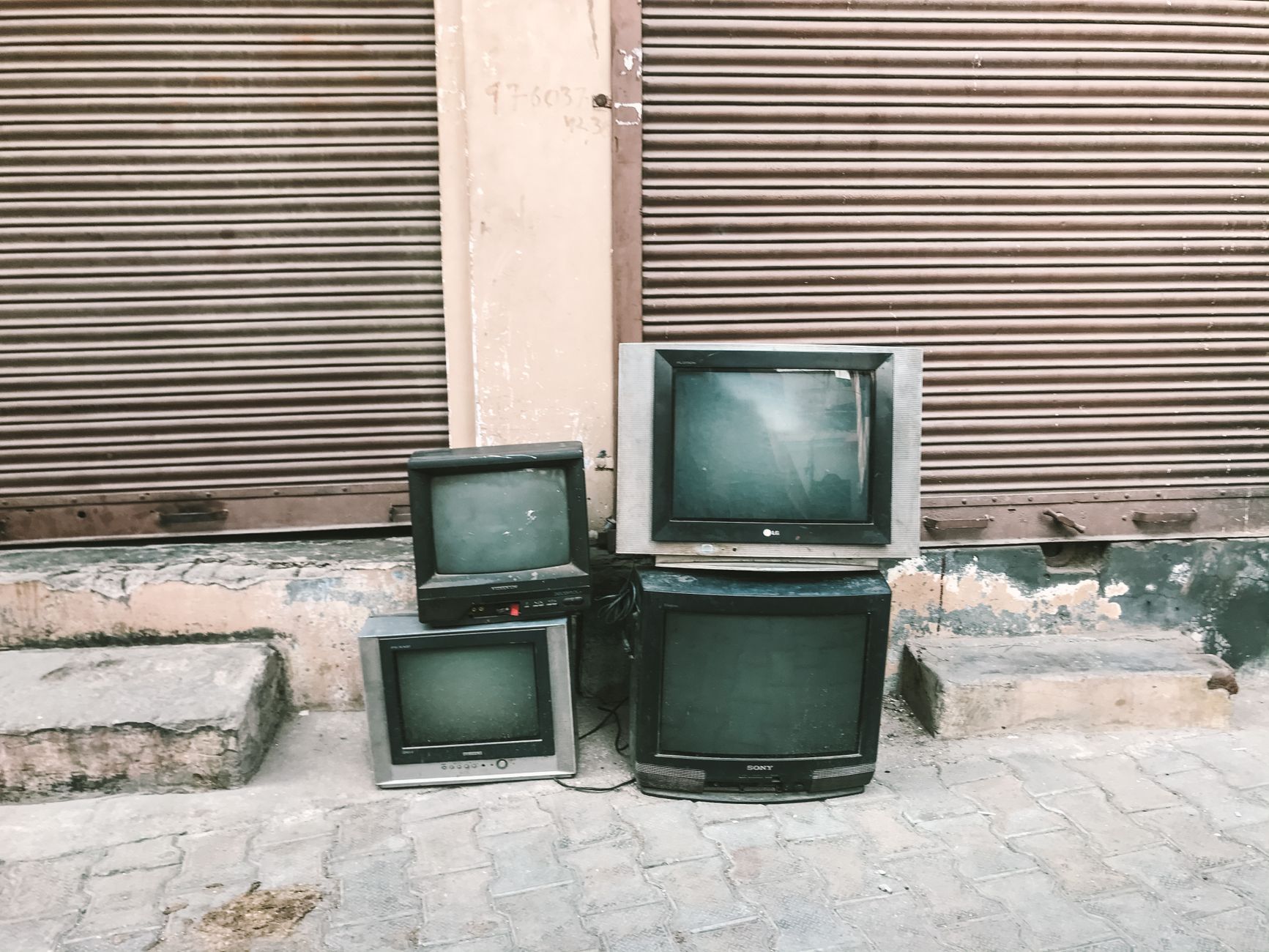
Shopping for a new TV can be an exciting yet daunting task, especially when you’re on a budget. Knowing where to find cheap TVs without sacrificing quality is crucial for an enjoyable viewing experience. This guide will help you navigate the world of affordable television options, explore features to consider, and provide tips to make a well-informed purchase.
From online retailers to physical stores, you’ll learn about various avenues to find the right TV for your needs. We’ll also delve into essential features and price ranges to consider while shopping for budget-friendly televisions.
Where to Get Cheap TVs?
You can find cheap TVs at various retail outlets, both online and offline. Popular places include big-box retailers, online marketplaces, and dedicated electronics stores offering seasonal discounts. Checking out refurbished or clearance sections can also yield significant savings.
Online Shopping for Affordable TVs
Online shopping has revolutionized the way we buy electronics, including TVs. Here are some of the best platforms to explore:
- Amazon: Known for its vast selection and customer reviews, Amazon often features discounts on various TV brands and models. Look for deals and flash sales, especially during events like Prime Day or Black Friday.
- eBay: A platform that allows users to buy new and refurbished TVs. You can often find auctions for high-quality products at lower prices, but always check the seller’s ratings.
- Walmart: Walmart’s online store frequently carries discounted electronic items, including TVs from renowned brands. The site also provides options for local pickup.
- Best Buy: As a leading electronics retailer, Best Buy offers competitive pricing and daily deals, along with an extensive selection of TVs. Don’t forget to check their clearance section online.
- Newegg: Primarily known for computer hardware, Newegg also has a dedicated section for electronics, including TVs. They often provide special promotion codes for additional savings.
Retail Stores for Budget-Friendly TVs
If you prefer to see a TV before buying, local retail stores present a great opportunity to find deals. Here are some popular options:
- Target: Target offers affordable smart TVs and often has seasonal promotions. Look for their weekly ads to find limited-time offers.
- Kohl’s: Though not traditionally known for electronics, Kohl’s frequently has sales on TVs. They also provide Kohl’s Cash which can lead to significant savings on future purchases.
- Costco: If you are a member, Costco often features excellent deals on name-brand TVs. Their return policy is also a plus.
- Fry’s Electronics: Known for deep discounts on a variety of electronics, Fry’s provides a chance to find competitive prices on TVs.
- Local Electronics Stores: Don’t overlook smaller, local electronics shops. Many offer competitive prices to keep up with larger retailers.
Refurbished and Open Box Options
Refurbished and open-box products can provide significant savings without compromising on quality. Here’s where to look:
- Manufacturer Websites: Brands like Samsung, LG, and Sony often sell refurbished TVs directly from their websites, usually with warranties.
- Outlets: Authorized outlet stores for brands like Sear or Newegg can help you find open-box or refurbished items that are less expensive than new products.
- Best Buy’s Open Box: Best Buy has an open-box program where you can find lightly used or returned TVs at reduced prices.
Features to Consider When Buying Cheap TVs
When selecting a cheap TV, it’s essential to consider the right features that suit your viewing habits without overspending. Here are key features to keep in mind:
- Screen Size: Determine the right screen size based on your room size and viewing distance. Measure the space where you plan to set the TV to avoid any issues.
- Resolution: Look for at least a Full HD (1080p) resolution. If your budget allows, consider 4K options, which provide superior picture quality.
- Smart Features: Smart TVs allow you to stream content from services like Netflix and Hulu without additional devices. Many budget-friendly models now offer these features.
- Refresh Rate: A higher refresh rate (60Hz or 120Hz) can improve motion clarity. This is particularly important for gaming or fast-paced sports viewing.
- HDMI and Ports: Ensure the TV has enough HDMI ports and other connections for your devices, such as gaming consoles, soundbars, or Blu-ray players.
Budget Considerations
Establishing a budget is crucial when purchasing a cheap TV. Here’s a breakdown to help guide your spending:
- Under $500: This range usually covers various sizes of 1080p TVs or smaller 4K models. Brands like TCL and Hisense often have affordable options here.
- $500 – $1,000: TVs in this range can offer larger screen sizes and better features, including 4K resolution and smart capabilities from established brands like Samsung, LG, or Sony.
- Over $1,000: These models typically come with premium features like OLED displays or advanced smart functionality. While this range is less budget-friendly, it may offer better longevity.
Buying Tips for Cheap TVs
Finding the right TV at a reasonable price is about more than just comparing prices. Here are some buying tips:
- Timing: Prices can vary greatly throughout the year. Major sales events such as Black Friday, Cyber Monday, and Super Bowl season typically offer the best discounts.
- Research: Before making a purchase, read online reviews and check consumer reports to ensure you’re choosing a reliable model.
- Compare Prices: Use price comparison websites or apps to check how different retailers price the same TV model. This method can reveal substantial savings.
- Warranty and Return Policy: Always check the warranty and return policy of the retailer. A flexible return policy is especially valuable for electronics.
- Trade-in Programs: Some retailers offer trade-in deals for your old TV, providing you with discounts toward the new purchase.
Common Mistakes to Avoid
When shopping for cheap TVs, there are common pitfalls you should avoid:
- Ignoring Picture Quality: Always check the actual picture quality in-store if possible. Don’t be swayed solely by the price.
- Buying Based on Brand Alone: While reputable brands often deliver quality, lesser-known brands can provide excellent value too.
- Not Considering Future Needs: Think about what you may want from a TV in the future—such as gaming or streaming requirements—can help you avoid frequent replacements.
Setting Up Your New TV
After purchasing your new TV, setting it up correctly can maximize your viewing experience. Here are essential steps to keep in mind:
- Choose the Right Location: Position your TV at eye level to avoid strain and minimize glare.
- Connect All Devices: Use HDMI cables for optimal quality and ensure all your devices (like consoles, sound systems, etc.) are correctly connected.
- Adjust Display Settings: Once powered on, navigate through the TV’s settings to adjust brightness, contrast, and color settings to meet your liking.
- Connect to Wi-Fi: For smart TVs, set up your Wi-Fi connection to access streaming services, apps, and updates.
- Install Updates: Check for software updates to ensure your TV runs the latest features and fixes.
Troubleshooting Common Issues
If you encounter problems with your TV, here are some basic troubleshooting steps:
- No Picture or Sound: Check that the TV is plugged in and that the power is on. Ensure that input sources are correctly set.
- Remote Control Issues: Replace batteries in the remote if it’s not responding. If issues persist, check for obstructions between the remote and the TV.
- Wi-Fi Connectivity Problems: Confirm that your Wi-Fi connection is stable. Restart the TV and your router if you encounter frequent drops.
Finding affordable options can help you enjoy your favorite shows and movies without breaking the bank. By knowing where to look and what to prioritize, you can confidently navigate the selection process.
For additional guidance, visitors are invited to explore other tech tutorials and guides, including how to reset a Samsung TV or learn about TV sizes in our article on how wide is a 65-inch TV.