
Choosing the best home printer can be a challenging task due to the wide variety of models available on the market. With advances in technology, printers now come with features designed to meet different needs, whether it’s for home office work, printing photos, or general document printing.
Understanding the features you require and your specific printing needs can help streamline the decision-making process. This article will delve into the factors you should consider when selecting a home printer, along with some of the top features available on the market today.
What Is the Best Home Printer?
The best home printer varies based on individual needs, such as budget, print quality, and specific features. Generally, multifunction printers that offer a combination of printing, scanning, and copying capabilities with wireless connectivity are highly regarded.
Key Features to Look for in a Home Printer
When shopping for a home printer, evaluating the following key features can guide you to the right choice:
- Print Quality: Look for resolutions (measured in DPI) that meet your quality needs. Higher DPI results in sharper text and images.
- Printing Speed: Measured in pages per minute (PPM), this metric indicates how quickly a printer can produce documents.
- Connectivity: Consider whether you prefer USB, Ethernet, or Wi-Fi connectivity. Some printers also support mobile printing via apps or direct Wi-Fi.
- Multifunctionality: A printer that can scan, copy, and even fax can save you space and money.
- Operating System Compatibility: Ensure the printer supports your computer’s operating system, whether it’s Windows, macOS, or Linux.
- Paper Handling: Look for printers with multiple paper trays or the ability to handle different paper sizes and types.
- Cost of Ink or Toner: Assess the long-term cost of consumables as it varies widely among different printer models.
- Energy Efficiency: Consider printers that have ENERGY STAR certification for reduced power consumption.
- Size and Design: Ensure the size fits comfortably in your designated area and that it complements your personal workspace.
Types of Home Printers
Understanding the different types of printers available can further guide you in choosing the right one:
Inkjet Printers
Inkjet printers are versatile and can produce high-quality color prints and photos. They generally have lower initial costs but can incur higher costs per page due to ink pricing.
Laser Printers
These printers are typically faster than inkjet printers and offer more economical printing for high volumes, particularly for text-heavy documents. However, they might be more expensive to purchase initially.
All-in-One Printers
All-in-one printers combine printing, scanning, copying, and sometimes faxing capabilities in one device. They are ideal for home offices and offer convenience and versatility.
Photo Printers
Dedicated photo printers focus on producing high-quality images and are perfect for photographers or anyone looking to print high-resolution photos. They usually require specialized ink and paper.
Popular Home Printers to Consider
While the choice of the best printer may differ among individuals, several models stand out in the marketplace due to their features and performance.
HP Envy 6055 All-in-One Printer
This model is designed for versatile use with easy wireless setup, printing, scanning, and copying capabilities. It also offers support for mobile printing apps.
Epson EcoTank ET-2720
Features a cartridge-free solution with high-capacity tanks. This printer excels in low-cost printing and boasts excellent print quality while providing a compact design suitable for home offices.
Brother HL-L2350DW Laser Printer
A compact monochrome laser printer that provides a high printing speed suitable for home or small office use. Its automatic duplexing capability also saves paper.
Canon PIXMA TS8320
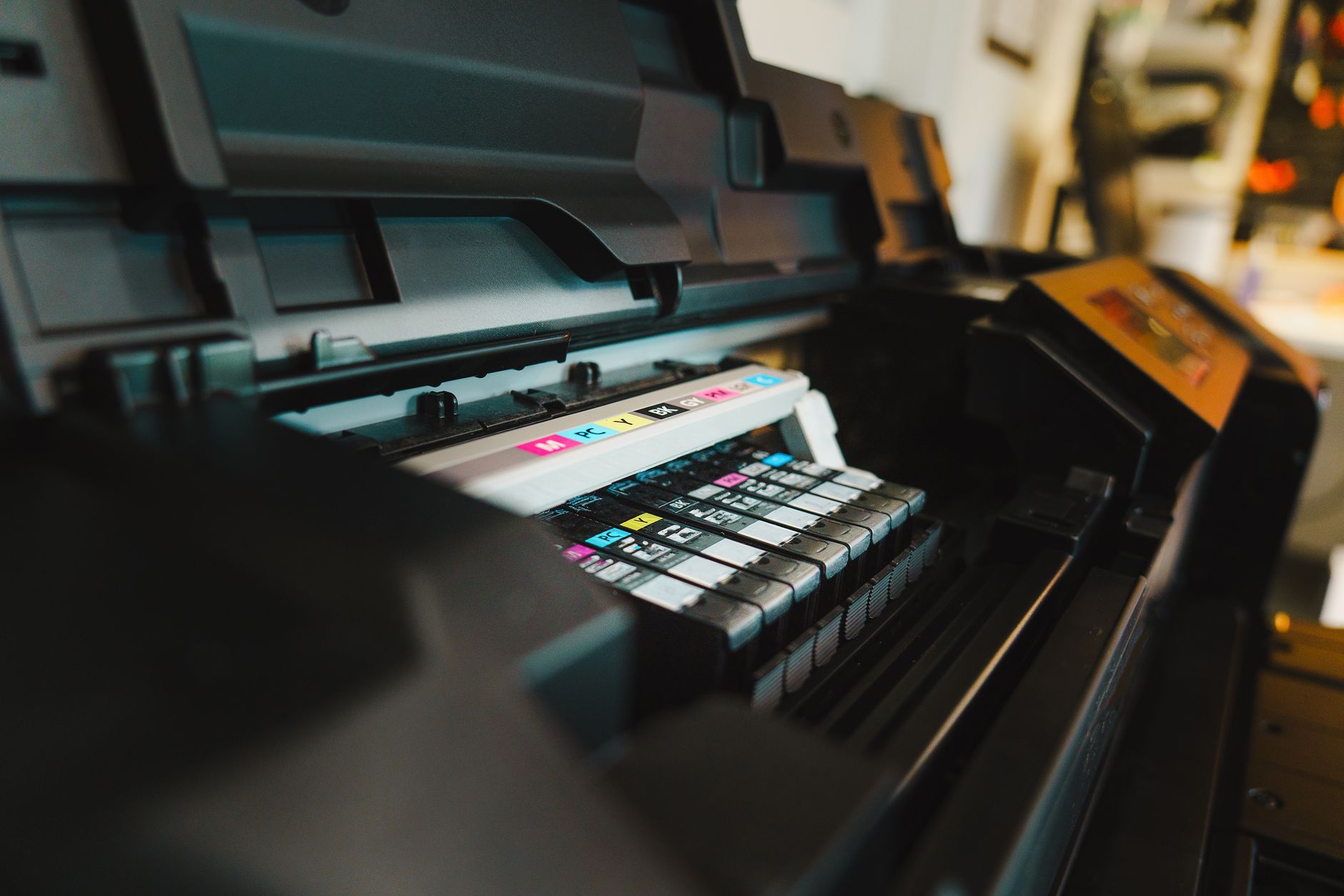
Known for exceptional photo printing quality, this inkjet model offers six-color individual ink system, wireless features, and also supports various paper sizes and types.
Samsung Xpress M2020W
This affordable monochrome laser printer combines compact design with ease of setup. It is known for fast printing speeds and effective mobile printing capabilities.
Buying Tips for Home Printers
To ensure you get the home printer that best fits your needs, consider the following tips:
Define Your Printing Needs
Identify what you will primarily be printing. If it’s for documents and occasional photos, an inkjet can suffice. For high-volume text documents, consider a laser printer.
Check User Reviews
Reading user reviews can provide insight on reliability, print quality, and longevity of the printer you are considering. Customer feedback can expose potential issues early on.
Assess Your Budget
Set a budget for both the cost of the printer and the anticipated cost of ink or toner over time. This will ensure you make a financially sound decision.
Explore Warranty and Support Options
Ensure the printer comes with a warranty and check the manufacturer’s support services. A strong return policy can also be valuable in case of unexpected issues.
Look for Deals and Discounts
Timing your purchase for sales events or seeking out deals at retailers can lead to significant savings. Manufacturers often offer promotions on printers and supplies.
Consider Space and Setup
Measure your available space carefully to ensure the printer will fit comfortably. Additionally, consider the accessibility of power outlets and Wi-Fi networks.
Common Issues and Troubleshooting Tips
After purchasing your printer, you may encounter some common issues. Understanding these can help you resolve problems quickly.
Printer Won’t Connect to Wi-Fi
This is a typical issue for wireless printers. To troubleshoot:
- Ensure the printer is within range of the Wi-Fi signal.
- Check if the Wi-Fi network is functioning properly. Restart the router if necessary.
- Verify that the printer’s wireless settings are configured correctly via the control panel.
- If problems persist, try resetting the network settings on the printer and reconfigure your connection.
Print Jobs Keep Stalling
If print jobs are getting stuck in the queue, follow these steps:
- Cancel any stuck print jobs from the print queue found in your computer’s settings.
- Restart your printer and computer to reset connections.
- Make sure the correct printer is selected as default on your computer.
- Check for and install any software updates for both the printer and your operating system.
Print Quality Issues
If you’re experiencing poor print quality, such as streaks or faded prints:
- Run a print head cleaning cycle from the printer’s maintenance menu.
- Check the ink or toner levels and replace them if necessary.
- Ensure you are using the correct paper type for the printing job.
- Perform a nozzle check to identify any clogged nozzles.
Where to Buy a Home Printer
Home printers can be bought from various retail outlets or online. Consider the following options:
- Electronics Stores: Stores like Best Buy or Fry’s Electronics offer a wide selection and allow you to compare models in person.
- Online Retailers: Websites such as Amazon, Newegg, and Walmart often provide user reviews and competitive pricing.
- Manufacturer’s Website: Purchasing directly from manufacturers like HP, Canon, or Epson can give access to exclusive deals and customer support.
- Warehouse Clubs: If you are a member, stores like Costco may offer bulk deals on printers and supplies.
Conclusion
Determining the best home printer for your needs requires careful consideration of various factors, including printing type, speed, quality, and budget. Evaluating your specific needs ensures you make a well-informed decision. Always remember to check long-term costs associated with toner or ink as this can significantly affect your choice.
For further assistance, explore our guides on troubleshooting common printer issues, or learn how to connect your printer to Wi-Fi for seamless operations. These resources will enhance your printer experience.
Check out our guides for more help: how to fix printer offline and how to connect printer to Wi-Fi.