
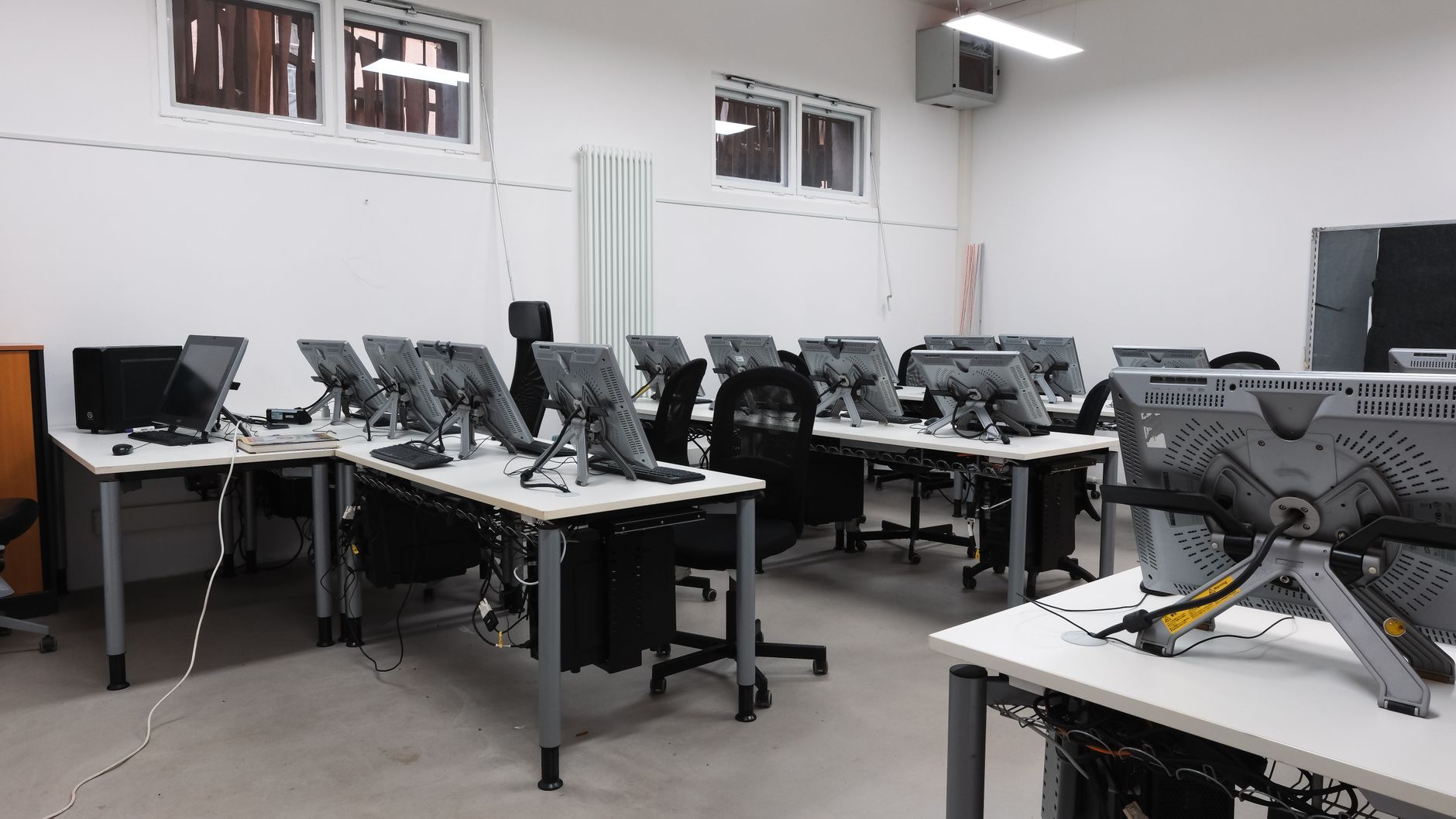
A computer is a powerful device that processes data and performs tasks according to specific instructions. Understanding what a computer is involves delving into its components, types, and functionality. This knowledge enables users to choose the right computer for their needs and use it effectively.
In this article, we will explore the definition of a computer, the various types available today, their key features, and an overview of how they operate. By the end, readers should have a good grasp of the essential concepts surrounding computers.
What Is a Computer?
A computer is a programmable electronic device that accepts raw data as input, processes that data, and produces output. This output can be in the form of information displayed on a screen, printed on paper, or saved for future use. Generally, computers consist of both hardware and software components that work together to perform a wide array of tasks.
Hardware refers to the physical components of a computer, while software encompasses the programs and operating instructions that tell the hardware what to do. Together, they form the foundation of computing technology.
Types of Computers
Computers come in various shapes and sizes, designed to cater to different needs. Here are some of the main types of computers:
- Personal Computers (PCs): Designed for individual use, these include desktops and laptops.
- Tablets: Portable devices that combine the functionality of a computer with touch-screen capabilities.
- Smartphones: Highly portable devices that offer computing and communication attributes.
- Servers: Computers that provide services, data management, and resources to other computers across a network.
- Mainframes: Powerful machines used primarily by large organizations for bulk data processing and critical applications.
- Supercomputers: Extremely fast computers used for complex tasks like scientific simulation, weather forecasting, and large-scale data analysis.
Personal Computers
Personal computers are the most common type found in homes and offices. These can be divided into two categories:
- Desktops: Usually a separate monitor, keyboard, and CPU, best for stationary use.
- Laptops: Portable computers that integrate all components into a single device, designed for mobility.
Mobile Computing Devices
Tablets and smartphones have gained immense popularity due to their portability and multifunctionality. They can run various applications, provide internet access, and perform many tasks traditionally associated with desktop computers.
Networking Computers
Servers and mainframes play a critical role in business infrastructures. Servers store data, manage remote access, and provide applications to numerous users simultaneously. Mainframes handle massive data and transaction volumes, providing reliability and security for essential business operations.
Supercomputers
Supercomputers are specialized systems designed to perform complex calculations at exceptionally high speeds. They are used in research, simulations, and large data analyses that require immense processing power.
Core Features of a Computer
Understanding the key features of a computer helps in identifying the right type for your needs. Here are some essential characteristics:
- Input: The ability to accept data from various input devices like keyboards, mice, or touch screens.
- Output: The ability to present data in a readable format through monitors, printers, or speakers.
- Processing: The capacity to perform calculations and manipulate data through the central processing unit (CPU).
- Storage: The ability to save data for future retrieval, utilizing hard drives, solid-state drives, or cloud storage.
- Networking: The capability to connect and communicate with other computers or devices via wired or wireless connections.
Input Devices
Input devices allow users to provide data to the computer. Common input devices include:
- Keyboard: A primary input device with keys allowing users to type text and commands.
- Mouse: A pointing device to navigate and interact with the computer screen.
- Touchscreens: Allow direct interaction with the display by touching the screen.
Output Devices
Output devices display the processed information to the user. Examples include:
- Monitors: Displays the output visually, with varying resolution and size options.
- Printers: Produce hard copies of documents and images.
- Speakers: Output audio from the computer.
Processing Power
At the heart of any computer is the CPU, often termed the brain of the computer. The processing power is crucial as it dictates how quickly and efficiently a computer can execute tasks.
Storage Options
Computers store data in different ways:
- Hard Disk Drives (HDD): Traditional spinning disks providing large storage capacities.
- Solid-State Drives (SSD): Faster storage options with no moving parts, improving speed and performance.
- Cloud Storage: Data stored on remote servers, accessible via the internet, offering flexibility and backup solutions.
Networking Capabilities
Computers often work in networks, allowing sharing of resources and data. Network connections can include:
- Wired Connections: Using Ethernet cables to connect devices directly.
- Wireless Connections: Utilizing Wi-Fi technologies for remote connectivity.
How a Computer Works
Understanding how a computer works provides insight into its various components and their interplay. Here is a simplified overview of the primary functions of a computer:
CPU and Processing Operations
The CPU fetches, decodes, and executes instructions through a series of steps known as the fetch-execute cycle. Here’s a breakdown of the process:
- Fetch: The CPU retrieves instruction from memory (RAM).
- Decode: The CPU translates the instruction into commands it can understand.
- Execute: The CPU performs the instructions, such as arithmetic calculations or logic operations.
- Store: The results are saved back into memory or stored permanently in a drive.
Role of Memory in Computing
Memory is critical for a computer’s operation, determining how efficiently data can be accessed and processed. Types of memory include:
- Random Access Memory (RAM): Temporary storage used for data that is actively in use.
- Read-Only Memory (ROM): Non-volatile memory that holds essential instructions for booting the computer.
Software and Operating Systems
Software instructs the hardware on what tasks to perform. The operating system (OS) acts as a bridge between the user and the hardware. Popular operating systems include:
- Windows: Widely used in personal computers and business environments.
- macOS: Exclusive to Apple’s computers and offers a user-friendly interface.
- Linux: Open-source systems often favored for servers and programming.
Software Applications
Software applications allow users to perform specific tasks. Common categories include:
- Productivity Tools: Applications like Microsoft Office for document creation and management.
- Web Browsers: Programs such as Chrome and Firefox for internet access.
- Graphics Software: Tools like Adobe Photoshop for image editing.
Importance of Software Updates
Regularly updating software ensures optimum performance, introduces new features, and protects against security vulnerabilities. Keep an eye out for notifications or schedule automatic updates whenever possible.
Cybersecurity Concerns
With increased reliance on computers, cybersecurity has become essential. Protecting your computer involves:
- Using Antivirus Software: To detect and remove malware.
- Regular Backups: To safeguard against data loss.
- Strong Passwords: To secure accounts and sensitive information.
Choosing the Right Computer
When considering the purchase of a computer, several factors should be evaluated:
Define Your Needs
Consider how you intend to use the computer. Identify whether you will use it for basic tasks (e.g., browsing, word processing) or more demanding applications (e.g., video editing, gaming).
Budget Considerations
Establish a budget that aligns with your requirements. Computers come in a wide range of prices, from budget-friendly models to high-end systems.
Specifications to Evaluate
When selecting a computer, pay attention to key specifications:
- Processor Type: The CPU impacts performance.
- RAM: More RAM allows for better multitasking.
- Storage Type: Decide between HDD or SSD based on speed and capacity.
Where to Buy
Computers can be purchased through various channels, including:
- Online Retailers: Websites like Amazon often offer competitive pricing.
- Electronics Stores: Local retailers can provide hands-on experience.
- Manufacturer Websites: Purchasing directly from companies often includes warranty benefits.
Troubleshooting Common Computer Issues
Even with proper care, computer issues may arise. Here are some common problems and their solutions:
Slow Performance
If your computer is running slowly, consider:
- Closing unnecessary applications.
- Performing a disk cleanup to remove temporary files.
- Upgrading RAM to improve multitasking capability.
Connectivity Problems
For network-related issues, try the following:
- Restart your router and computer.
- Ensure the Wi-Fi switch is turned on (if applicable).
- Run the network troubleshooter built into your operating system.
System Crashes
If your computer crashes frequently, check for these potential causes:
- Ensure that your software and operating system are up to date.
- Run a virus scan to rule out malware.
- Check for hardware malfunctions, such as overheating.
Conclusion
A computer is an essential tool that has transformed the way we live, work, and communicate. By understanding the various types, features, and how they operate, users can effectively harness their power and address potential issues. With careful consideration of requirements and specifications, anyone can find the right computer to suit their needs.
For more about computers, consider exploring our tutorials on operating systems or learn how to build a PC to customize your own computing experience.