
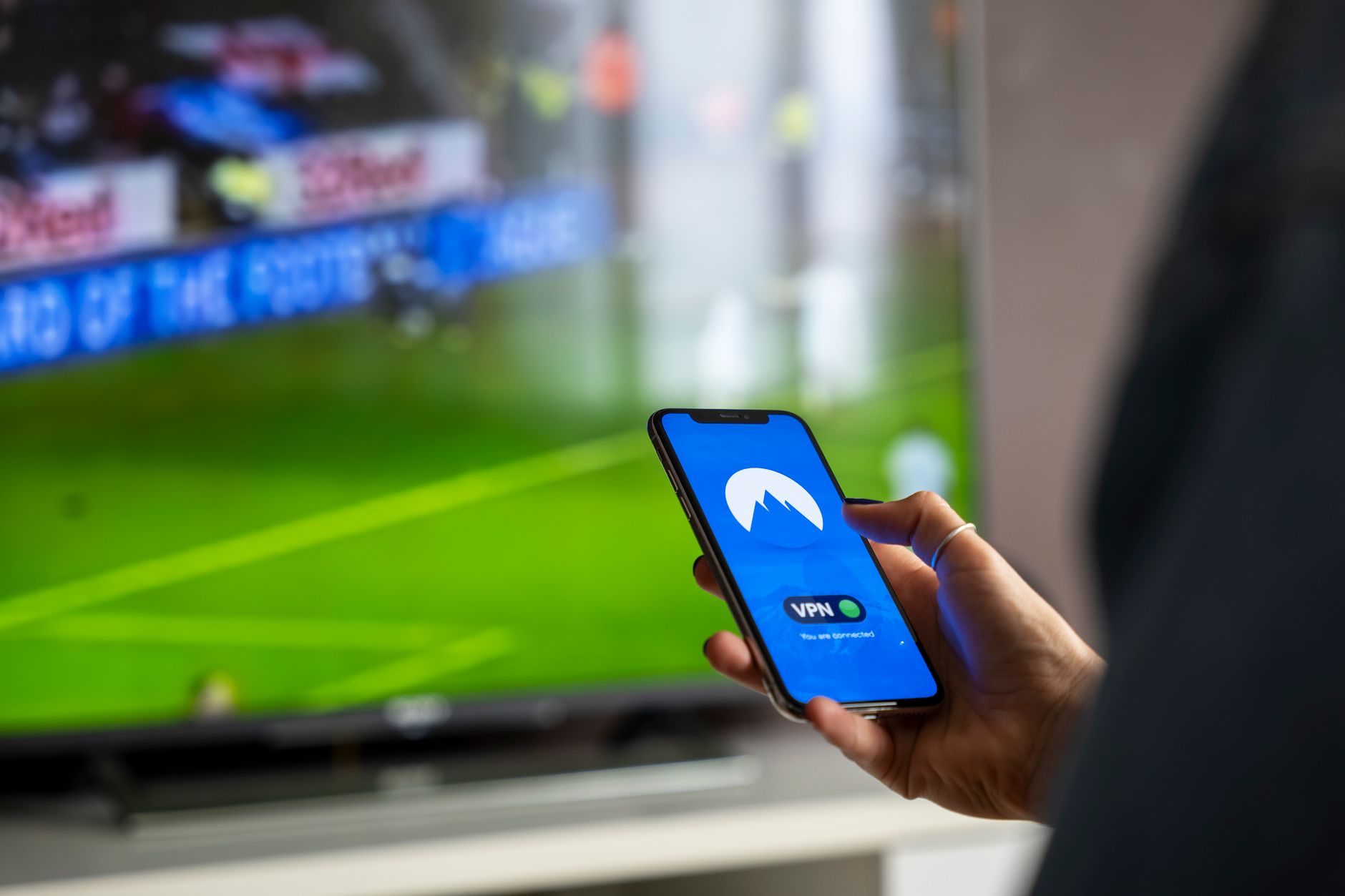
IPTV, or Internet Protocol Television, is a modern way of delivering television content over the internet instead of traditional broadcast methods. This technology enables users to stream live television, on-demand video, and other multimedia content directly to their devices, creating a more flexible and customizable viewing experience. Understanding how IPTV works, the devices used, and its advantages can significantly enhance your viewing options.
In this article, we will explore what IPTV is, how it differs from traditional TV methods, the devices compatible with IPTV, and the basics of streaming. By the end, you will be equipped with the knowledge to make informed decisions about your television viewing preferences.
What Is IPTV?
IPTV stands for Internet Protocol Television. It refers to a system through which television services are delivered using Internet Protocol (IP) technology rather than traditional terrestrial, satellite, or cable formats. IPTV allows users to stream and watch programs over the internet in real-time or on-demand.
The IPTV service relies on a broadband internet connection, which requires a compatible device to access. Users can watch various content types, including live television channels, movies, and shows, on smartphones, tablets, smart TVs, and computers.
How Does IPTV Work?
IPTV works by transmitting video content through an Internet Protocol (IP) network. It can be divided into three main types: live television, on-demand video, and time-shifted television.
- Live TV: This allows users to watch broadcasts as they happen in real-time. It replicates the traditional television experience.
- Video on Demand (VOD): Users can access a library of content and choose what to watch when they want, offering more flexibility than scheduled broadcasts.
- Time-Shifted TV: This feature lets viewers pause, rewind, or fast forward live TV broadcasts, giving them control over their viewing experience.
IPTV works by sending video signals to your device through a series of servers that store and deliver the content. When you select a channel or video, the content is streamed directly to your device, allowing for instant playback.
Types of IPTV Services
There are different types of IPTV services designed to cater to various viewer needs. These services can typically be categorized into two main groups: subscription-based services and free services.
- Subscription-based Services: These services, like Hulu Live TV, YouTube TV, and Sling TV, require users to pay a monthly or yearly fee for access to premium channels and on-demand content.
- Free IPTV Services: Some platforms offer free access to TV channels through their websites or apps. However, these services may not be as reliable or offer the same quality of content.
IPTV vs. Traditional TV
IPTV differs significantly from traditional TV services in several key areas:
- Delivery Method: IPTV uses an internet network to deliver flashes of data, while traditional TV typically uses cable, satellite, or analog signals.
- Content Flexibility: With IPTV, viewers can watch shows and movies on demand, while traditional TV users must adhere to fixed scheduling.
- Interactivity: IPTV services often enable interactive features like virtual video recorders (DVR), allowing users to control their viewing experience.
Benefits of IPTV
IPTV comes with a host of advantages that enhance the viewing experience:
- Access to a Variety of Channels: IPTV providers often have a broader range of channels, including international content that may not be available through cable or satellite.
- On-Demand Content: Users can choose from a vast library of shows and movies to watch at their convenience.
- Cost-Effective: IPTV services may offer better pricing options than traditional cable, potentially saving subscribers money.
- Multiplatform Compatibility: IPTV can be accessed on multiple devices, including smartphones, tablets, smart TVs, and laptops, providing flexibility in viewing options.
- High-Quality Streaming: Many IPTV services offer high-definition (HD) streaming, ensuring that viewers enjoy quality picture and sound.
Devices Compatible with IPTV
To access IPTV, you need compatible devices. Here are some common options:
Smart TVs
Many modern smart TVs have built-in IPTV apps that allow users to stream content directly without needing additional devices. Brands like Samsung, LG, and Sony typically support popular IPTV subscriptions.
Streaming Devices
Devices like Roku, Amazon Fire Stick, and Google Chromecast can convert any regular TV into a smart TV for IPTV usage. Users can install IPTV apps and stream content seamlessly.
Mobile Devices
Smartphones and tablets can also access IPTV services through specific applications. This allows users to watch their favorite shows on the go.
Computers and Laptops
IPTV services can also be accessed through web browsers on computers and laptops, providing an additional viewing option.
Setting Up IPTV
Setting up IPTV involves a few straightforward steps. Here’s a basic guide to get you started:
- Choose an IPTV Provider: Research and select a reputable IPTV service that fits your viewing preferences.
- Select a Device: Decide which device you will use to access IPTV (smart TV, streaming device, smartphone, etc.).
- Install IPTV Application: Download the IPTV app associated with your chosen provider from the relevant app store or website.
- Enter Login Information: Input your account credentials or activation code to access the service.
- Enjoy Streaming: Start browsing channels and on-demand content and enjoy your IPTV service!
Common Issues with IPTV
While IPTV offers many advantages, it can sometimes come with its own set of challenges. Here are some common issues users face and their potential solutions:
Buffering and Lagging
Buffering can occur when the internet connection is unstable or not fast enough. To resolve this issue:
- Check your internet speed—consider upgrading your plan if it’s too low.
- Use a wired connection instead of Wi-Fi for a more stable connection.
- Close other applications that may be using bandwidth on your network.
IPTV Not Loading
If your IPTV application fails to load, consider these steps:
- Restart your device and reopen the application.
- Ensure that your internet connection is active.
- Update the IPTV application to the latest version if an update is available.
Content Not Available
Sometimes, certain channels or shows may be unavailable. To address this:
- Check with your IPTV provider to see if they have removed or experienced issues with that specific content.
- Try accessing the content from a different device to see if it’s a device-specific problem.
Privacy and Legal Considerations
While IPTV offers convenience, users should be aware of privacy and legal aspects:
- Content Licensing: Some IPTV providers may not have proper licenses for the content they stream. Ensure you choose a legitimate service to avoid infringing on copyright laws.
- Data Privacy: Always check the privacy policies of IPTV providers to understand how they collect and use your personal information.
The Future of IPTV
IPTV is expected to grow and evolve as technology advances. The integration of artificial intelligence (AI) and machine learning offers exciting possibilities for personalized content recommendations and enhanced user experiences.
Furthermore, as internet speeds continue to improve and 5G technology becomes widely available, the quality and reliability of IPTV services will likely increase, making them an even more appealing option for viewers.
Comparing IPTV Options
When selecting the right IPTV service for your needs, consider the following comparison factors:
| Feature | Provider A | Provider B |
|---|---|---|
| Monthly Cost | $20 | $25 |
| Channels Available | 100+ | 150+ |
| Video Quality | HD & 4K | HD Only |
| On-Demand Content | Yes | No |
| Multi-Device Support | Yes | Limited |
As you review options, ensure you align your choice with your viewing habits and technical needs.
Conclusion
IPTV presents an exciting development in the realm of media consumption. By leveraging internet technology, it provides viewers with flexibility, an abundance of content, and a personalized viewing experience. Whether you choose to subscribe to a paid service or explore free options, it’s essential to select a reputable provider and ensure that your devices are compatible to enjoy everything IPTV has to offer.
For anyone looking to enhance their TV viewing experience, considering IPTV is a suitable path. Further exploring insights into networking and related technology topics can help refine your understanding. Visit our guides on what makes a router effective and understanding DNS servers to expand your tech knowledge further.