
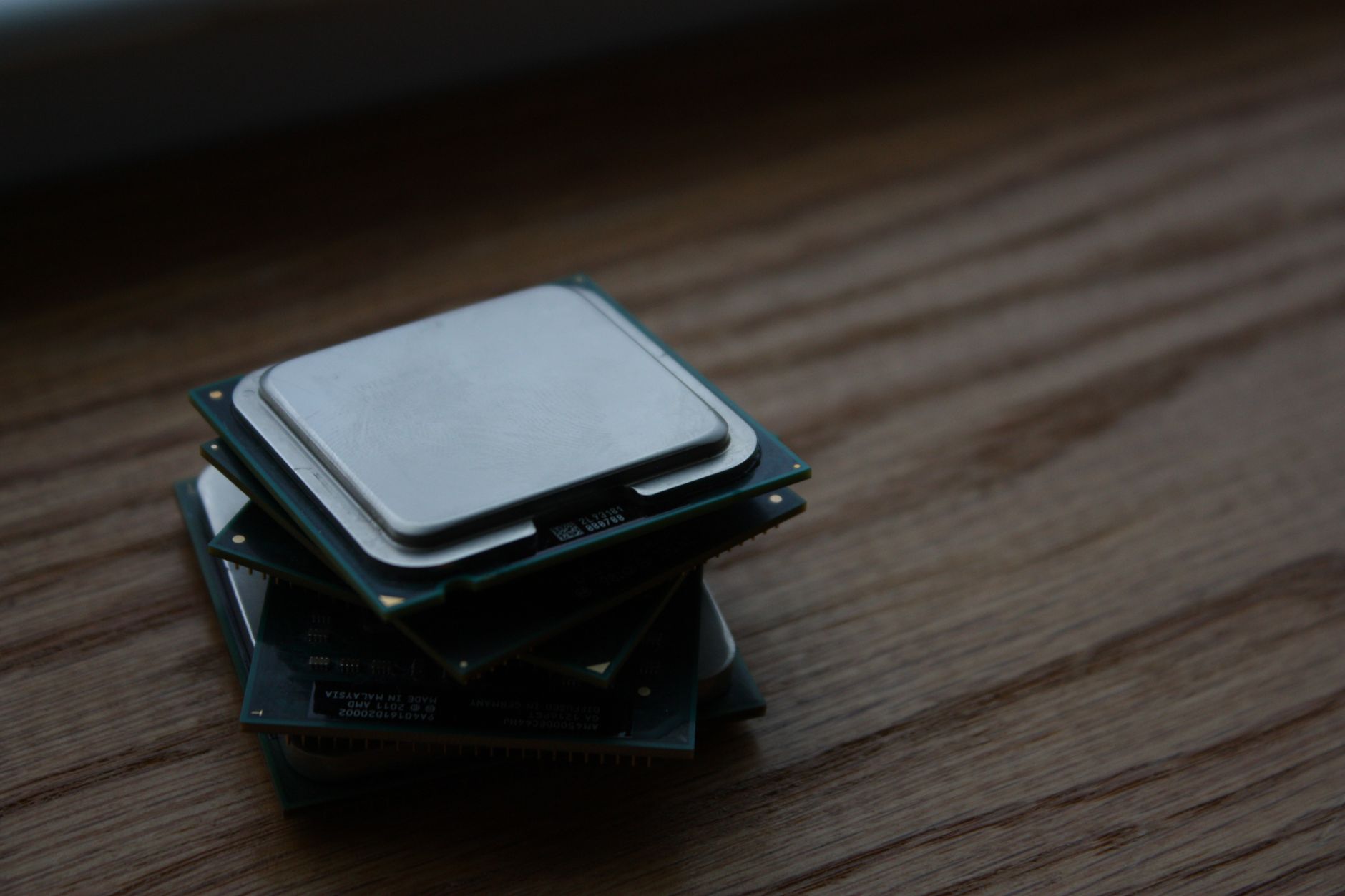
A CPU cache is a small, high-speed storage area located within the computer’s processor. It is designed to temporarily store frequently accessed data and instructions, allowing the CPU to retrieve them more quickly than if it had to fetch them from the main memory (RAM). Understanding the CPU cache is crucial for optimizing computer performance and enhancing overall system efficiency.
In this article, we will explore what a CPU cache is, its types, key features, and how it functions within a computer system. Whether you are a tech enthusiast, a gamer, or simply looking to enhance your understanding of computer components, this guide will provide valuable insights into this fundamental aspect of modern processors.
What Is a CPU Cache?
A CPU cache is a dedicated area within the CPU that stores copies of frequently accessed data and instructions. It acts as a buffer between the CPU and the main memory, reducing the time it takes for the CPU to access data. By keeping commonly used data closer to the processor, a CPU cache enhances performance, speeds up processing time, and improves the overall efficiency of the computing system.
Types of CPU Caches
CPU caches can be categorized based on different criteria, including their location within the CPU, their size, and their access speed. The primary categories of CPU caches include:
- L1 Cache: The Level 1 cache is the smallest and fastest cache level, integrated directly into the CPU core. It typically ranges from 16KB to 128KB and is divided into data and instruction caches. Due to its proximity to the processor, it offers the shortest access time.
- L2 Cache: The Level 2 cache is larger than the L1 cache but slightly slower. It ranges from 128KB to several megabytes and serves as an intermediary between the processor and the slower L3 cache or main memory.
- L3 Cache: The Level 3 cache is shared among multiple CPU cores and is generally larger than both L1 and L2 caches, often ranging from 1MB to 12MB or more. While it is slower than L1 and L2 caches, it still offers significantly better access times than main memory.
- Unified Cache: Some processors use a unified cache architecture, wherein L1, L2, and L3 caches are pooled together to increase efficiency. This architecture allows for better allocation of cache resources, depending on the workload.
Key Features of a CPU Cache
CPU caches embody several important features that contribute to their functionality and effectiveness:
- High Speed: The primary advantage of a CPU cache is its speed. It is designed to operate at the same clock speed as the CPU, allowing for rapid access to data.
- Locality of Reference: CPU caches take advantage of two types of locality—temporal and spatial. Temporal locality refers to accessing the same data repeatedly over a short period, while spatial locality involves accessing data stored close to each other in memory.
- Cache Coherency: In multi-core processors, maintaining cache coherency ensures that all CPU cores see the same data in their caches, preventing inconsistencies and ensuring that all cores operate on up-to-date data.
- Replacement Policies: To manage the limited size of caches, various replacement policies determine which data to evict when the cache becomes full. Common algorithms include Least Recently Used (LRU), First In First Out (FIFO), and Random Replacement.
How Does a CPU Cache Work?
The CPU cache works as an intermediary storage solution between the CPU and main memory (RAM). Here’s a detailed look at how it operates:
- Data Request: When the CPU requires data or instructions, it first checks the Level 1 cache for the required information.
- Cache Hit or Miss: If the data is found in the L1 cache, this is termed a cache hit. If the data is not found, it is called a cache miss, prompting further checks in the L2 and L3 caches.
- Loading Data: Upon a cache miss, if the data is located in either the L2 or L3 caches, it is loaded into the L1 cache and subsequently accessed by the CPU. If the data is not present in any cache level, it will be fetched from the main memory.
- Updating the Cache: When new data is loaded from main memory, the cache may need to make room for it by evicting older or less frequently used data based on the implemented replacement policy.
- Writing Back: In write operations, if the data needs to be updated, the cache may either write the new data directly to the memory (write-through) or update the cache and defer writing to the main memory until necessary (write-back).
The Importance of CPU Cache
The presence of a CPU cache is essential for a number of reasons:
- Improved Performance: By minimizing the latency of data access and reducing the time required to fetch data from the main memory, CPU caches significantly boost processing speed.
- Efficiency: Caches enable processors to operate more efficiently by allowing them to focus on computation rather than memory access.
- Enhanced Multi-Core Performance: Modern processors commonly feature multiple cores. CPU caches help each core to access necessary data without delays, thus optimizing overall system performance during multitasking.
Cache Memory vs. Main Memory
Understanding the differences between cache memory and main memory is key to appreciating the role each plays in a computing system:
| Feature | Cache Memory | Main Memory (RAM) |
|---|---|---|
| Speed | Very high speed | Moderate speed |
| Size | Small (KBs – MBs) | Larger (GBs) |
| Cost | More expensive per byte | Less expensive per byte |
| Purpose | Speed up access for the CPU | Store data and instructions for the operating system and applications |
Factors Affecting CPU Cache Performance
Several factors can impact the performance and efficiency of a CPU cache:
- Cache Size: Larger caches can store more data, which may reduce cache misses. However, larger caches are slower due to increased latency in accessing data.
- Access Speed: The speed of read and write operations significantly affects cache performance. Faster access speeds allow the CPU to retrieve and store data more quickly.
- Cache Associativity: The way data is organized in the cache (direct-mapped, associative, or set-associative) influences how efficiently the CPU can find and store data.
- Workload Characteristics: The nature of the tasks being performed affects cache usage. Applications that exhibit high locality of reference can benefit more from caching.
Cache Optimization Techniques
To improve the effectiveness of CPU caches, several optimization techniques can be employed:
- Prefetching: Predictively loading data into the cache before it is explicitly requested by the CPU can help reduce cache misses.
- Cache Partitioning: Dividing the cache among multiple cores can minimize contention for cache resources and lead to more efficient data retrieval.
- Software Optimization: Writing code with cache-friendly memory access patterns can enhance cache performance. This includes structuring data to leverage temporal and spatial locality.
Common Misconceptions About CPU Caches
There are several misconceptions surrounding CPU caches that can mislead users:
- More Cache Is Always Better: While larger caches can reduce misses, they also introduce complexity and may be slower, impacting performance negatively.
- All Caches Are the Same: Different types of caches (L1, L2, L3) serve distinct roles, and their performance characteristics vary. Users must consider these differences when evaluating CPU performance.
- Cache Behavior Is Always Predictable: Cache behavior depends on workload patterns. While optimization techniques can improve efficiency, they do not guarantee predictable outcomes.
Future Developments in CPU Cache Technology
As technology advances, there are several exciting developments on the horizon for CPU caches:
- Increased Cache Sizes: As applications become more demanding, manufacturers may continue to increase cache sizes to meet performance needs.
- Intelligent Caching: Future caches may adopt machine learning algorithms to predict data access patterns, allowing for smarter caching decisions and improved efficiency.
- 3D Stacked Cache Designs: Innovations in packaging technology may lead to three-dimensional (3D) cache architectures that reduce the physical distance between cache and CPU, improving speed and efficiency.
Understanding the intricacies of CPU caches is vital for anyone looking to optimize their computer’s performance. By leveraging the knowledge of how caches work, their types, and their features, users can ensure their systems run smoothly and efficiently.
To learn more about cache concepts, you can also explore related topics such as what a browser cache is and how to clear cache on computer.