
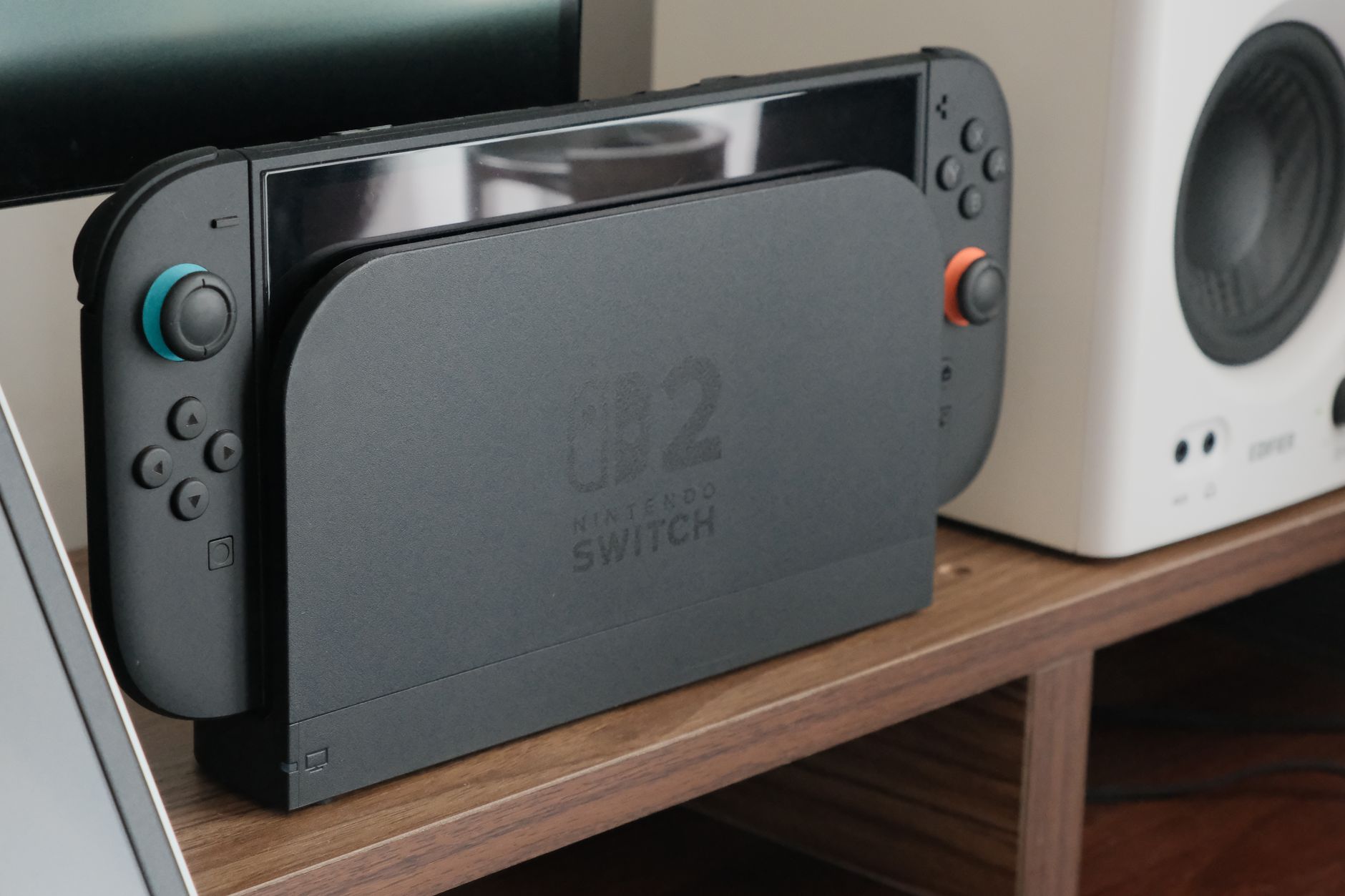
Roblox is a popular gaming platform that allows players to create and play a wide variety of games made by users. With its growing audience, many gamers are curious about where they can play Roblox. One commonly asked question is whether you can play Roblox on a Nintendo Switch.
In this article, we will examine the compatibility of Roblox with Nintendo Switch. We will explore whether the game is available on this console, its features, benefits, and what alternatives exist for Roblox enthusiasts looking to play on Nintendo Switch.
Can You Play Roblox on Nintendo Switch?
No, you cannot play Roblox on Nintendo Switch at this time. Roblox has not released an official version for the console, despite its availability on multiple platforms including PC, macOS, iOS, Android, and Xbox One. Nintendo Switch users interested in Roblox will need to explore alternative methods or gaming platforms to enjoy the game.
Overview of Roblox
Roblox is not just a single game; it’s a platform that hosts millions of user-generated games. Players can socialize, compete, and create their own experiences in a virtual world. Here are some key features of Roblox:
- User-generated content: Players can design and create their own games using Roblox Studio.
- Multiplayer capabilities: Roblox has strong community engagement, allowing players to connect with friends and join games together.
- Cross-platform play: Roblox supports cross-platform gaming, meaning you can play with friends on different devices.
- Customization options: Players can customize their avatars and purchase items in the Roblox store using virtual currency called Robux.
Why is Roblox Not Available on Nintendo Switch?
While the demand for Roblox on Nintendo Switch is notable, several reasons could explain its unavailability:
- Technical limitations: The Switch’s hardware might not meet the requirements for running Roblox, especially since the game requires robust online support for user-generated content.
- Market strategy: Roblox Corporation may be focusing on other platforms that can offer better engagement or customer return on investment.
- Partnership constraints: Agreements between console manufacturers and developers can restrict the availability of certain games on specific platforms.
Alternative Platforms for Playing Roblox
Since Roblox is not available on the Nintendo Switch, here are some alternative platforms where you can enjoy Roblox:
1. PC
Playing Roblox on Windows or macOS is an excellent option. The game’s performance on PC is often better, allowing for higher graphics settings and a smoother gaming experience. You can download Roblox from its official website easily.
2. Mobile Devices
Roblox is free to download on both iOS and Android devices. This offers the advantage of portability, allowing you to play on the go. The mobile version is known to be user-friendly and provides similar functionality to the PC version.
3. Xbox One
The Xbox One supports Roblox, letting players enjoy the game on their TV. The console’s controller can enhance gameplay compared to touchscreens, making for a more traditional gaming experience.
4. VR Headsets
If you have a VR headset, you can enjoy some Roblox games in virtual reality, which offers a unique and immersive experience. However, this requires a compatible VR setup with sufficient processing power.
Playing Roblox Alternatives on Nintendo Switch
For those who exclusively want to use a Nintendo Switch, there are several alternatives to consider. While these games are not Roblox, they maintain similar themes of creativity and multiplayer gaming:
1. Super Mario Maker 2
Super Mario Maker 2 allows players to create and share their own Mario levels. The game has a strong community component, similar to Roblox, where users can play and rate each other’s levels.
2. Minecraft
Minecraft offers a sandbox environment for players to build and explore. The game supports multiplayer and allows custom server creation, emphasizing creativity and collaboration.
3. Dreams (PlayStation exclusive)
If you have access to a PlayStation, Dreams is an excellent alternative. It allows players to create games, animations, and even music, fostering creativity much like Roblox.
4. LittleBigPlanet 3 (PlayStation exclusive)
This platforming game emphasizes user-generated content, much like Roblox. Players can create their own levels, characters, and share them with the community.
Future Possibilities for Roblox on Nintendo Switch
While Roblox is not currently available on the Nintendo Switch, the gaming landscape can change rapidly. Here are some possibilities for the future:
- Increased demand: If there is significant demand from Nintendo Switch users, Roblox Corporation might consider developing a version for the console.
- Partnerships: Future partnerships between Roblox and Nintendo could lead to the game’s availability on Switch.
- Technical advancements: Improvements in the Switch’s hardware or online capabilities could make running Roblox more feasible.
Technical Requirements for Roblox
For those looking to play Roblox on compatible platforms, it’s crucial to ensure that your device meets the technical requirements. Here’s a breakdown of the typical system requirements:
Windows
- OS: Windows 7, 8/8.1, or 10
- Processor: Roblox must be able to run on a minimum Intel or AMD processor with a clock speed of 1.6 GHz or higher.
- RAM: At least 1 GB (2 GB if using Windows 10)
- Graphics Card: A DirectX 9 compatible video card.
MacOS
- OS: macOS 10.10 (Yosemite) or later
- Processor: An Intel Core i5 processor or better.
- RAM: 1 GB minimum
- Graphics Card: A graphics card compatible with low-level graphics APIs like Metal.
Mobile Devices
- iOS: iOS 9 or later
- Android: 4.4.2 or later (3.0GHz processor and at least 1 GB RAM recommended)
Common Issues Encountered While Playing Roblox
Here are some common issues users might face while playing Roblox, along with potential fixes:
1. Connection Issues
Slow or unstable internet connection can cause connectivity issues while playing Roblox. To fix this:
- Check your router and modem to ensure they are functioning correctly.
- Reboot your network equipment.
- Try connecting via an Ethernet cable for a more stable connection.
2. Game Crashes or Freezes
If your game crashes or freezes, consider the following potential solutions:
- Restart your device.
- Update your graphics drivers (for PC users).
- Clear your cache and cookies from your web browser or the Roblox app.
3. Account and Login Issues
Sometimes, players encounter problems while logging into their accounts. Here are some simple steps:
- Ensure you are entering the correct username and password.
- Check if your account has been suspended or banned.
- Reset your password if you cannot remember it.
Conclusion
As of now, Roblox cannot be played on the Nintendo Switch; however, numerous alternatives are available for those wanting a similar gaming experience. Each platform offers unique features, and familiar titles like Minecraft or Super Mario Maker 2 can still provide engaging gameplay. While there are no indications of an official release for Roblox on Switch, keeping an eye on updates from Roblox Corporation is prudent.
If you’re eager to explore your gaming options, consider more about buying a Nintendo Switch or learn how to connect your peripherals for an enhanced gaming experience such as connecting AirPods to your console.