
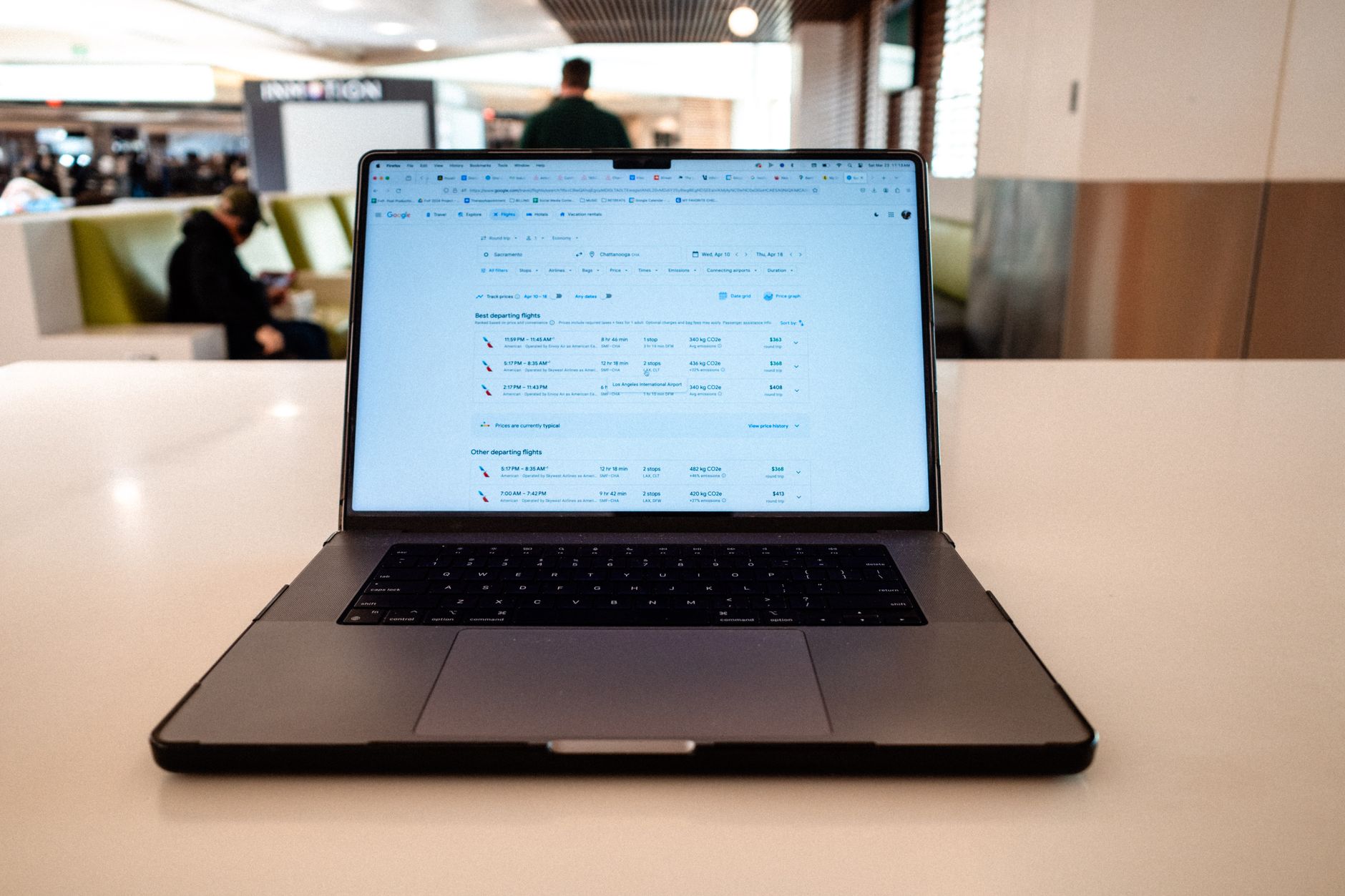
Tracking flights has become increasingly important in today’s fast-paced world, whether for business, travel planning, or simply keeping tabs on loved ones. With the advancement of technology, various ways to monitor flight statuses have emerged, including apps, websites, and even airline notifications.
This guide will explore how to effectively track flights using these tools, focusing on popular applications, understanding flight numbers, and setting up alerts for real-time updates.
How to Track Flights?
To track flights, you can use apps, website tools, and notifications provided by airlines. Entering flight numbers or selecting airports allows you to observe flight statuses, including arrivals, departures, and delays. Many options also offer real-time alerts via push notifications or email.
Understanding Flight Numbers
Flight numbers are unique identifiers for each scheduled flight and typically consist of a combination of letters and numbers. They provide crucial information about the flight, making it easy to track and manage your travel plans. Here’s how to dissect a flight number:
- Airline Code: The first one or two letters represent the airline operating the flight, for example, “AA” for American Airlines and “DL” for Delta Airlines.
- Flight Number: Following the airline code, the number distinguishes individual flights. For instance, “AA100” refers to American Airlines Flight 100.
Flight numbers can usually be found on the airline’s website, boarding pass, or travel itinerary. Understanding this structure is essential for using tracking tools effectively.
Popular Flight Tracking Apps
Numerous flight tracking apps can help you monitor flights seamlessly. Here are some of the best options:
1. FlightAware
FlightAware provides comprehensive flight tracking information, including real-time tracking of flights worldwide, historical data, and alerts.
- Features:
- Live flight tracking on a global scale
- Detailed historical flight data and statistics
- Push notifications for arrival and departure changes
- Platforms: Available on iOS, Android, and web.
2. Flightradar24
Flightradar24 stands out with its interactive map showing real-time aircraft positions, allowing users to click on flights for more details.
- Features:
- Live GPS tracking of flights globally
- Detailed information on aircraft type, altitude, and speed
- Visibility of flight status, including delays and cancellations
- Platforms: Available on iOS, Android, and web.
3. FlightStats
FlightStats provides operational flight status and is valuable for tracking delays and cancellations.
- Features:
- Real-time flight status updates
- Visual representations of delay statistics
- Travel information for over 150 airlines
- Platforms: Available on iOS, Android, and web.
4. AirAware
AirAware specializes in providing users with the latest flight status updates, making it easy to keep track of multiple flights at once.
- Features:
- Customizable notifications for selected flights
- Detailed flight paths and updates
- Offline access to previous data
- Platforms: Available on iOS and Android.
Using Airline Websites and Mobile Apps
Most commercial airlines provide tracking features directly on their websites or mobile applications. Here’s how to track flights using these options:
1. Find the Track Flight Option
Most airlines have a designated area on their homepage for flight tracking.
- Navigate to the airline’s official website.
- Look for a menu option labeled “Flight Status” or “Track Flight.”
2. Enter Required Data
Once you are on the flight tracking page, you will generally need to provide specific information:
- Enter the flight number or the departure and arrival locations.
- Select the date of travel to view relevant flights.
3. Monitor Flight Status
Check the status, which should display the latest information, including:
- Scheduled departure and arrival times
- Current status (on time, delayed, canceled)
- Gate information
Setting Up Flight Alerts
Flight alerts are crucial for travelers who want to stay informed about any changes. Here’s how to set them up:
1. Sign Up with Flight Tracking Services
Many flight tracking apps and services offer customizable notifications. After selecting a service, you need to sign up for an account. Here’s how:
- Download the chosen app or visit the official website.
- Create an account or log in if you already have one.
- Navigate to the notification settings or alerts section.
2. Customize Your Alerts
You can often customize alerts to focus on what matters most to you:
- Select whether you want alerts for departures, arrivals, or both.
- Choose to receive notifications for delays, cancellations, and gate changes.
- Decide whether you want push notifications through the app or email alerts.
3. Providing Flight Information
To receive notifications, you typically need to provide the flight number or other identifying details:
- Enter the flight number or search for your flight using departure and arrival airports.
- Confirm the selection to receive alerts.
Utilizing Third-Party Websites for Flight Tracking
In addition to apps, several reputable third-party websites offer robust flight tracking services. Here are key options:
1. Google Flights
Google Flights is a convenient platform for checking flight statuses and comparing ticket prices.
- Features:
- Search for flights by entering relevant details
- Monitor selected flights and receive real-time updates
2. FlightAware Website
Besides its app, FlightAware’s website offers detailed insights into flights.
- Features:
- Access to all flights worldwide, with real-time updates on status
- Graphs showing historical performance
Common Issues When Tracking Flights
1. Inaccurate Information
Sometimes, flight tracking apps may not display real-time information accurately due to technical glitches or communication issues.
- Solution:
- Cross-check the flight status on the airline’s official site.
- Refresh the app or website to ensure you have the latest data.
2. Connection Issues
Poor internet connectivity can affect the functionality of flight tracking apps.
- Solution:
- Switch to a more reliable internet connection.
- Check if your device has an active data plan.
3. Missed Alerts
Alerts may sometimes be missed if notifications are disabled or there are connectivity problems.
- Solution:
- Ensure notifications are enabled for the app.
- Check the settings to confirm the correct flight numbers are being tracked.
Privacy Concerns with Flight Tracking
While tracking technology is convenient, it’s essential to keep privacy in mind. Here are a few considerations:
- Data Collection: Many flight tracking apps collect user data for analytical purposes. Always check the privacy policy before using an app to understand data handling.
- Location Tracking: Some apps may require location permissions to provide relevant information. Use caution in granting such permissions, especially on personal devices.
Conclusion
Tracking flights has never been easier with the plethora of apps, websites, and notifications available. By leveraging these tools, you can stay informed about flight statuses, departures, and possible delays. For the best experience, always check multiple sources and customize your alerts to receive the most relevant information.
Explore related tech tutorials, guides, and comparisons to enhance your understanding of travel technology and tools. You can discover more in-depth articles on topics like productivity tools and cybersecurity to further improve your tech-savvy skills.