
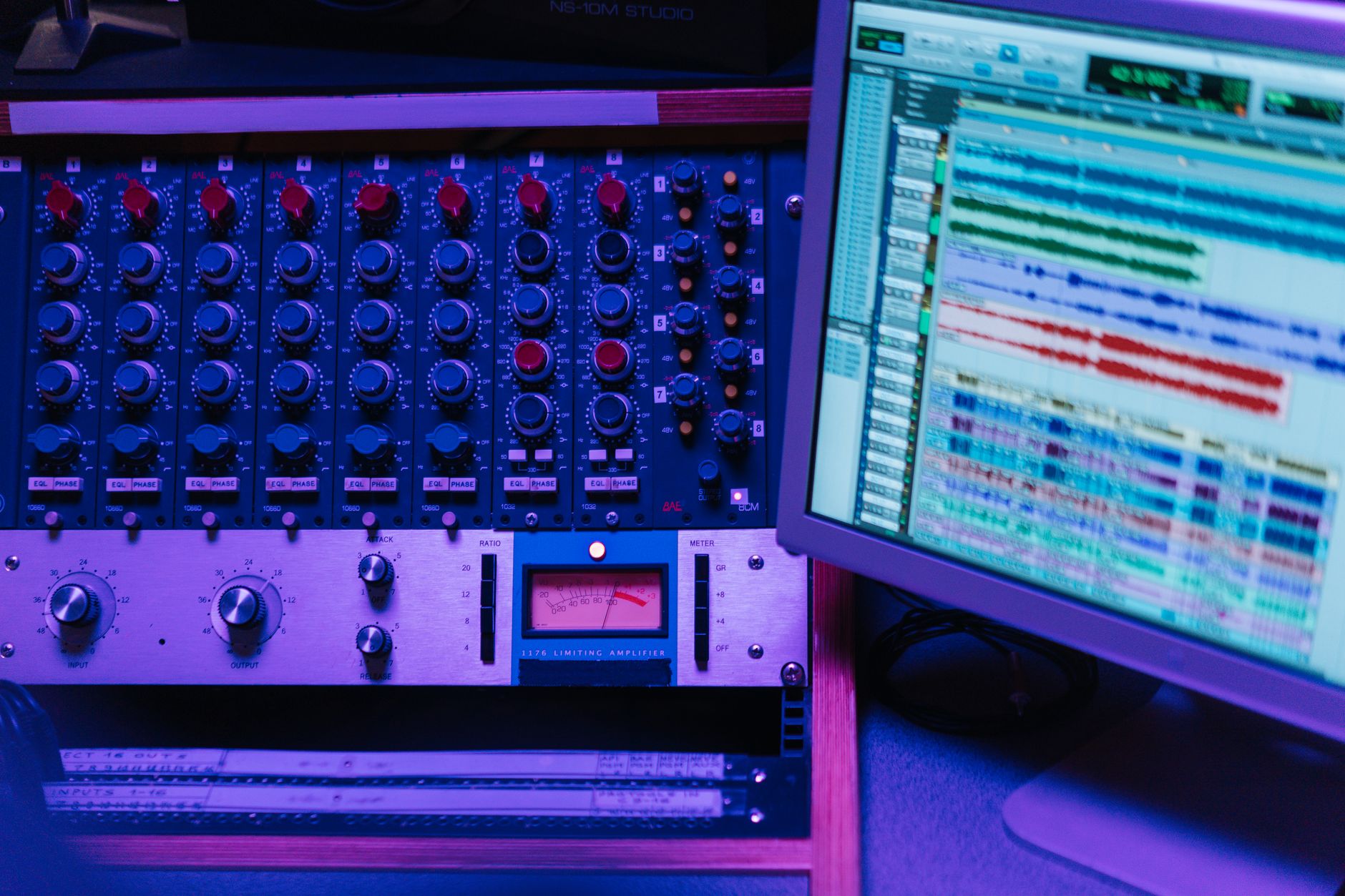
The digital audio workstation (DAW) is an essential tool for music producers, sound engineers, and audio editors. Its versatility allows users to record, edit, mix, and master music on a computer. With the rise of home studios, understanding what a DAW is and how it can enhance your audio production capabilities is crucial.
This article explores the features, types, components, and practical applications of DAWs, equipping you with the knowledge to choose the right one for your needs.
What Is a DAW?
A digital audio workstation (DAW) is software used for recording, editing, mixing, and producing audio files. DAWs provide a user-friendly interface, allowing users to manipulate sound using various tools and effects. They have become a fundamental part of music production, enabling anyone from amateurs to professionals to create high-quality audio without the need for extensive physical equipment.
Key Features of a DAW
Most DAWs share some core features that cater to different aspects of audio production. Understanding these features can help you choose the right software for your workflow. Here are some primary features to look for:
- Multitrack Recording: DAWs allow users to record multiple audio tracks simultaneously, vital for capturing vocals, instruments, and other sound sources.
- Audio Editing: Users can edit individual audio clips by cutting, copying, pasting, and repositioning them on the timeline.
- MIDI Support: DAWs can handle MIDI data, enabling users to create and edit music using virtual instruments and synthesizers.
- Effects and Plugins: Most DAWs come with built-in effects and the ability to integrate third-party plugins for processing audio.
- Mixing Console: DAWs often feature a virtual mixing console, allowing users to control levels, panning, and effects for each track.
- Automation: Users can automate various parameters, like volume and effects settings, throughout a track to create dynamic changes in the sound.
- Export Options: DAWs provide multiple options to export completed projects in various audio formats usable for different platforms or distribution.
Types of DAWs
DAWs come in various types, each tailored to different user preferences and use cases. Understanding the distinctions can be instrumental in making an informed choice:
1. Audio Recording and Editing Focused DAWs
These DAWs emphasize audio recording capabilities, catering to musicians and sound engineers. Examples include Pro Tools and Cubase, which provide powerful tools for high-quality audio manipulation.
2. MIDI Production DAWs
Specializing in MIDI production, these DAWs cater to electronic musicians and composers. Ableton Live and FL Studio are popular choices, offering extensive MIDI editing features suitable for creating beats and loops.
3. All-in-One DAWs
DAWs like Logic Pro X and Studio One combine both audio recording and MIDI production features, making them ideal for versatile music creators. They provide a comprehensive set of tools within a single software environment.
4. Mobile DAWs
For users looking to produce music on the go, mobile DAWs like GarageBand for iOS and FL Studio Mobile offer basic recording and editing capabilities suitable for music creation from smartphones or tablets.
Choosing the Right DAW for Your Needs
Selecting the right DAW can significantly impact your workflow and overall production quality. Here are some factors to consider when making your decision:
- Skill Level: Beginners might prefer user-friendly DAWs like GarageBand, while experienced users may opt for more complex software like Pro Tools.
- Budget: Identify whether you prefer a free version, a one-time purchase, or a subscription model. Some DAWs offer free trials allowing exploration of features before committing.
- System Compatibility: Ensure your computer meets the minimum system requirements for the DAW and check compatibility with your operating system (Windows or macOS).
- Collaboration Features: If you work with others, look for DAWs with built-in collaboration tools to streamline the production process.
Essential Components of a DAW Setup
A DAW is more effective when paired with additional hardware and software tools. Here are key components to consider:
1. Audio Interface
An audio interface connects your computer to external devices like microphones and instruments. It allows for high-quality audio input and output, making it essential for recording purposes.
2. MIDI Controller
A MIDI controller is a keyboard or pad that lets you control virtual instruments within your DAW. It is particularly beneficial for creating music and triggering samples.
3. Studio Monitors
Studio monitors offer accurate sound reproduction, ensuring you hear your music as intended. Unlike consumer speakers, they provide a flat frequency response, which is crucial for mixing and mastering.
4. Headphones
Investing in a decent pair of headphones eliminates distractions and allows you to monitor audio closely. Closed-back headphones are particularly useful for recording to prevent sound leakage.
Basic Workflow in a DAW
Understanding the basic workflow in a DAW can improve your efficiency. Here is a simplified overview of the typical steps involved:
- Setting Up Your Project: Create a new project and configure the settings according to your needs (sample rate, bit depth, etc.).
- Adding Tracks: Create audio and MIDI tracks to record vocals or instruments.
- Recording: Use your interface and MIDI controller to capture audio and MIDI data.
- Editing: Trim, slice, and arrange your audio clips. Use tools to edit MIDI data if applicable.
- Mixing: Adjust levels, panning, EQ, and effects to achieve a balanced mix.
- Mastering: Apply final touches to your track to increase volume, clarity, and polish.
- Exporting: Finally, export your project into a suitable audio file format for sharing or distribution.
Common Challenges When Using a DAW
While DAWs are powerful tools, users may encounter various challenges. Identifying potential issues can help troubleshoot efficiently:
1. Latency Issues
Latency refers to the delay between inputting a sound and hearing the result. This can hinder recording and performance. To reduce latency:
- Adjust audio interface buffer size settings.
- Use direct monitoring if your interface supports it.
2. Crashes and Software Glitches
DAWs can crash due to resource-heavy sessions or compatibility issues. To minimize problems:
- Regularly save your projects and enable auto-save features.
- Ensure your software and plugins are up to date.
3. Understanding Complex Interfaces
New users may find DAW interfaces overwhelming. Over time, familiarity will increase. To aid learning:
- Utilize tutorials and online resources specific to your DAW.
- Practice regularly to build muscle memory in everyday tasks.
Emerging Technologies in DAWs
The audio production landscape is evolving with emerging technologies. Some innovations that could impact DAW functionality include:
1. Artificial Intelligence (AI)
AI is gradually being integrated into DAWs for tasks such as automatic mixing and mastering. These tools can enhance productivity and ease the complexity of audio editing.
2. Cloud-Based Collaboration
Cloud technology enables remote collaboration, allowing users to work on projects simultaneously from different locations. Future DAWs may focus more on cloud features for multi-user environments.
3. Virtual Reality (VR) and Augmented Reality (AR)
Future DAWs might integrate VR and AR elements to provide immersive experiences for music creation and audio manipulation, making the production process even more engaging.
Conclusion
A digital audio workstation is an invaluable tool for anyone involved in music production, offering extensive features and capabilities to bring audio projects to life. Whether you are a beginner or a seasoned professional, understanding what a DAW is and how it operates can set the foundation for successful audio work. By considering your unique needs, exploring various types of DAWs, and familiarizing yourself with the workflow, you can effectively enhance your music-making endeavors.
For additional guidance, explore related tech tutorials and resources on topics like using OBS Studio and creating a podcast.