
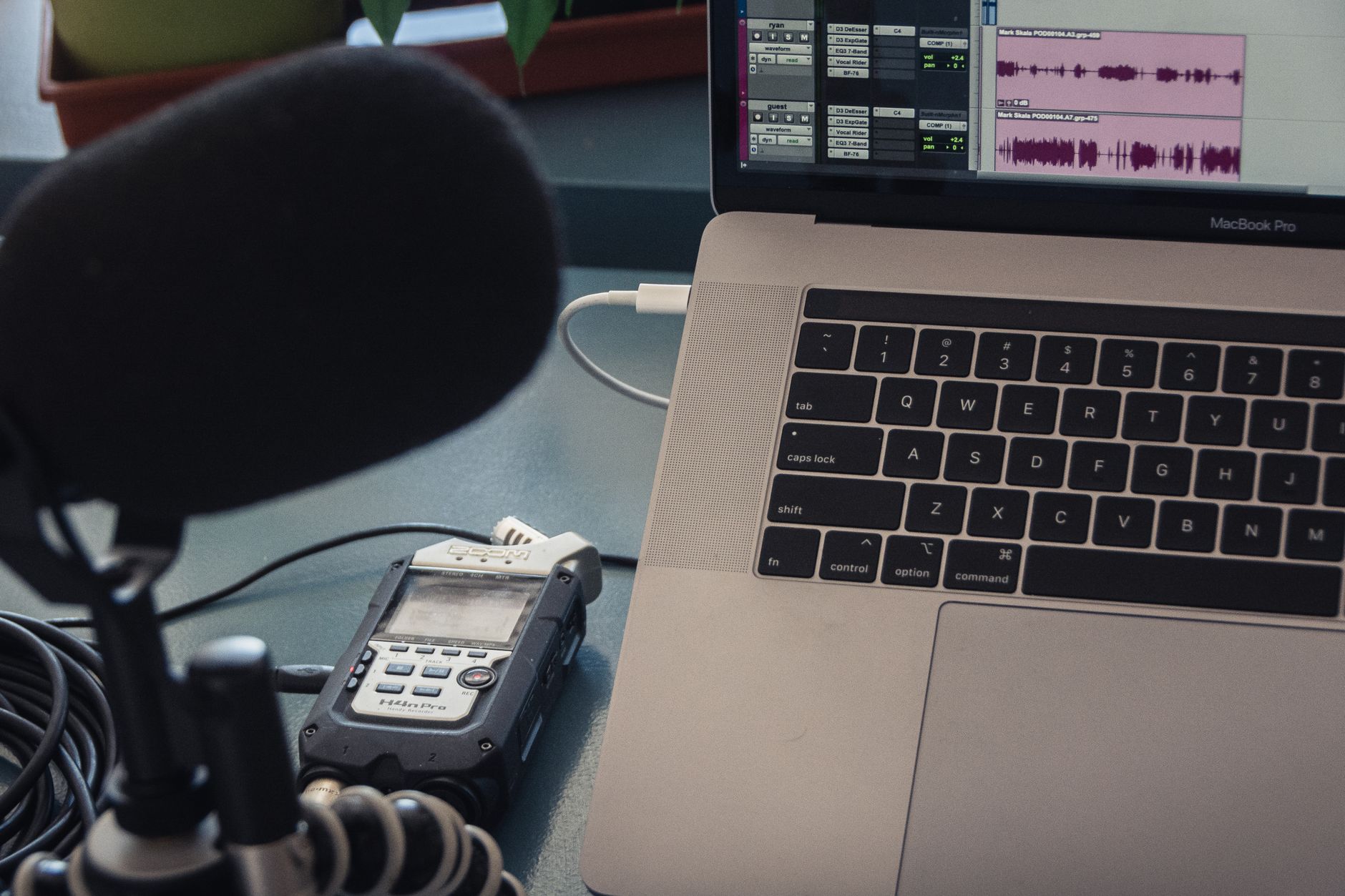
Podcasting has surged in popularity, with thousands of new shows launched each week. For aspiring podcasters, the desire to create engaging content is often matched by concerns about costs. Fortunately, starting a podcast doesn’t have to be expensive. In this guide, you’ll learn how to start a podcast for free, covering essential gear, software, and hosting options.
This article will help you navigate through the basics of podcasting without breaking the bank. By the end, you’ll be equipped to set up your podcasting platform, record your episodes, and distribute them to a wider audience—all at no cost.
How to Start a Podcast for Free?
To start a podcast for free, you need basic equipment, software for recording and editing, and a reliable hosting platform. Key components include a microphone, audio recording software, and a hosting service that offers free options. Here’s a detailed breakdown of each element to help you get started.
Essential Gear for Free Podcasting
Even if you’re on a budget, having the right equipment is vital for quality audio. Here’s what you need:
- Microphone: While professional microphones can be costly, you can use your smartphone or a computer headset to record your first episodes. As your podcast grows, consider investing in an USB or condenser microphone.
- Headphones: Good headphones are crucial for editing and monitoring your audio levels. Look for inexpensive options that allow you to hear audio clearly without bleeding into your microphone.
- Recording Device: Most podcasters start with a computer or smartphone. Software available on these devices allows easy recording, even without high-end equipment.
Software for Recording and Editing
Choosing the right software is imperative for producing high-quality audio. Here are some free tools you can use:
Recording Software
- Audacity: This open-source software is perfect for beginners. Compatible with both Windows and Mac, Audacity allows you to record, edit, and produce high-quality audio files. Tutorials are widely available for those new to audio editing.
- Apowersoft Free Online Audio Recorder: This online tool works directly in your browser, making it ideal for quick recordings. It’s user-friendly and does not require installation.
Editing Software
- GarageBand: For Mac users, GarageBand is a powerful audio editing tool that comes pre-installed. It offers advanced features that help enhance your podcast’s sound quality.
- Ocenaudio: This easy-to-use editor is available for multiple operating systems. Ocenaudio provides a straightforward interface, making audio editing accessible.
Podcast Hosting Options
After you’ve recorded your podcast episodes, you need to host them. Several platforms offer free hosting for podcasts:
- Anchor: Anchor is a free podcast hosting service owned by Spotify. It offers unlimited storage, easy distribution to major podcast platforms, and monetization options through sponsorships.
- Podbean: Podbean offers a free basic plan that allows you to host five hours of content. It provides essential statistics to track your audience growth.
- SoundCloud: For artists and podcasters alike, SoundCloud offers free hosting for up to three hours of audio. It also features easy sharing options and social engagement tools.
Steps to Start Your Podcast
Now that you’ve gathered the necessary gear and selected software, here’s a step-by-step guide to starting your podcast:
- Define Your Podcast Concept: Determine your podcast’s niche and target audience. Choose a compelling name and design a logo to establish your brand.
- Plan Your Content: Create a content calendar outlining episode topics, guests, and release schedules. Having a structured plan can help maintain consistency.
- Record Your First Episode: Use your chosen recording software to capture audio. Ensure you’re in a quiet space to minimize background noise. Speak clearly and engage with your content.
- Edit Your Recording: Use editing software to refine audio quality. Cut out mistakes, add music, and enhance sound clarity. Pay attention to pacing and flow.
- Publish Your Episode: Upload your edited file to your selected podcast hosting service. Fill in essential details, including episode descriptions and tags.
- Promote Your Podcast: Use social media, podcasts directories, and community forums to promote your podcast. Encourage listeners to provide feedback and reviews.
Tips for Successful Podcasting
Starting a podcast can be overwhelming, especially for first-timers. Here are some useful tips to ensure a successful journey:
- Be Authentic: Genuine storytelling and authenticity resonate with audiences. Be yourself and share personal experiences to connect with listeners.
- Engage with Your Audience: Encourage feedback and interaction. Respond to audience questions and consider including listener insights in future episodes.
- Consistency is Key: Maintain a regular release schedule. Whether it’s weekly or bi-weekly, consistency helps build a loyal audience.
- Network with Other Podcasters: Collaborate with other podcasters and guest speakers to expand reach and share audiences.
Common Issues and Troubleshooting
As you embark on your podcasting journey, you might encounter several challenges. Here are some common issues and how to tackle them:
- Poor Audio Quality: Ensure you are using a quality microphone and recording in a quiet environment. If background noise is present, consider using audio editing tools to remove it.
- Technical Glitches: Regularly update your recording software and plugins to avoid compatibility issues. Always test your equipment before recording.
- Limited Audience Engagement: Utilize social media and other platforms to promote your podcast. Interacting on multiple channels can help draw in fresh listeners.
Scaling Your Podcast
Once you’ve established your podcast, consider ways to grow and improve:
- Upgrade Your Gear: As your podcast gains traction, consider upgrading your microphone and acquiring soundproofing materials for better audio quality.
- Explore Monetization: Investigate sponsorship, merchandise, and membership options to begin generating income from your podcast.
- Expand Your Content: Consider branching out into video content or supplementary materials such as blogs or social media posts to enhance listener engagement.
Conclusion
Starting a podcast for free is entirely feasible with the right tools, software, and hosting options. By focusing on high-quality content and consistency, you can create a podcast that resonates with listeners. Jump into the exciting world of podcasting and share your unique perspective with the world!
For more details on beginning your podcasting journey, check out this guide and learn specific tips about podcasting techniques in this article.