
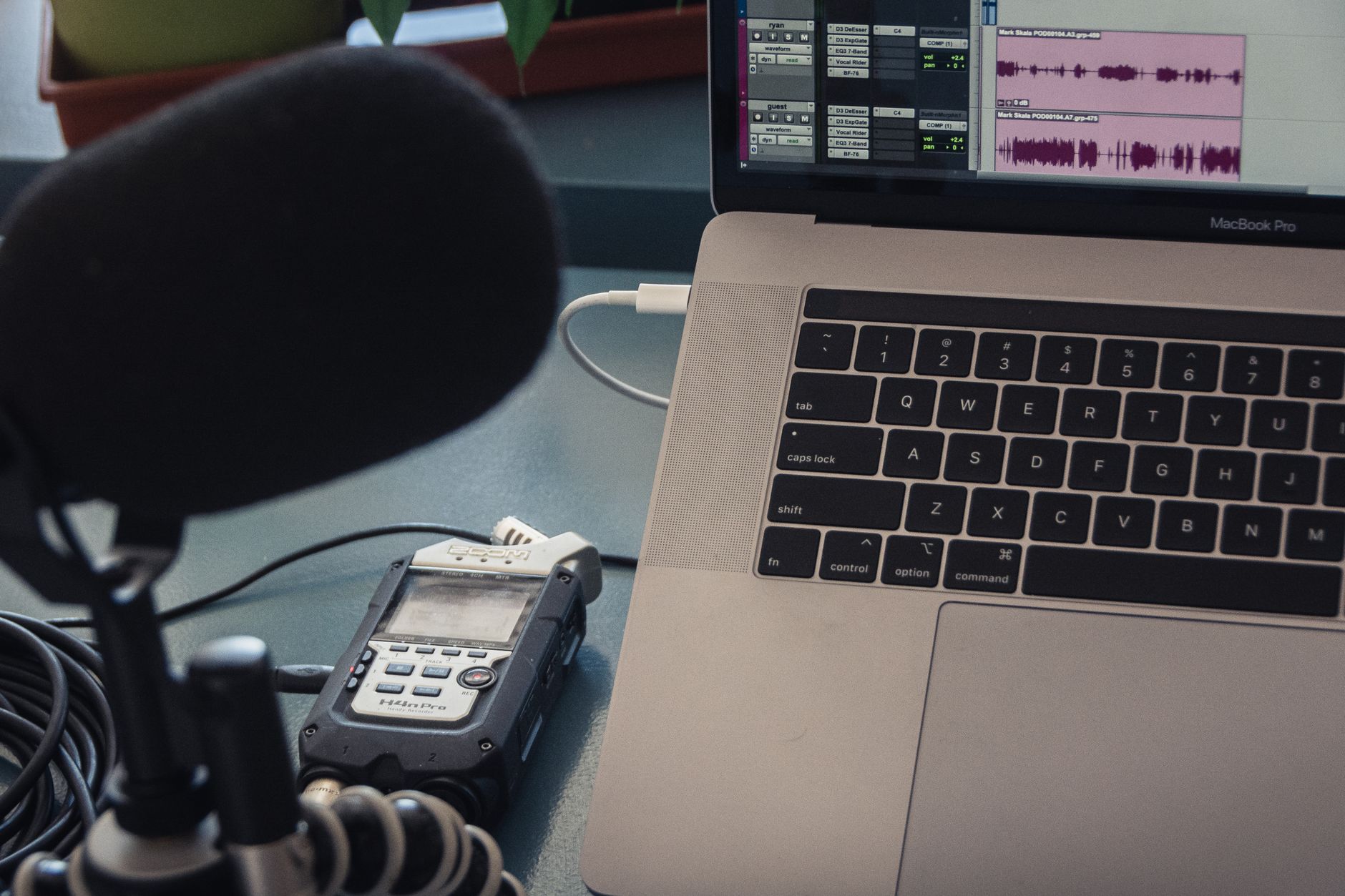
Podcasting is a booming medium for sharing information, telling stories, and connecting with audiences. Whether you want to share your passion, educate listeners, or establish yourself as an authority in your field, starting a podcast is a fantastic way to achieve those goals. In this article, we will go over the essential steps of starting a podcast, including the necessary equipment, software solutions, and hosting options.
By the end of this guide, you will have a structured approach to kickstart your podcasting journey. Let’s dive into the world of podcasting and explore everything you need to know to get started.
How to Start a Podcast?
To start a podcast, you will need to define your content, acquire the right equipment, select appropriate software, and choose a hosting platform. Each of these components plays a crucial role in creating and distributing your podcast effectively.
Defining Your Podcast Concept
Before diving into equipment and software, you need to determine your podcast’s concept. Ask yourself the following:
- What topic are you passionate about?
- Who is your target audience?
- What format will your podcast take (interviews, solo commentary, storytelling, etc.)?
- How long will each episode be?
Having clear answers to these questions will guide your content creation process and help you stay consistent. Consider brainstorming a few episode ideas that cater to the interests of your audience.
Essential Equipment for Podcasting
Your podcast’s audio quality is paramount. Here’s a breakdown of the essential equipment you’ll need:
Microphone
Your choice of microphone will significantly impact your sound quality. Here are a few types of microphones that are commonly used in podcasting:
- Dynamic Microphones: These are generally more resistant to background noise and are excellent for studio recordings. Examples include the Shure SM7B and the Audio-Technica ATR2100.
- Condenser Microphones: These tend to capture a broader frequency range and are great if you have a controlled recording environment. The Rode NT1-A and the Audio-Technica AT2020 are popular options.
- USB Microphones: If you’re looking for a more straightforward setup without the need for an audio interface, USB microphones are an excellent choice. The Blue Yeti and the Razer Seiren are good examples.
Headphones
Investing in a good pair of closed-back headphones is crucial for monitoring your audio during recording and editing. Options like the Audio-Technica ATH-M50x or Sony MDR-7506 are widely recommended.
Audio Interface
If you opt for XLR microphones (like dynamic and condenser mics), you will need an audio interface to convert the microphone signal into a format your computer can understand. Popular choices include:
- Focusrite Scarlett 2i2
- PreSonus AudioBox USB
Recording Software
Your choice of software will depend on your recording environment and editing needs. There are various audio editing software available:
- Audacity: A free, open-source software that is both powerful and user-friendly. It’s a good starting point for beginners.
- GarageBand: A great option for Mac users, offering many features for recording and editing.
- Adobe Audition: If you’re looking for advanced features and are willing to invest, this is a professional-grade audio editing software.
Recording Your Podcast
Before you hit “record,” ensure you have the right setup:
- Choose a quiet, controlled environment to minimize background noise.
- Set up your microphone on a stand or boom arm to prevent handling noise.
- Perform a test recording to check levels and clarity.
Record your content based on your planned outline or script, ensuring you sound natural and engaging. It might take a few practices to get comfortable speaking into the microphone. Don’t be discouraged!
Editing Your Podcast
Editing is where your podcast takes shape. Here’s a basic approach to editing:
- Import your audio files into your chosen editing software.
- Listen through your recording and remove any unnecessary pauses or mistakes.
- Add music, sound effects, or any additional audio to enhance your podcast.
- Adjust the audio levels for consistency throughout your episode.
- Export your finished episode in a suitable format (generally MP3).
Podcast Artwork and Branding
Branding is essential for attracting listeners. You’ll want to create eye-catching artwork that reflects your podcast’s theme. Keep the following in mind:
- Artwork should be square (ideally 3000×3000 pixels).
- Choose colors and fonts that resonate with your podcast’s content.
- Ensure your title is easily readable and stands out.
Professional design tools like Canva or Adobe Spark can help you produce quality visuals even with minimal graphic design experience.
Selecting a Podcast Hosting Platform
Once your audio file is ready, you need a hosting platform to distribute your podcast. Here are some considerations and popular hosting services:
- Storage and Bandwidth: Ensure the host can handle your expected audience size without extra fees.
- Distribution: Check if the host supports distribution to major platforms like Apple Podcasts, Spotify, and Google Podcasts.
- Analytics: A good host should provide analytics to track your podcast downloads and listener demographics.
Some popular hosting services include:
- Libsyn: One of the oldest podcast hosting services, offering excellent reliability and analytics.
- Anchor: A free platform that also provides monetization options but may have limited customizability.
- Podbean: Known for user-friendly interfaces and various pricing plans.
Publishing and Promoting Your Podcast
Once your podcast is hosted, it’s time to promote it. Start by:
- Creating social media profiles for your podcast on platforms like Instagram, Facebook, and Twitter.
- Sharing teaser clips or quotes from your episode to engage potential listeners.
- Engaging with your audience through comments and feedback.
- Collaborating with other podcast creators for cross-promotion, or guest appearances.
Consider designing a website or blog that features show notes, episode descriptions, and information about your podcast. This can help you build an online presence and engage your listeners further.
Common Mistakes to Avoid
When starting a podcast, it’s easy to fall into some common traps. Here are a few mistakes to watch out for:
- Poor Audio Quality: Always prioritize sound quality above all. Invest in good microphones and ensure your recording environment is suitable.
- Lack of Planning: Don’t go in unprepared. Have a content plan, episode structure, and an understanding of your audience.
- Ignoring Promotion: A podcast will not grow on its own. Engage with your audience and promote it across different platforms.
- Inconsistency: Create and adhere to a release schedule. Consistency helps build an audience that knows when to expect new episodes.
Legal Considerations
Before launching your podcast, ensure you have covered any legal ground:
- Copyright and Licensing: If using music, make sure you have the necessary rights or licenses to avoid copyright infringement.
- Clarifying Content Ownership: If collaborating with co-hosts or guests, clarify the ownership and rights of the content created.
- Disclaimers: If discussing sensitive topics, adding disclaimers about content can help manage expectations for your audience.
Conclusion
Starting a podcast requires thoughtful preparation around content creation, equipment investment, and promotion tactics. By planning your concept effectively, assembling the right tools, and engaging your audience, you can build a successful podcast that stands out in the crowd. Don’t forget to take the time to record and edit your content carefully, as audio quality is essential in this medium.
Now that you’re armed with all the necessary information, it’s time for you to take the plunge and start your podcasting journey! Explore further tutorials and resources to enhance your skills and understanding by checking out other related tech tutorials.
For beginners looking for a step-by-step guide, visit how to create a podcast for additional insights and tips.