
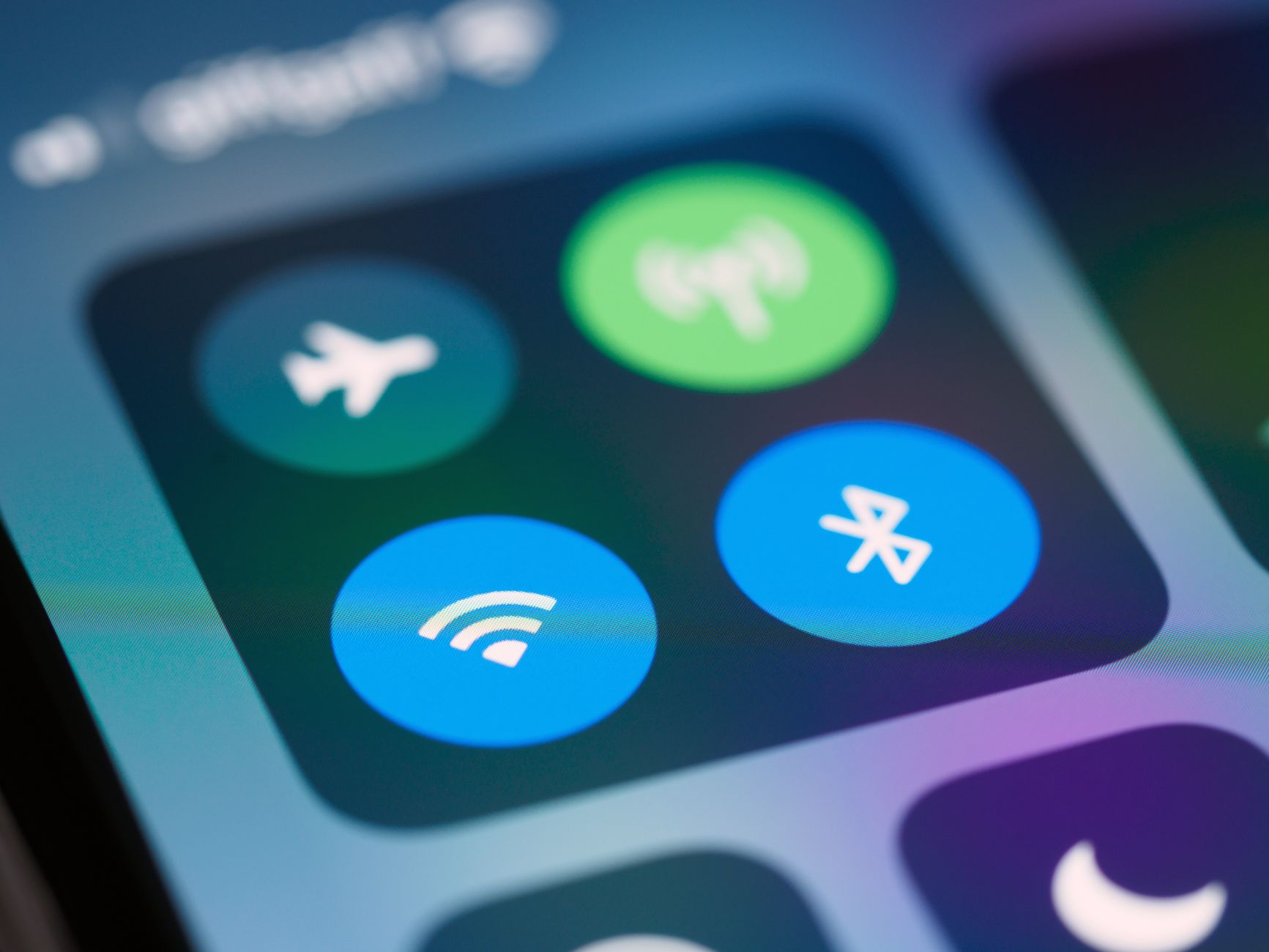
Airplane mode is a feature found in most mobile devices, including smartphones, tablets, and laptops. It allows users to disable all wireless communication to ensure safe operation during air travel. But what exactly does airplane mode do, and how can it be beneficial outside of flying? In this article, we’ll explore the various functions of airplane mode, its uses, and how it affects your device.
Understanding airplane mode is essential for making the most of your device in different situations. While its primary purpose is to comply with airline regulations, airplane mode offers several features that can enhance your user experience. Let’s delve deeper into what airplane mode does and when you might want to use it.
What Does Airplane Mode Do?
Airplane mode disables all wireless communication functions on your device, including:
- Cellular networks (voice calls and mobile data)
- Wi-Fi networks
- Bluetooth connections
- NFC (Near Field Communication)
While airplane mode is active, your device will not send or receive any signals, which is why it’s mandated on planes. However, unlike total shutdown, you can selectively enable certain functions while in airplane mode, particularly Wi-Fi and Bluetooth, independently of cellular services.
How to Enable Airplane Mode
Enabling airplane mode is simple and can be done in a few steps:
- Open your device’s settings app.
- Look for the “Network” or “Connections” section.
- Find the option labeled “Airplane mode.”
- Toggle the switch to enable it.
Alternatively, you can activate airplane mode quickly through your device’s quick settings menu. Swipe down from the top of your screen (or swipe up for older devices) to access the shortcuts, and tap on the airplane icon.
Benefits of Using Airplane Mode
While airplane mode is primarily a safety feature during flights, it has several other benefits that users may not be aware of. Let’s examine some of these advantages:
1. Extending Battery Life
When you’re on the go and your device’s battery is running low, enabling airplane mode can help conserve battery life. By disabling background processes like data synchronization and location tracking, your device will consume less power. This is particularly useful if you’re unable to charge your device for an extended period.
2. Reducing Interruptions
Airplane mode can also be a useful tool for reducing distractions. If you want to focus on work or relax without constant notifications, turning on airplane mode can grant you the quiet you desire. You can still use your device offline, such as reading downloaded books or watching pre-saved videos.
3. Troubleshooting Network Issues
Airplane mode can serve as a troubleshooting tool for network-related issues. If you’re experiencing problems with your smartphone’s connectivity, turning airplane mode on and then off can help reset your device’s connection to cellular networks, Wi-Fi, and Bluetooth devices. This often resolves minor connectivity issues.
4. Preventing Accidental Calls
During meetings or other situations where you want to ensure there are no interruptions from calls or messages, airplane mode is a great way to prevent accidental calling and texting. You can switch it on to maintain focus without disturbances.
When to Use Airplane Mode
There are several scenarios in which activating airplane mode can be particularly advantageous:
- During Flights: As mentioned, the primary use is during flight to comply with airline regulations.
- In Areas with Poor Signal: If you are in a location with weak cellular coverage, switching to airplane mode helps your phone avoid searching for a connection repeatedly, saving battery life.
- When Traveling Internationally: Prevent unexpected roaming fees by enabling airplane mode upon arrival in a foreign country until you can adjust your settings.
- In Emergencies: During a power outage or when connectivity is compromised, airplane mode can help your device operate in offline mode with certain features available.
Using Airplane Mode Effectively
To make the best of airplane mode, it is essential to know how to manage features while in this mode. Here are some tips for using airplane mode effectively:
1. Enabling Wi-Fi and Bluetooth
Once airplane mode is activated, you can still enable Wi-Fi and Bluetooth. This allows you to connect to a wireless network or use Bluetooth accessories without switching airplane mode off. For example:
- Enable airplane mode as described above.
- Open your settings menu, find the Wi-Fi section, and turn it on. Your device will search for available networks.
- For Bluetooth, go to the Bluetooth settings and turn it on to connect to devices like headphones or speakers.
2. Offline Content Access
While in airplane mode, you can still access content that has already been downloaded onto your device. This can include:
- Music and video files
- E-books and articles saved offline
- Apps that have a usable offline mode (like maps)
Airplane Mode on Different Devices
While activating airplane mode is relatively similar across devices, there are small differences based on the operating system. Below is how to enable airplane mode on various platforms:
1. iOS Devices (iPhone and iPad)
On iOS devices, you can enable airplane mode from the settings or by using the Control Center:
- Swipe down from the top right corner (or up from the bottom for older devices).
- Tap on the airplane icon.
2. Android Devices
On Android, access the quick settings menu by swiping down from the top of the screen, and tap on the airplane icon. You can also find it by going to:
- Settings > Network & internet > Airplane mode.
3. Windows Devices (Laptops and Tablets)
To enable airplane mode on a Windows laptop or tablet:
- Click on the network icon in the taskbar.
- Toggle the “Airplane mode” switch to on.
Common Misconceptions About Airplane Mode
While airplane mode is straightforward, there are some common misconceptions to clarify:
1. Airplane Mode Turns Off My Device
Many users mistakenly believe that airplane mode turns off all device functions. While it stops wireless communication, the device is still operational for other tasks like using apps and reading saved content.
2. Airplane Mode is Only for Flying
Though designed for flights, airplane mode can be useful in many daily scenarios, from conserving battery to avoiding distractions and troubleshooting connectivity issues.
Common Issues When Using Airplane Mode
Although airplane mode is a helpful feature, you may encounter some problems. Here are some common issues and their solutions:
1. Cannot Connect to Wi-Fi Post Airplane Mode
If you enable Wi-Fi after turning off airplane mode but still cannot connect, ensure the Wi-Fi toggle is interactive. Sometimes, it may help to turn airplane mode back on and off.
2. Bluetooth Issues
If Bluetooth devices are not pairing, try toggling airplane mode on and off, followed by enabling Bluetooth. Sometimes resetting your Bluetooth settings can also resolve connectivity issues.
3. Apps Not Functioning Properly
Some applications may not function correctly if they require a constant internet connection. This is expected behavior. Check if the application has an offline setting or downloaded content available.
Conclusion
Airplane mode is a valuable feature that extends beyond aviation compliance. It offers significant advantages, such as prolonging battery life and limiting interruptions. Understanding its applications can enhance your device usage not only during flights but in various everyday scenarios. Always remember you can control your connectivity by selectively enabling Wi-Fi and Bluetooth while in this mode.
For further information on using your device’s network settings, you can explore our guides on SIM cards and resetting network settings.