
The Internet is a vast network that enables computers to communicate and share information globally. It has transformed how we work, learn, and connect with one another. Understanding the intricacies of the Internet can help users navigate its complexities and harness its full potential.
This article will explore what the Internet is, how it works, and common uses for individuals and businesses alike. Whether you’re curious about the technical infrastructure or the practical applications, this guide provides valuable insights.
What Is the Internet?
The Internet is a global network of interconnected computers that communicate over protocols, such as Transmission Control Protocol (TCP) and Internet Protocol (IP). It allows users to access a wealth of information, services, and applications, including websites, emails, and social media.
Essentially, the Internet acts as the backbone of our digital world, providing connectivity and enabling various services that enhance daily life, commerce and communication.
How Does the Internet Work?
To get a better grasp of how the Internet operates, we can break it down into several key components: hardware, software, protocols, and services.
1. Hardware Components
The physical infrastructure comprising the Internet includes various hardware elements that ensure data travels from one point to another. Key hardware components include:
- Routers: Devices that direct data traffic across networks, determining the best path for data packets to reach their destinations. For more information about routers, you can check this guide on what is a router.
- Switches: Network devices that connect devices within a local area network (LAN), allowing for data packets to be sent and received efficiently.
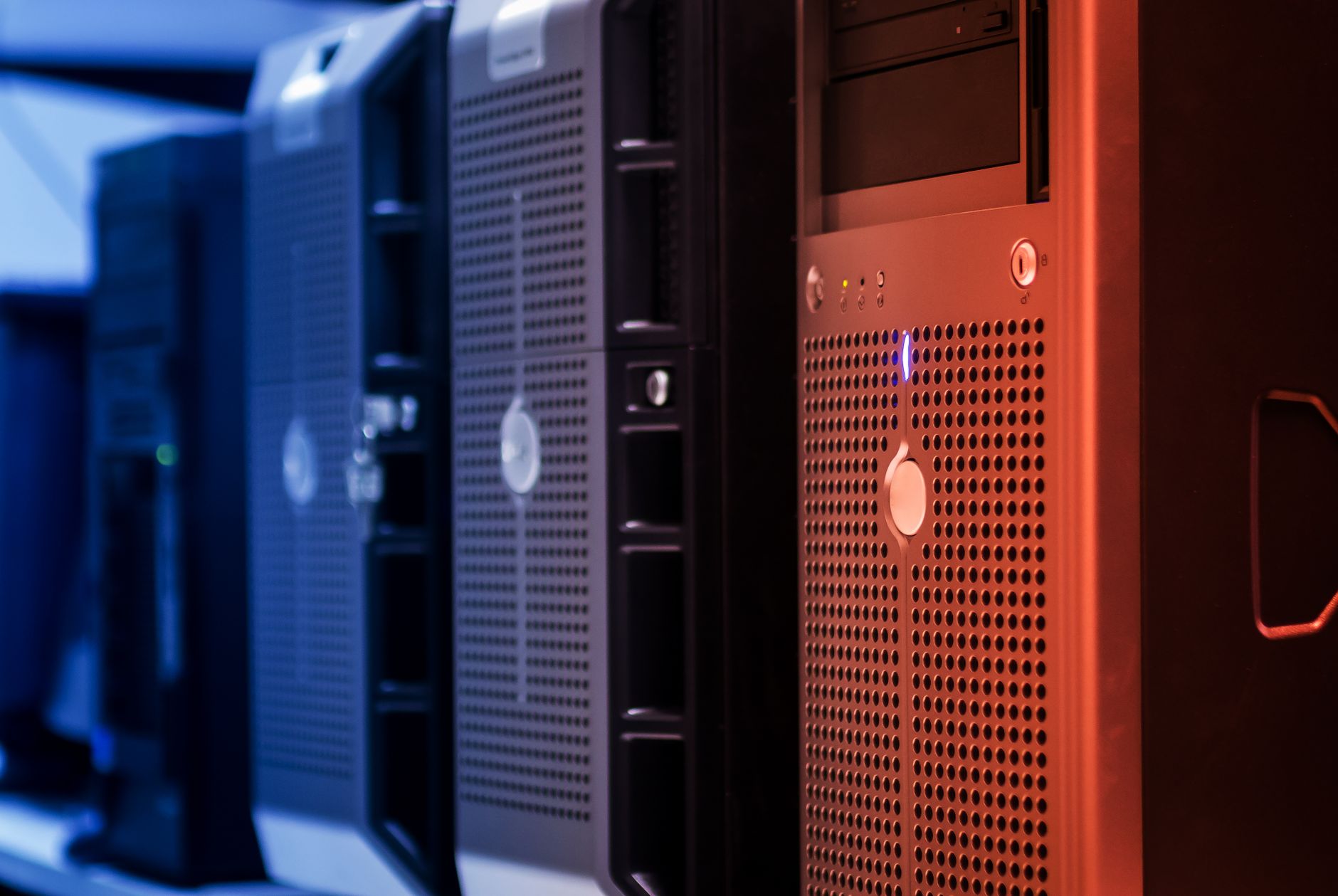
- Servers: Computers that provide resources, services, or data to other computers (clients) over the Internet.
- Cables: Physical infrastructure, such as fiber optic cables and copper wires, which connect computers and devices, allowing data to pass between them.
- Data Centers: Facilities that house servers and networking equipment, storing vast amounts of data and enabling high-speed Internet access.
2. Software Components
The Internet runs on various software protocols that enable communication between devices. Important protocols include:
- Transmission Control Protocol (TCP): Ensures the reliable transmission of data packets over the Internet.
- Internet Protocol (IP): Addresses and routes packets of data to the correct destination.
- Hypertext Transfer Protocol (HTTP): The application protocol for transmitting hypermedia documents, such as web pages, on the World Wide Web.
- File Transfer Protocol (FTP): A standard network protocol used to transfer files from one host to another over the Internet.
3. Internet Services
With the underlying hardware and software in place, a plethora of services become available to users:
- World Wide Web (WWW): A system of interlinked hypertext documents that can be accessed via a web browser.
- Email Services: Systems that facilitate electronic communication, such as Gmail, Outlook, and Yahoo Mail.
- VoIP: Voice over Internet Protocol services, such as Skype or Zoom, that allow users to make voice and video calls over the Internet.
- Cloud Computing: Online storage and computing services that allow users to access applications and data remotely.
4. The Role of ISPs
Internet Service Providers (ISPs) are entities that provide access to the Internet, either via broadband, DSL, or fiber optic connections. They serve as intermediaries, enabling users to connect to the global network. ISPs may offer various plans with differing speeds, data caps, and bandwidth, influenced by the technology they employ. Examples of ISPs include Comcast, AT&T, and Verizon.
Types of Internet Connections
Understanding the types of Internet connections available can help users choose the most suitable option for their needs. The main types of Internet connections include:
- Dial-Up: An older technology that connects to the Internet via a telephone line, offering very slow speeds.
- DSL (Digital Subscriber Line): A broadband technology using telephone lines that offer faster speeds than dial-up.
- Cable: Internet delivered through cable television lines, typically offering high-speed connections.
- Fiber Optic: The fastest connection type, using light signals to transmit data through thin strands of glass, enabling high bandwidth.
- Satellite: Internet access via satellites, often used in remote areas, but can be slower and affected by weather conditions.
- Fixed Wireless: A method using radio signals to provide Internet access, typically in rural areas without wired infrastructure.
Common Uses of the Internet
The Internet has become an integral part of our daily lives, seamlessly integrating into various aspects of work, education, and personal communication. Here are some common uses:
1. Communication
Internet-based applications, such as email, social media, and instant messaging, enable smooth communication across the globe. They allow users to stay connected with friends, family, and colleagues, regardless of distance.
2. Research and Information
The Internet serves as an extensive repository of knowledge. Users can access articles, publications, and research papers on virtually any topic, making it an invaluable resource for students, professionals, and casual learners.
3. E-Commerce
Online shopping has revolutionized retail. With just a few clicks, consumers can browse products, read reviews, and make purchases without leaving their homes. E-commerce platforms, such as Amazon and eBay, are at the forefront of this transformation.
4. Entertainment
The Internet provides an array of entertainment options, such as streaming services (like Netflix and Hulu), gaming platforms, and social media. Users can access movies, music, and games on demand, reshaping how we consume content.
5. Online Learning
With the rise of online courses and educational platforms, such as Coursera and Khan Academy, learning has become more accessible. Students of all ages can take advantage of resources that enable them to learn at their own pace.
6. Remote Work
The COVID-19 pandemic accelerated the adoption of remote work. Organizations now leverage collaboration tools, such as Slack, Zoom, and Microsoft Teams, to facilitate communication and project management, allowing employees to work effectively from home.
Security and Privacy Concerns
The convenience of the Internet comes with risks regarding security and privacy. Users must remain vigilant and employ protective measures to safeguard their information. Consider the following:
1. Cybersecurity
Cyberattacks are common on the Internet. Malicious actors may attempt to breach systems, steal personal information, or distribute harmful software. Implementing security practices can enhance protection:
- Use strong, unique passwords for different accounts.
- Enable two-factor authentication (2FA) for added security.
- Keep software and devices up to date with the latest security patches.
- Educate oneself about phishing attacks and how to identify them.
2. Privacy
Online privacy is an ongoing concern as data is collected and shared by various online entities. Users should take steps to protect their personal information:
- Use a Virtual Private Network (VPN) for anonymous browsing.
- Limit personal information shared on social media platforms.
- Regularly review privacy settings on accounts and applications.
The Future of the Internet
The Internet continues to evolve, with emerging trends and technologies shaping its future. Here are some key developments to watch:
1. 5G Connectivity
The rollout of 5G technology will revolutionize mobile Internet access, providing faster speeds, lower latency, and greater capacity. This advancement will enable the widespread adoption of smart devices, augmented reality (AR), and virtual reality (VR).
2. Internet of Things (IoT)
The IoT refers to the interconnected network of devices that communicate and exchange data. As more devices become connected, they will streamline processes in areas such as smart homes, healthcare, and industrial automation.
3. Artificial Intelligence (AI)
AI technologies will play a crucial role in optimizing Internet services. Machine learning algorithms can analyze data for insights, enhancing user experiences and automating tasks across various industries.
4. Enhanced Security Protocols
As cyber threats grow more sophisticated, security protocols must also advance. Research in cybersecurity will lead to more robust protections, helping safeguard user data and privacy.
Conclusion
The Internet is a powerful tool that has transformed how we communicate, learn, and conduct business. Understanding its components, functionalities, and potential risks can empower users to navigate this digital landscape effectively. As technology advances, the Internet will continue to evolve, presenting new opportunities and challenges.
For further exploration, consider diving into related tech topics such as networking basics or the role of DNS servers in Internet functionality by visiting what is a DNS server.