
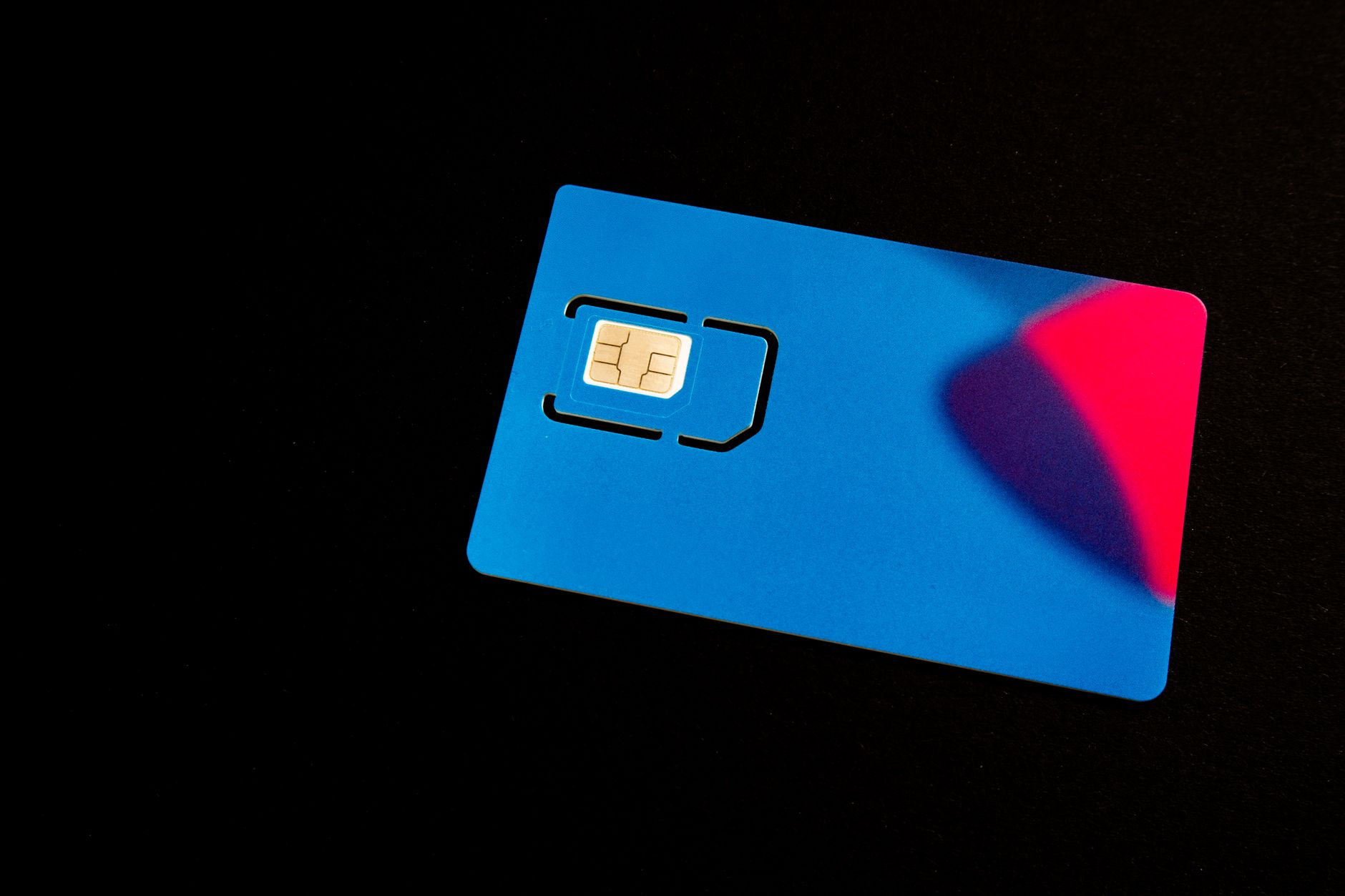
The Subscriber Identity Module (SIM) card is an essential component of modern mobile devices, enabling communication and data access. Understanding its functions can help users optimize their mobile experience and troubleshoot issues effectively. This article will explain what a SIM card is, its types, how it works, and how it impacts phone features.
In addition to its basic functionality, the SIM card plays a crucial role in your device’s security and connectivity. As we explore this subject, you’ll gain insights into various aspects of SIM cards, including their relevance in today’s tech landscape.
What Is a SIM Card?
A SIM card is a small, removable smart card used in mobile devices to store information related to the user’s identity, phone number, and the network provider. This card allows the device to authenticate the user on the mobile network, enabling voice calls, text messaging, and mobile internet access.
How Does a SIM Card Work?
The primary function of a SIM card is to connect a mobile device to a network, allowing for communication and data transfer. Here’s how it works:
- Identification: When you insert a SIM card into a mobile device, the card contains a unique International Mobile Subscriber Identity (IMSI) number. This number helps identify the subscriber on the network.
- Network Authentication: The mobile network verifies the SIM card’s IMSI against its database. If it matches, the device gains access to the network.
- Secure Communication: The SIM card includes encryption keys that secure the communication between the device and the network, protecting user data.
- Service Access: Once authenticated, the user can access voice, text, and data services provided by the network operator.
Types of SIM Cards
SIM cards come in various sizes and types, each designed for specific devices and uses. Here are the most common types:
- Standard SIM: The original SIM card size, measuring 85.60 x 53.98 mm, is now mostly outdated.
- Micro SIM: Slightly smaller at 15 x 12 mm, this format was used extensively before the advent of nano SIMs.
- Nano SIM: The smallest SIM format at 12.3 x 8.8 mm, widely used in contemporary smartphones.
- Embedded SIM (eSIM): A programmable SIM card that is soldered directly onto a device’s motherboard. It can be reprogrammed remotely, allowing for multiple carrier profiles.
SIM Card Features
Understanding the key features of SIM cards can improve your mobile experience. Here are some essential features:
- Storage: SIM cards can store a range of information, such as contacts, messages, and service provider information.
- Network Compatibility: Different SIM cards are associated with specific network technologies, including GSM, CDMA, and LTE.
- Roaming: SIM cards allow users to access mobile networks while traveling abroad, although additional fees may apply.
- Security: SIM cards are equipped with security protocols, including PIN codes and encryption for data protection.
Understanding SIM Activation
Activating a SIM card is essential before using it with a mobile device. The activation process usually involves the following steps:
- Insert the SIM Card: Place the SIM card into the designated slot of your mobile device.
- Power On the Device: Turn on your device to allow it to detect the SIM card.
- Follow Instructions: Follow the on-screen instructions provided by your device, which may include entering a PIN or signing into an account with the carrier.
- Confirm Activation: Once the activation is completed, you should receive a confirmation message or see a signal indicator on your device.
SIM Card Troubleshooting
If you encounter issues with your SIM card, there are several troubleshooting steps you can take:
- Check SIM Card Status: Ensure that your SIM card is properly inserted and not damaged. Try removing and reinserting it.
- Restart the Device: A simple restart can resolve connectivity issues.
- Network Settings: Check your device’s network settings. Ensure the correct network type is selected.
- Test with Another Device: If available, insert the SIM card into another compatible device to see if the issue persists.
- Contact Your Carrier: If problems persist, reach out to your service provider for assistance.
Buying a SIM Card
When purchasing a SIM card, consider the following factors to make an informed choice:
- Network Compatibility: Ensure the SIM card is compatible with your mobile device and the network technology (GSM or CDMA).
- Data Plans: Research available data plans. Look for plans that fit your usage needs, whether you’re looking for unlimited data or pay-as-you-go options.
- International Roaming: If you travel frequently, check if the SIM card offers favorable international roaming rates.
- Prepaid vs. Postpaid: Decide between prepaid plans that offer more flexibility and postpaid plans that may have fixed contracts.
SIM Card Security
SIM cards also play a vital role in securing mobile communications. Here are some security features:
- PIN Protection: Users can set up a Personal Identification Number (PIN) to prevent unauthorized access to their SIM card.
- PUK Code: If you enter the wrong PIN multiple times, your SIM card will lock, requiring a Personal Unlocking Key (PUK) to access it again.
- Encryption: Voice calls and data transmitted over a network using SIM cards are often encrypted, reducing the risk of eavesdropping.
Future of SIM Cards
The evolution of SIM cards is leaning towards embedded SIM (eSIM) technology. Here’s what this entails:
- Multiple Profiles: eSIMs can store multiple carrier profiles, allowing users to switch providers without physically changing the SIM card.
- Convenience: With eSIMs, users can activate mobile plans remotely, providing convenience and flexibility.
- Device Design: eSIMs free up space in devices, permitting sleeker designs and additional features.
SIM Card FAQs
Here are some frequently asked questions regarding SIM cards:
Can I use any SIM card in my device?
No, SIM cards are often tied to specific network technologies. Ensure that the SIM card you choose is compatible with your device and network.
What happens if I lose my SIM card?
If you lose your SIM card, contact your carrier immediately to suspend service and prevent unauthorized use. You can request a replacement SIM card.
Can I transfer my SIM card to another phone?
Yes, you can transfer your SIM card to another compatible phone. Just make sure the new device supports the SIM card type and network technology.
Conclusion
Understanding what a SIM card is, how it works, and its various types is crucial for optimizing your mobile experience. As technology evolves, SIM cards will continue to adapt, with trends leaning towards eSIMs and improved security features. By knowing how to troubleshoot and make informed choices when buying a SIM card, you can ensure a smoother and more secure mobile experience.
For more insights on technology, consider exploring related tech tutorials and guides for further learning.