
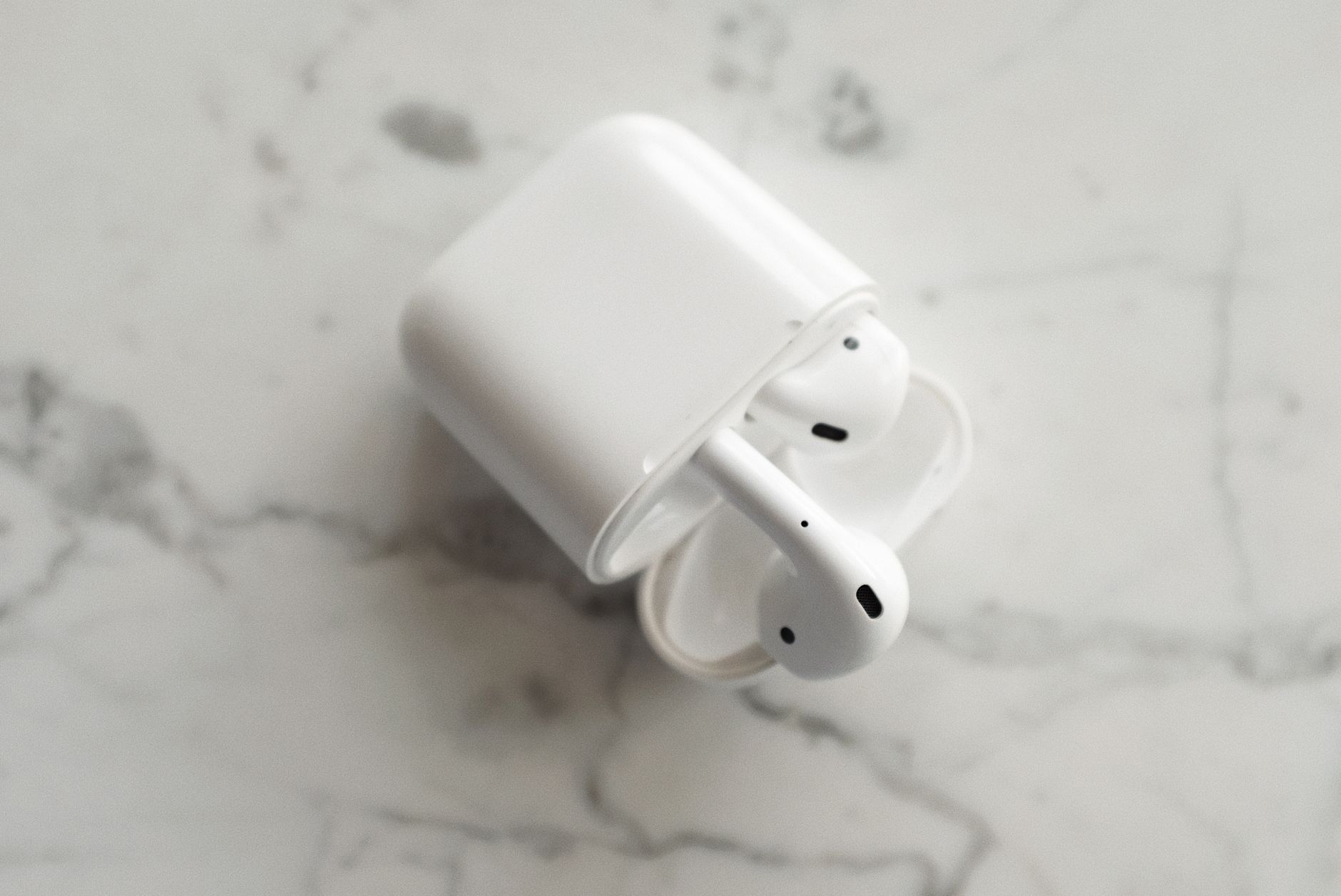
Keeping your AirPods clean is essential for optimal performance and longevity. As they are exposed to sweat, earwax, and environmental dust, it can be challenging to maintain their pristine condition. This comprehensive guide walks you through safe and effective cleaning methods for both AirPods and AirPods Pro.
In addition to recommended cleaning techniques, we’ll provide care tips to help prolong the life of your wireless earbuds and ensure you enjoy the best sound experience possible. Let’s dive into the details.
How to Clean AirPods?
To clean AirPods properly, you’ll need basic cleaning supplies and follow specific steps to avoid damaging them. Safe cleaning methods involve using gentle tools and solutions, while care tips will help keep them in top shape.
Essential Cleaning Supplies
Before you start cleaning your AirPods, gather the necessary supplies:
- Soft, lint-free cloths or microfiber cloths
- Isopropyl alcohol (preferably 70% or higher)
- Water
- Cotton swabs or Q-tips
- Toothbrush with soft bristles
- Compressed air (optional)
Step-by-Step Cleaning Instructions
Cleaning the AirPods Case
- Unplug and Remove Any Dust: Start by opening the lid of your AirPods case. Use a dry, soft cloth to gently wipe the exterior surfaces. Pay attention to any dust that might have accumulated around the lid or charging port.
- Clean the Interior: Use a dry cotton swab to remove any dirt or debris from the interior of the case. Ensure that you don’t leave any lint behind.
- Disinfect the Surfaces: Dampen a cloth with a mixture of isopropyl alcohol and water (50/50 ratio) and gently wipe the outer parts of the case. Avoid getting moisture into the charging ports.
- Drying: Allow the case to air dry completely before closing the lid.
Cleaning the AirPods
- Remove from Ears and Power Off: Take out your AirPods and ensure they are turned off. Placing them in the charging case is a good way to ensure they are powered down.
- Wipe the Exterior: Use a dry microfiber cloth to gently clean the outer surface of each AirPod. Remove any visible dust or smudges.
- Clean the Speaker Mesh: Moisten a cotton swab with isopropyl alcohol. Lightly brush the speaker mesh area to dislodge any earwax or debris. Ensure the swab is not overly wet to avoid moisture seeping into the AirPods.
- Use a Toothbrush for Tough Debris: If there’s stubborn dirt left, use a soft-bristled toothbrush. Brush gently around the mesh to avoid damaging it.
- Avoid Excessive Moisture: Keep liquids away from any holes or openings. Wipe down with a dry cloth afterwards to ensure they are free from moisture.
Additional Tips for Maintaining Your AirPods
Alongside regular cleaning, following these maintenance tips can keep your AirPods in excellent condition:
- Store Properly: Always place your AirPods in their charging case when not in use. This protects them from dust and moisture.
- Avoid Exposing to Liquid: While AirPods Pro feature some water resistance, it’s best to avoid exposing them to liquids. If they do get wet, dry them thoroughly as soon as possible.
- Limit Wax Build-up: If you have issues with earwax, consider using earplugs or schedule regular visits to a healthcare professional for ear hygiene.
- Regularly Check the Grilles: Examine the mesh grilles periodically for buildup. Clean gently to prevent any sound distortion.
- Use Cases and Accessories: Consider using silicone covers or protective cases designed to minimize dirt accumulation and provide additional protection.
What to Avoid When Cleaning AirPods
To ensure the longevity of your AirPods, it’s vital to avoid certain cleaning methods that might cause damage:
- Avoid Abrasives: Never use abrasive materials or rough cloths that could scratch the surface of your AirPods.
- Don’t Submerge: Never submerge your AirPods or the case in water or any cleaning solution, as this can cause irreversible damage.
- Skip Harsh Chemicals: Avoid using bleach, sprays, or any harsh chemicals that could erode the finishes or materials.
- Do Not Use Heat: Never use hair dryers or any heating devices to dry your AirPods. Heat can warp and damage them.
Troubleshooting Common AirPods Issues After Cleaning
After cleaning your AirPods, you might encounter some common issues. Here’s how to troubleshoot them:
Sound Distortion
- Check for any debris lodged in the speaker mesh. Use a dry toothbrush or a cotton swab to remove any buildup.
- If sound distortion continues, consider resetting your AirPods. Place them in their case, leave the lid open, then press and hold the button on the back until the LED blinks amber.
Connectivity Issues
- Ensure the AirPods are fully charged. If they’re not charging, clean the charging ports of both the AirPods and the case.
- Resetting the AirPods as mentioned above can also help resolve connectivity problems.
Battery Drain
- If you notice that your AirPods are draining quickly after cleaning, it may be due to firmware issues rather than dirt. Check for updates via your connected device.
- Make sure you’re using the correct charging case specific to your AirPods model.
When to Seek Professional Help
If you’ve cleaned your AirPods and are experiencing ongoing issues, it might be best to consult Apple Support or visit an authorized service provider. Consider seeking professional help if:
- Your AirPods are continuously malfunctioning or won’t connect despite troubleshooting steps.
- There is physical damage, such as cracks or water damage.
- Turning the volume down doesn’t resolve sound problems after cleaning.
Final Thoughts: Regular Care is Key
Regularly cleaning your AirPods and following proper care methods can significantly enhance your listening experience and extend the life of your device. While they are designed to tolerate some dirt and grime, consistent upkeep will ensure they perform at their best.
For your next step, make sure to set a routine for cleaning your AirPods regularly. Consider scheduling cleaning with your other tech gadgets as well to maintain an overall clean tech environment.
Explore more related tech tutorials such as how to connect AirPods to a laptop or learn how to reset an Apple Watch for better device management.