
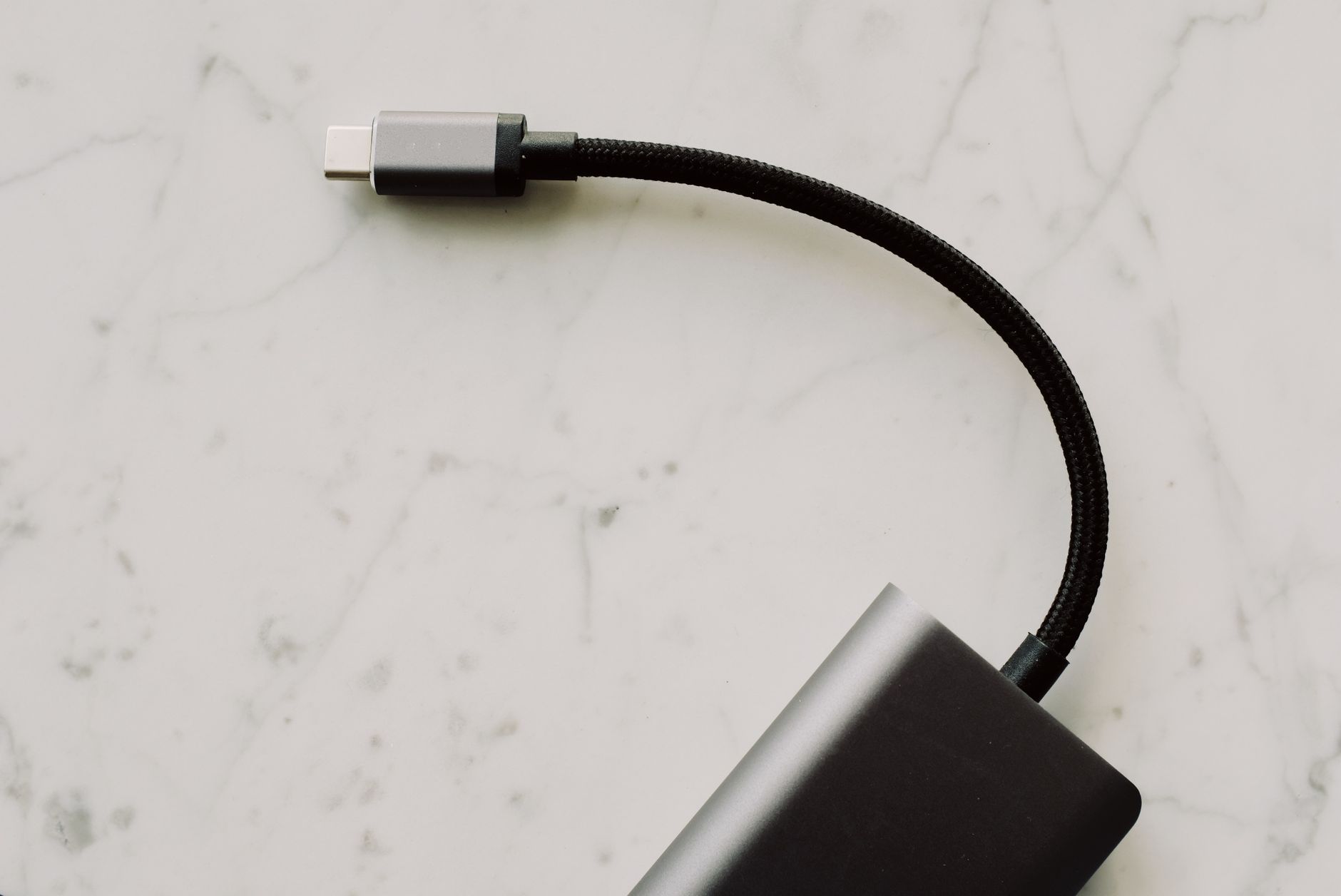
USB-C stands as a modern standard for connecting devices, providing versatile capabilities in both power delivery and data transfer. As we navigate through the expanding universe of consumer electronics, understanding USB-C becomes essential for both tech enthusiasts and casual users alike.
This guide delves into what USB-C is, its various ports and cables, how it revolutionizes charging, and the data speeds it offers. By the end, you’ll have a solid grasp on USB-C and its significance in today’s technology landscape.
What Is USB-C?
USB-C, short for Universal Serial Bus Type-C, is a specification for a connector system developed for transmitting data and power. Launched in 2014, it has become the standard interface for various devices, including smartphones, laptops, and peripherals.
One of its main advantages is its reversible design, allowing users to connect the cable in either orientation, thus eliminating the common frustration of aligning connectors.
Understanding USB-C Ports
USB-C ports are not merely about the physical connector; they encompass a range of capabilities and standards under the umbrella of USB technology. Let’s explore the key aspects of USB-C ports.
Types of USB-C Ports
- Standard USB-C Port: These are the most common ports for general data transfer and device charging.
- USB-C with Power Delivery (PD): These ports support fast charging and can deliver higher power (up to 100W), making them ideal for charging laptops and larger devices.
- USB-C Alt Mode: Ports that support alternate modes such as DisplayPort or HDMI allow video output, enabling connection to monitors or TVs directly from a USB-C port.
Physical Characteristics
The USB-C connector is small and oval in shape, measuring about 8.4 mm by 2.6 mm. This compact design allows it to fit seamlessly into thinner devices, providing a sleek and modern aesthetic.
Being symmetrical, it allows users to plug it in without concern about orientation, reducing wear and tear on both the port and connector.
USB-C Cables Explained
A variety of cables are used with USB-C ports, and understanding their differences is crucial for ensuring compatibility and performance.
Types of USB-C Cables
- USB 2.0 Type-C Cables: These cables support data transfer speeds of up to 480 Mbps and are typically used for basic tasks.
- USB 3.1 Type-C Cables: Offering speeds of up to 10 Gbps, these cables are suitable for high-speed data transfers and more demanding applications.
- USB 3.2 Type-C Cables: These cables can achieve data transfer speeds of up to 20 Gbps, making them ideal for professional editing and streaming.
- Thunderbolt 3/4 Cables: Supporting speeds of up to 40 Gbps, these cables provide an exceptional data transfer rate and can connect to multiple devices, including monitors and docks.
Choosing the Right Cable
When selecting a USB-C cable, consider your devices and needs:
- If you require basic charging and data transfer for peripherals, USB 2.0 cables are sufficient.
- For faster data transfers or connecting devices such as external drives, look for USB 3.1 or 3.2 cables.
- If you need to connect to high-resolution displays or require maximum speed, opt for Thunderbolt 3/4 cables.
Charging Capabilities of USB-C
USB-C has significantly transformed how devices are charged, emphasizing convenience and efficiency. The introduction of Power Delivery (PD) has enhanced charging capabilities.
How USB-C Power Delivery Works
USB-C Power Delivery is a specification that allows for fast charging by optimizing power management between the device and charger. Key features include:
- Increased Power Levels: USB-C PD can deliver up to 100W, enabling the charging of larger devices like laptops.
- Dynamic Power Management: It adjusts the voltage depending on the device requirements, providing safer and more efficient charging.
- Multi-Device Charging: One USB-C PD charger can support multiple devices, reducing the number of power adapters needed.
Benefits of USB-C Charging
Switching to USB-C for charging offers several advantages:
- Faster Charging Times: Devices can fully charge more quickly compared to traditional USB standards.
- Universal Compatibility: USB-C chargers can work with various devices, including smartphones, tablets, and laptops.
- Reduced Clutter: Fewer cables and chargers lead to a cleaner, more organized charging setup.
Data Transfer Speeds
Data transfer capabilities of USB-C set it apart from its predecessors. Understanding the differences in speed can help in choosing the right cables and devices.
Breakdown of Data Speeds
The speed of data transfer via USB-C varies based on the type of cable and protocol used:
- USB 2.0: Up to 480 Mbps.
- USB 3.1 Gen 1: Up to 5 Gbps.
- USB 3.1 Gen 2: Up to 10 Gbps.
- USB 3.2: Up to 20 Gbps.
- Thunderbolt 3/4: Up to 40 Gbps.
Higher speeds allow for quicker file transfers, which is especially beneficial in professional environments where large files are common.
Common Misconceptions About USB-C
Despite its growing popularity, several misconceptions persist regarding USB-C capabilities and uses.
Myths vs. Facts
- Myth: All USB-C cables support the same transfer speeds and power output.
Fact: Cable specifications greatly affect speed and power delivery, so it’s essential to use the appropriate cables. - Myth: USB-C can only transfer power and data.
Fact: Many USB-C ports support video output and can connect to monitors, making them versatile solutions. - Myth: USB-C is exclusive to certain devices.
Fact: A wide range of devices, from smartphones to laptops, feature USB-C compatibility.
Practical Uses of USB-C
USB-C’s broad applicability is one of its most significant advantages. Here’s a look at various practical uses:
Connecting Peripherals
USB-C has made it easier to connect various peripherals like keyboards, mice, and printers to laptops and tablets. Adapters are widely available for older devices lacking USB-C ports.
Video Output
USB-C Alt Mode enables video output capabilities. Users can connect their laptops to monitors or projectors with compatible USB-C cables, facilitating presentations or enhanced workspace setups.
Data Transfer
USB-C’s high transfer speeds allow for efficient data management. Professionals can transfer large files quickly between devices, making it an ideal choice for editing and sharing multimedia content.
Expandability with Docks
USB-C docks facilitate the connection of multiple devices through a single USB-C port. These docks can power devices and connect displays, making them an excellent solution for maximizing productivity at workstations.
Tips for Users
To maximize the benefits of USB-C in your daily tech use, consider the following tips:
Check Compatibility
Always ensure that the cable, port, and device support the same standards to harness the full potential of USB-C functionalities.
Invest in Quality Cables
Lower-quality cables might not support the desired transfer speeds or charging capabilities. It’s wise to purchase cables from reputable manufacturers, ideally with USB-IF certification.
Stay Informed About Updates
USB technology continues to evolve, so staying updated on new versions and standards ensures you’re using the best tools available.
Conclusion
USB-C represents a significant advancement in connectivity, offering versatility in charging, data transfer, and connectivity across a range of devices. Understanding its specifications, capabilities, and practical applications can help users make informed decisions and maximize their usage of technology.
As you explore USB-C further, consider how you can utilize its features in your day-to-day tech interactions. For additional guidance, explore related tech tutorials and guides available in our blog.