Skip to content
DIY Tech Fixes
  • Home
  • Technology
  • About
  • Contact Us
DIY Tech Fixes
  • Home
  • Technology
  • About
  • Contact Us

Jax Remington

What Is Secure Boot? (PC Startup and Security Basics)

Secure Boot is a security standard designed to ensure that …

Finish Up

How to Copy and Paste (Keyboard Shortcuts and Menu Options)

Copying and pasting is one of the fundamental skills every …
Finish Up

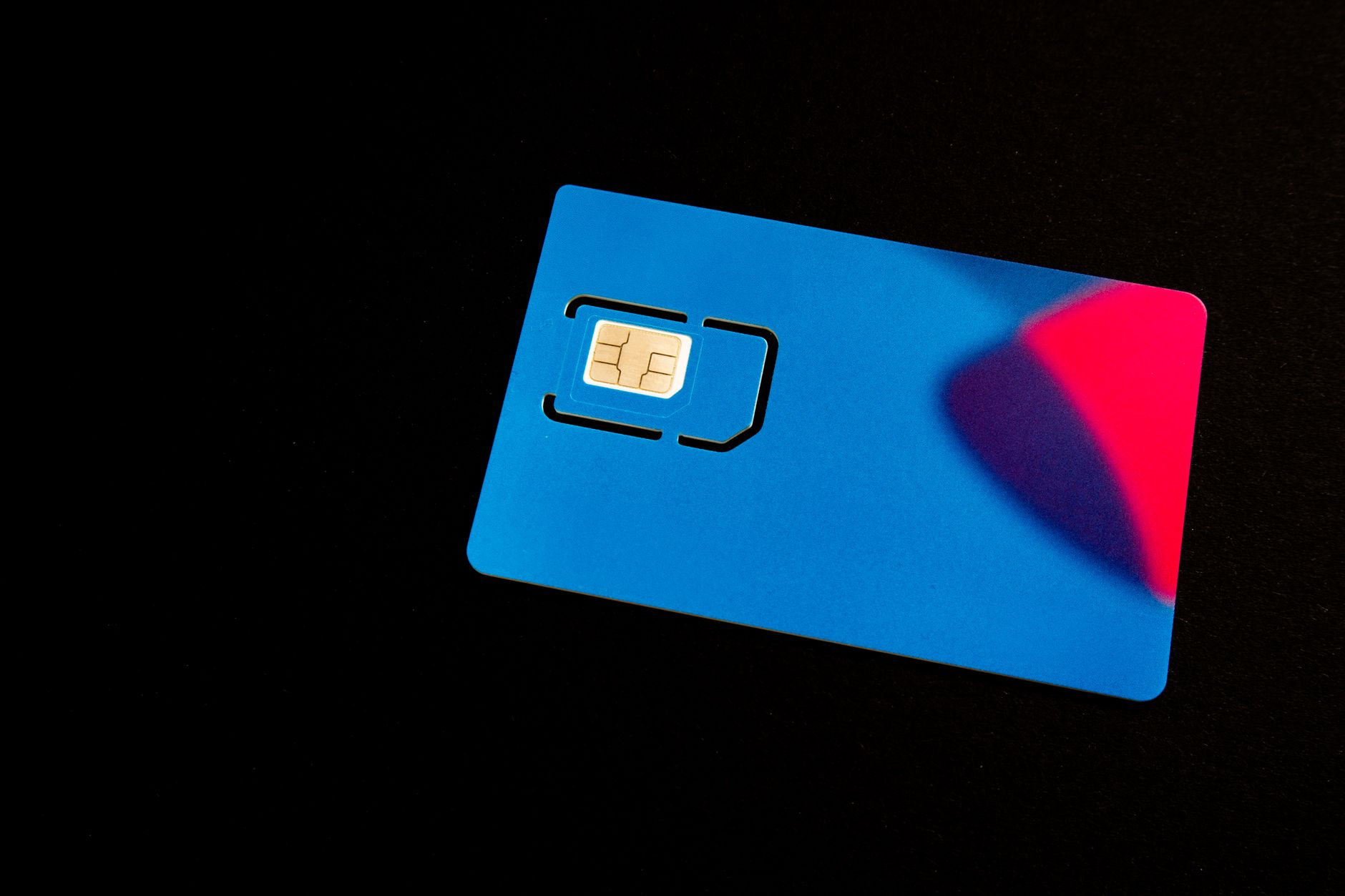
What Is a SIM Card? (Phone Features and How It Works)

The Subscriber Identity Module (SIM) card is an essential component …

Finish Up

How to Take a Screenshot on a Chromebook (Keys and Tools)

Screenshots are a useful way to capture your Chromebook’s screen …
Finish Up

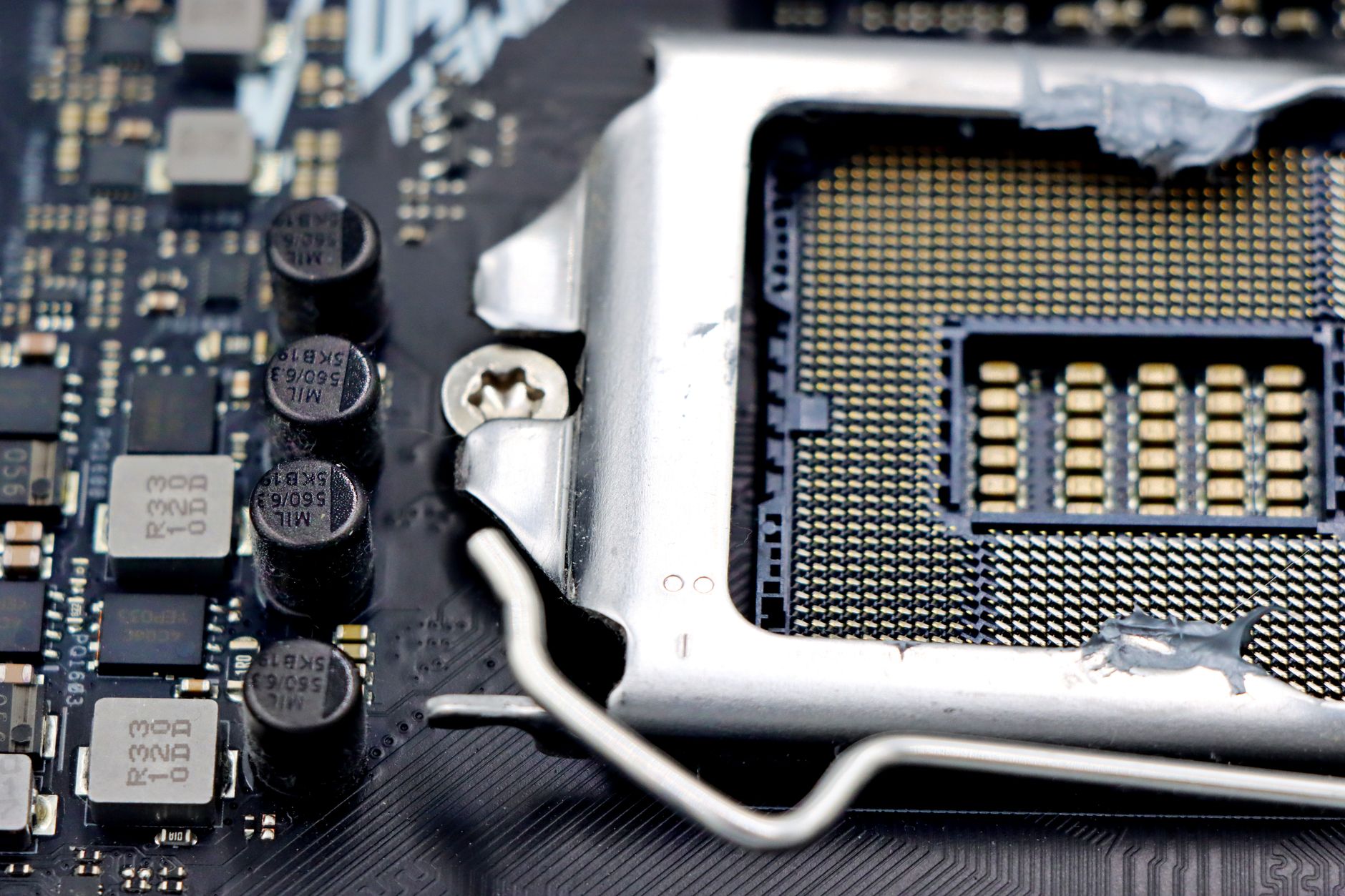
How to Build a PC (Compatibility, Setup, and Safety Checks)

Building a PC can be an exciting and rewarding project, …
Finish Up

How to Update BIOS (Compatibility, Setup, and Safety Checks)

Updating the Basic Input/Output System (BIOS) can profoundly impact your …
Finish Up

How to ZIP a File (Compression, Extraction, and File Tools)

ZIP files are a popular method for compressing one or …

Finish Up

What Is ChatGPT? (AI Features, Uses, and Limitations)

ChatGPT has become a prominent tool in artificial intelligence (AI), …
Finish Up

How to Reset Apple Watch (Backup, Recovery, and Setup Steps)

Resetting your Apple Watch can resolve various issues, such as …
Finish Up

How to Screen Record on iPhone (Audio and Capture Tools)

Screen recording on an iPhone allows users to capture everything …

Finish Up

Older posts
Newer posts
← Previous Page1 … Page3 Page4 Page5 Next →

Recent Posts

  • How Much Is Apple TV? (Pricing, Plans, and What You Get)
  • How to Take Screenshot on Mac (Keyboard and Capture Tools)
  • How to Stop Windows Updates (Pause Options and Settings)
  • How to Clean AirPods (Safe Cleaning Methods and Care Tips)
  • How to Unpair Apple Watch (iPhone Steps, Backup, and Reset)
© 2026 DIY Tech Fixes