
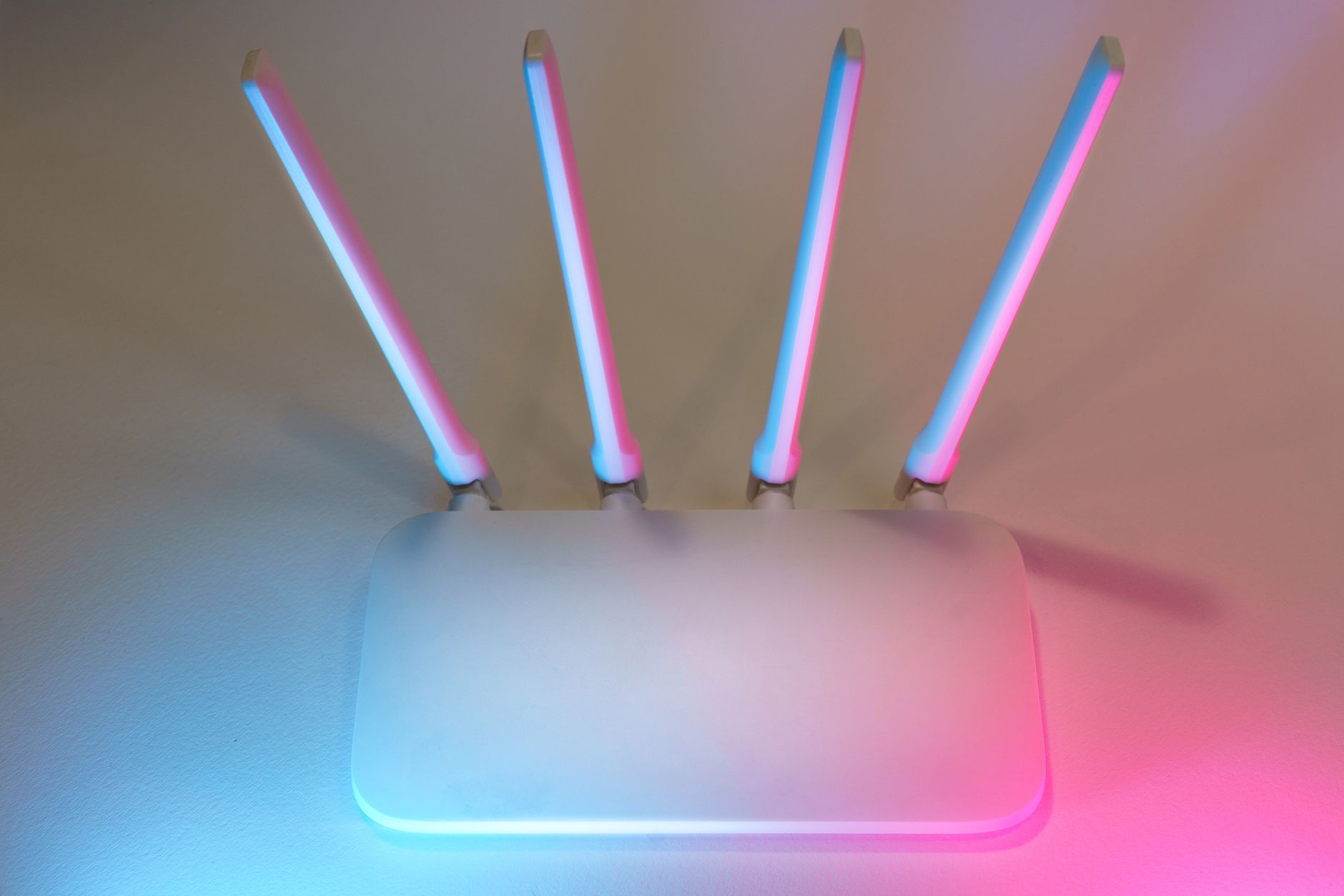
In today’s digital age, a reliable internet connection is essential for both work and leisure. Many people face connectivity issues in larger homes or areas far from the router. This is where Wi-Fi extenders come into play. They promise to enhance your network by increasing coverage, but the question remains: do they really work?
This article will dive deep into the functionality of Wi-Fi extenders, examining their effectiveness in improving coverage, speed, and potential setup issues. Whether you are looking to improve your internet connection or are curious about the technology behind it, this guide will provide a comprehensive understanding of Wi-Fi extenders.
Do Wi-Fi Extenders Work?
Wi-Fi extenders do work for increasing the coverage area of a wireless network. However, their effectiveness can vary based on several factors, including the distance from the main router, the quality of the extender, and physical obstructions that may interfere with the signal.
Understanding Wi-Fi Extenders
Before discussing their performance, let’s clarify what Wi-Fi extenders are and how they function. A Wi-Fi extender, also known as a repeater or booster, is a device that receives and amplifies the existing Wi-Fi signal from a router or access point.
- Reception: The extender picks up the Wi-Fi signal broadcasted by the router.
- Amplification: It reinforces the received signal.
- Broadcasting: The extender then transmits the amplified signal, creating a wider coverage area.
Wi-Fi extenders can effectively double the range of your wireless network. However, they do have limitations, which we will explore further.
Coverage: Expanding Your Network
The main purpose of a Wi-Fi extender is to enhance network coverage. Many users often experience dead zones in their home, places where the Wi-Fi signal is weak or nonexistent. Here’s how extenders aim to resolve these issues:
Placement Matters
To maximize the effectiveness of a Wi-Fi extender, placement is crucial. Ideally, the extender should be positioned within range of the router’s signal yet close enough to the area that needs coverage. Placing the extender too far from the router will result in a weak signal, while placing it too close might not adequately cover the zone you need.
Types of Extenders
There are mainly two types of Wi-Fi extenders:
- Standalone Extenders: These are devices designed explicitly for boosting the Wi-Fi range. They require plug-in and configuration but are relatively easy to set up.
- Mesh Wi-Fi Systems: This is a more advanced option where multiple units work together to provide seamless coverage across larger areas.
While mesh systems tend to offer better coverage and speed, standalone extenders are often more affordable and easier to install.
Speed: Impact of Wi-Fi Extenders
While Wi-Fi extenders can enhance coverage, they may also impact the speed of your connection. Here’s how:
Bandwidth and Throughput
Wi-Fi extenders work by receiving a signal and then sending it back out. This process can halve your internet speed, as the extender must communicate with both the router and your devices. However, many modern extenders come with dual-band capabilities, which can alleviate some of these speed issues by allowing devices to connect to different bands.
Internet Speed Considerations
The speed of your internet connection will also impact the overall performance of a Wi-Fi extender. If your base internet speed from your Internet Service Provider (ISP) is low, extending that signal will not significantly improve speed in the extended areas. Thus, consider upgrading your base internet speed if you consistently face issues.
Setup: Configuring Your Extender
The setup process for Wi-Fi extenders can vary based on the model and manufacturer. Here’s a general overview of how to set up a Wi-Fi extender:
- Choose the Right Location: Find a central location within the range of your Wi-Fi signal but close to the area needing coverage.
- Plug the Extender Into an Outlet: Connect the device to a power source and wait for it to power up.
- Connect to Your Network: Using a computer or smartphone, connect to the extender’s network. You may need to use a web browser to access a specific URL or use a setup app.
- Follow Setup Instructions: Follow the on-screen instructions to link the extender to your existing Wi-Fi network.
- Test the Connection: Move to the area that needed coverage and test the connection strength and speed.
With most modern extenders, this setup process is user-friendly, often involving straightforward app-based guidance.
Common Issues and Troubleshooting
Even with proper setup, users may face issues with their Wi-Fi extenders. Here are some common problems and their potential fixes:
Weak Signal or No Signal
One of the most common issues is weak or unreliable connections. This could be due to several factors:
- Distance: Ensure that the extender is not placed too far from the router.
- Obstructions: Physical barriers like walls and furniture can hinder signal strength. Try relocating the extender.
- Interference: Other electronic devices, such as microwaves and cordless phones, could interfere with the signal.
Slow Speeds
If you experience slow speeds, consider these points:
- Connection Type: Are you connected via Wi-Fi or Ethernet? Wired connections can offer faster speeds.
- Network Congestion: Too many devices connected to the network may cause slowdowns. Disconnect devices that are not currently in use.
- ISP Limitations: Sometimes, the speed issue may arise from your internet subscription limits rather than the extender itself.
When Not to Use a Wi-Fi Extender
While Wi-Fi extenders can be quite beneficial, they are not always the best solution for every situation. Here are instances when you might not want to use an extender:
- High Bandwidth Activities: If you need fast internet for activities like gaming or streaming in HD, a direct connect via Ethernet is preferable.
- Large Areas: For extensive areas or multi-story buildings, a mesh Wi-Fi system might be more effective.
- Network Saturation: If your existing network is overloaded, simply extending the signal won’t solve speed or connectivity problems.
Alternatives to Wi-Fi Extenders
If you find that Wi-Fi extenders are not fulfilling your needs, consider the following alternatives:
Mesh Wi-Fi Systems
As previously mentioned, mesh Wi-Fi systems consist of multiple interconnected devices that provide consistent coverage across larger areas. They eliminate dead zones and often maintain better speeds compared to traditional extenders.
Powerline Adapters
Powerline adapters use your home’s electrical wiring to transmit data, providing a fast Ethernet connection throughout your home. This can be more stable than extending Wi-Fi, particularly for larger spaces where Wi-Fi extenders may struggle.
Upgrading Your Router
If your router is several years old, upgrading it to a newer model with enhanced technology may significantly improve your coverage and speed without needing additional devices.
Conclusion
Wi-Fi extenders do work effectively in enhancing the coverage area of wireless networks, though with some inherent limitations regarding speed and setup. Proper placement, along with understanding the environment, plays a critical role in their performance. If you’ve tried an extender and still face connectivity issues, explore alternatives like mesh systems or powerline adapters for a more stable solution.
For readers encountering issues with Wi-Fi connectivity, consider checking our related guides on optimizing your network by learning how to change Wi-Fi channel or how to reset network settings for better performance.