
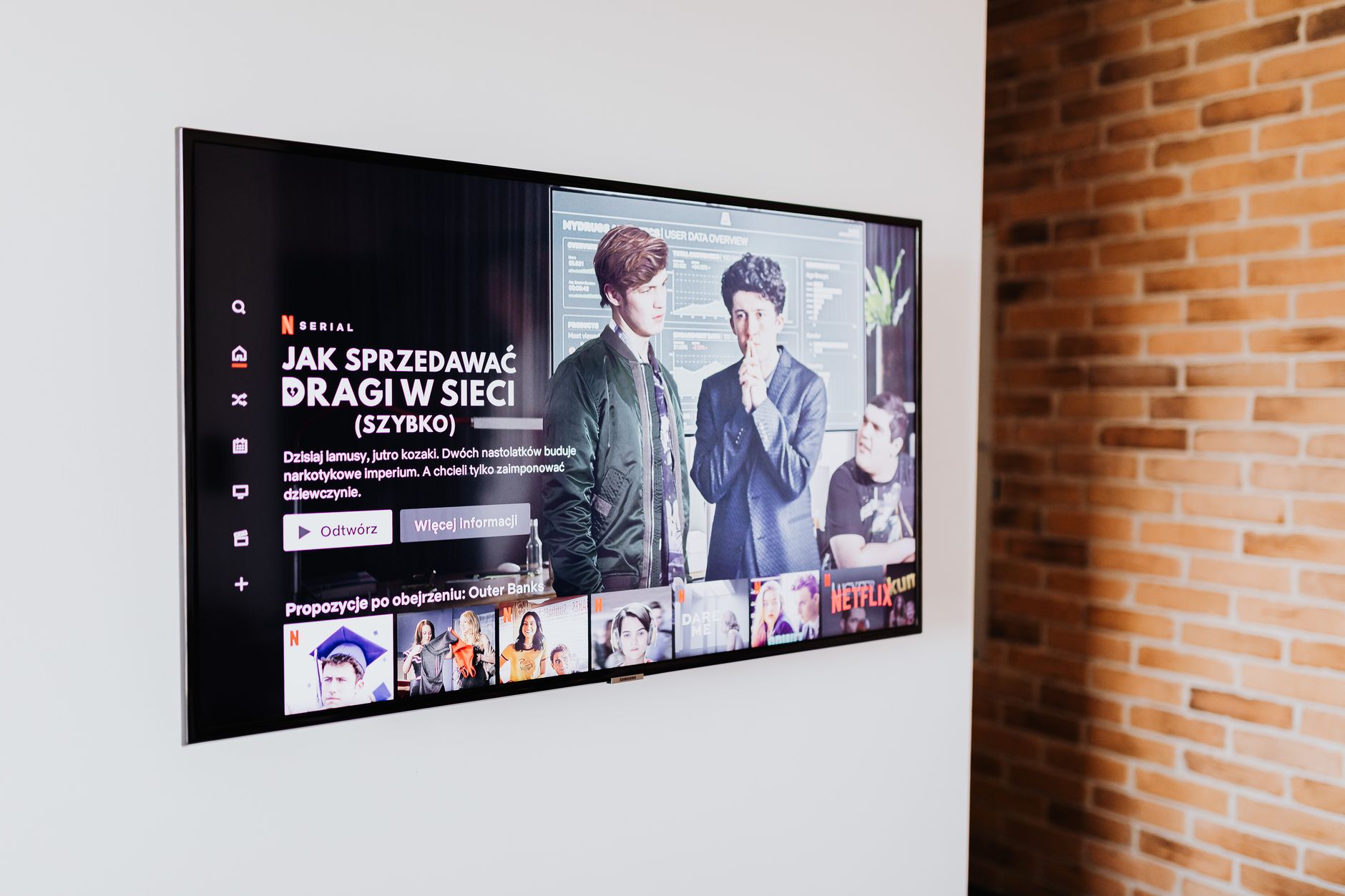
Purchasing a new TV can be an exciting yet overwhelming experience. With a plethora of options, features, and price points, knowing what you need and want can help streamline your decision-making process. This guide will provide you with essential insights into how to buy a TV, highlighting key features, pricing considerations, and what to compare before making your purchase.
In this article, we will cover various factors such as screen types, resolution options, smart features, and more. Whether you’re searching for the latest in technology or simply want the best TV for your budget, this guide will equip you with the necessary knowledge to make an informed choice.
How to Buy a TV? (What Should You Consider?)
When purchasing a TV, you’ll want to consider factors such as screen size, display technology, resolution, smart capabilities, audio features, and budget. Knowing these aspects will help you narrow down your options and select a TV that fits your needs.
Understanding TV Display Technology
The first consideration when buying a TV is understanding the different types of display technologies available. Here are the main types:
- LED (Light Emitting Diode): This is the most common type of TV. LED TVs use a backlight system of LEDs to illuminate the screen. They are energy-efficient and offer good color accuracy.
- LCD (Liquid Crystal Display): Similar to LED TVs, LCDs use a liquid crystal panel with a fluorescent backlight. They tend to be less expensive but may not provide the same color vibrancy as LED or OLED.
- OLED (Organic Light Emitting Diode): OLED panels offer superior picture quality with deep blacks and excellent contrast ratios because each pixel emits its own light. They tend to be pricier than other options.
- QLED (Quantum Dot LED): A step up from standard LED, QLED TVs utilize quantum dot technology for enhanced brightness and color accuracy, resulting in a more vivid picture Quality.
- Mini-LED and MicroLED: These are newer technologies that improve contrast and brightness, but they are still evolving and may come with a higher price tag.
Screen Size and Viewing Distance
Your TV’s screen size is an essential factor because it affects your viewing experience. Consider the following steps:
- Measure the space where you’ll place the TV. Common sizes range from 32 inches to over 85 inches.
- Determine your ideal viewing distance. A general rule of thumb is to sit at a distance 1.5 to 2.5 times the diagonal size of the TV. For excellent quality, a 4K TV allows for closer distances.
- Visit a store to see how different sizes look in person, as this can help you gauge what you would prefer in your home.
Remember to consider room dimensions when selecting the TV’s size. TVs that are too large can overwhelm a smaller room and impact the viewing experience negatively.
Resolution Matters
Resolution determines the clarity and detail of the picture on the screen. Here are common resolutions you may encounter:
- 1080p (Full HD): Offers a resolution of 1920 x 1080 pixels. Suitable for standard viewing, but less common in newer models.
- 4K (Ultra HD): With a resolution of 3840 x 2160 pixels, 4K TVs offer four times the pixels of 1080p, providing sharper images and greater detail.
- 8K: The latest technology offers a resolution of 7680 x 4320 pixels. While they provide exceptional picture quality, available content is still limited.
Selecting the right resolution depends significantly on your viewing habits. If you enjoy watching movies in high definition or play video games, opt for at least a 4K model for the best experience.
Smart TV Features
Smart TVs come equipped with internet connectivity, allowing you to stream content from various services. Consider the following features:
- Streaming Apps: Look for a TV that supports a variety of streaming services like Netflix, Hulu, Amazon Prime Video, and Disney+.
- User Interface: A user-friendly interface is vital. Some brands have more intuitive platforms than others.
- Voice Control: Many smart TVs integrate with voice assistants like Alexa, Google Assistant, or Siri for hands-free control.
- AirPlay and Chromecast: These features allow you to mirror content from your smartphone, tablet, or computer to your TV.
Audio Quality Considerations
While most TVs have built-in speakers, the audio quality may not meet your expectations, especially for larger screens. Consider the following:
- Built-in Speakers: Check reviews and specifications for audio performance since the quality varies between models.
- Soundbar Support: If audio quality is crucial to you, consider purchasing a soundbar or a home theater system for an improved listening experience.
- Audio Formats: Look for support for advanced audio formats such as Dolby Atmos for an immersive sound experience.
Price Points and Budgeting
Budgeting for your TV is critical as prices can vary significantly based on features and specifications. Follow these guidelines:
- Set a Budget: Determine how much you are willing to spend. Decide if you want to make a one-time purchase or consider financing options.
- Watch for Sales: Timely purchases can save you money. Black Friday and holiday seasons often have significant discounts.
- Consider Lifespan: Investing in a well-reviewed TV may save you money in the long run by reducing the need for upgrades sooner.
What to Compare Before Buying a TV
To ensure that you’re making the right purchase, compare these specifications across prospective TVs:
- Picture Quality: Compare brightness, color accuracy, and contrast ratios.
- Smart Features: Check app availability and ease of use among competitor models.
- Warranty: Look into the manufacturer’s warranty policies and what they cover.
- Brand Reputation: Research customer reviews and ratings for reliability and support.
Where to Buy Your TV
Deciding where to buy your TV is as important as the TV itself. Explore the following options:
- Online Retailers: Websites like Amazon, Best Buy, and Walmart provide a wide selection and often have customer reviews to inform your choice.
- Physical Stores: Visiting physical stores gives you the hands-on opportunity to see the TVs in action and compare them directly.
- Warehouse Clubs: Stores like Costco or Sam’s Club often have competitive pricing, especially for members.
Make sure to check for return policies and warranties regardless of where you buy your TV to protect your investment.
Common Questions When Buying a TV
Here are some frequently asked questions that may help guide your purchase:
Should I Choose a Larger Screen TV?
Choosing a larger screen can enhance your viewing experience, especially for movies and sports. However, ensure it fits your space and viewing distance comfortably.
Is 4K Worth It?
4K offers a significant upgrade in clarity from 1080p. If you frequently watch high-quality content, investing in 4K is advisable.
What TV Brands Are Reliable?
Popular TV brands renowned for quality and durability include Samsung, LG, Sony, and TCL. Researching specific models can provide insight into reliability.
After Purchase Considerations
Once you’ve purchased your TV, consider these additional points:
- Setting Up Your TV: Follow the manufacturer’s instructions for assembly and setup. Consider consulting online resources if issues arise.
- Calibration: Calibrating your TV settings (brightness, contrast, etc.) can enhance picture quality. Some TVs offer automatic calibration settings.
- Regular Updates: Keep your smart TV software up to date for optimal performance and security.
Conclusion
Buying a TV involves thorough consideration of features and budget. Understanding display technologies, resolutions, and smart capabilities can simplify your decision-making process. Make sure to compare various models based on your preferences and consult current reviews to guide your purchase.
Ready to buy your new TV? Consider exploring the latest television options at where to buy televisions and learn how to properly size your new screen with this guide on how to measure a TV.