
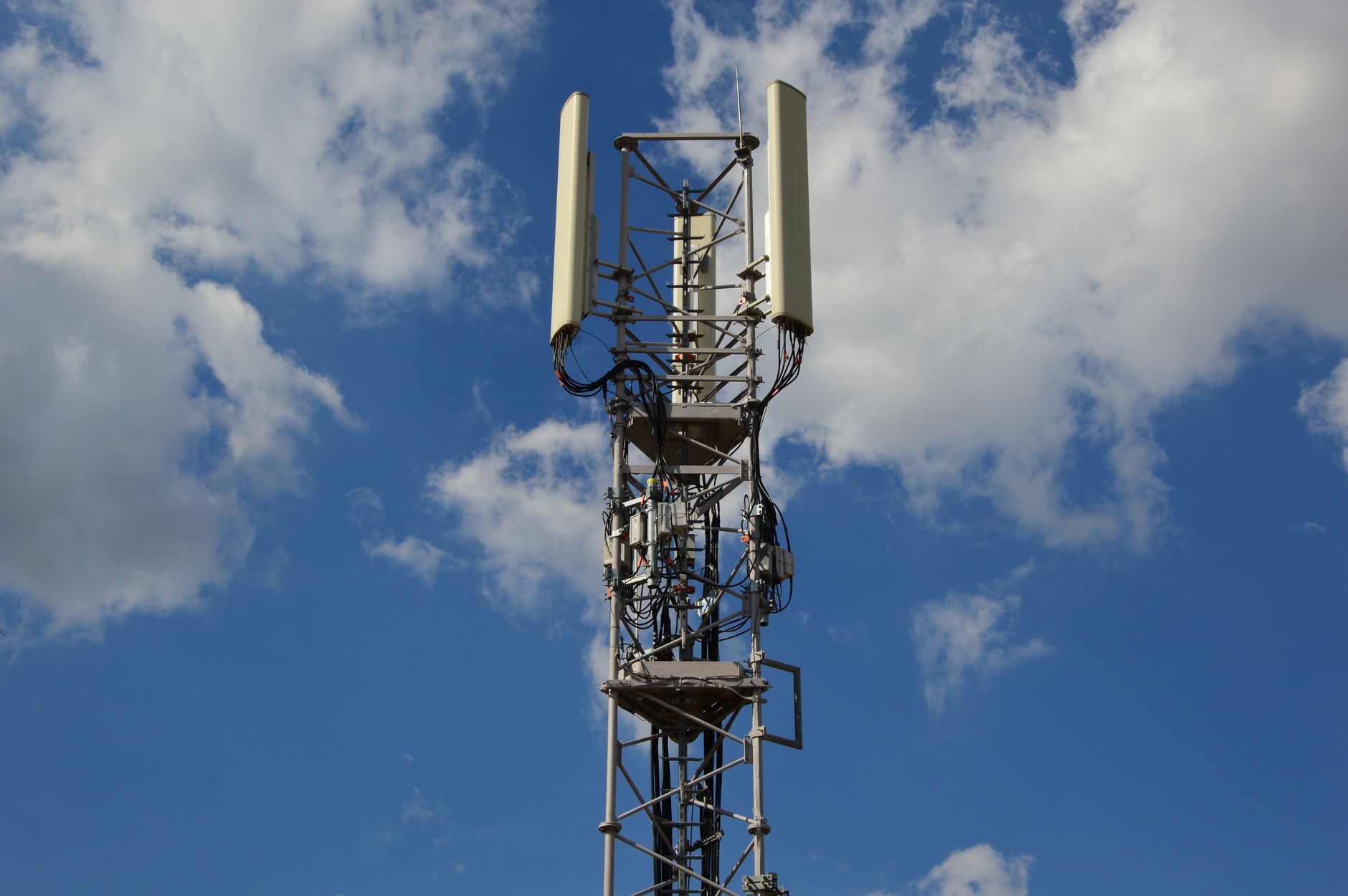
In the rapidly evolving mobile technology landscape, terms like 5G UC are becoming increasingly common. Understanding what 5G UC means and how it impacts your smartphone experience can enhance your ability to use mobile networks more effectively. This article will discuss what 5G UC is, how it differs from other 5G technologies, its features, phone settings, and everyday applications.
5G UC, or 5G Ultra Capacity, is one of the several types of 5G network architectures. It provides improved speeds, lower latency, and greater capacity compared to earlier network generations. As 5G technology continues to evolve, becoming familiar with 5G UC and its implications is essential for leveraging the full potential of your mobile device.
What Is 5G UC?
5G UC stands for 5G Ultra Capacity, a term used primarily by network providers like T-Mobile to describe their advanced 5G service. It refers to a blend of mid-band and high-band 5G technologies that offer faster speeds and better reliability than traditional low-band 5G. 5G UC allows users to experience enhanced data transmission speeds, making it possible to download large files, stream high-quality content, and engage in real-time applications with minimal delay.
Key Differences Between 5G UC and Other 5G Technologies
It is crucial to differentiate 5G UC from other types of 5G networks. Understanding how it fits within the broader 5G ecosystem will help you make informed choices about your connectivity needs.
- Low-Band 5G: This is the most widespread type of 5G, characterized by extensive coverage but slower speeds. It operates in the sub-1 GHz frequency range, which, while excellent for reach and penetration, does not deliver the same high-speed performance as 5G UC.
- Mid-Band 5G: This type offers a balance between coverage and speed, operating between 1 GHz and 6 GHz. It provides better speeds than low-band 5G but is more limited in coverage than low-band frequencies.
- High-Band 5G (mmWave): Capable of delivering the highest speeds, this type operates above 24 GHz. However, its range is limited, as it can struggle with obstacles like buildings and trees.
- 5G UC: This term specifically refers to areas where mid-band and high-band capabilities are combined, effectively enhancing bandwidth and user experience.
Features of 5G UC
5G UC brings several exciting features that enhance mobile connectivity. Below are some of the key characteristics of this advanced network technology:
- Increased Speeds: 5G UC can provide download speeds significantly faster than 4G LTE, often reaching up to 1 Gbps or more in optimal conditions.
- Lower Latency: With reduced lag time, applications requiring real-time data exchange—such as gaming or video conferencing—benefit greatly from 5G UC.
- Enhanced Capacity: 5G UC can support a more significant number of connections simultaneously without degrading performance.
- Improved Reliability: Users experience fewer dropped connections and more consistent speeds, which is crucial for applications where reliability is paramount.
- Extended Range with Mid-Band: By utilizing mid-band networks, 5G UC enhances coverage areas while maintaining speed, providing a more balanced experience compared to mmWave alone.
How to Enable 5G UC on Your Phone
To take advantage of 5G UC on your device, make sure it’s compatible with the network technology. Here’s a step-by-step guide to enabling 5G UC on your smartphone:
- Check Device Compatibility: Ensure that your smartphone supports 5G UC. Most newer devices are equipped with the necessary hardware, but it’s always good to verify.
- Update Your Phone: Ensure that your operating system and carrier settings are up to date to avoid connectivity issues. Look for updates in your settings menu:
- Select Network Mode: Go to your device settings to enable 5G:
- Check Network Settings: Set your mobile network to your carrier’s recommended settings. If you are using T-Mobile, ensure that 5G UC is included in your plan.
- Monitor Connection Status: Look for a ‘5G’ or ‘5G UC’ icon in your status bar once connected. If you do not see it, you may be in an area without coverage.
Settings > System > System updatesSettings > Connections > Mobile Networks > Network Mode > 5G/4G/3G/2G autoEveryday Uses of 5G UC
5G UC can significantly impact how you use your smartphone and improve various everyday activities. Here are a few practical examples:
1. Streaming Ultra-High Definition Content
With the speed advantage provided by 5G UC, streaming services can deliver ultra-high-definition (UHD) content seamlessly. This means users can watch movies and shows without buffering, even in crowded environments or while on the move.
2. Enhanced Mobile Gaming
For avid mobile gamers, the low latency and fast download/upload speeds of 5G UC can significantly enhance gameplay. Users can engage in high-demand games without the frustrating lag that often plagues mobile connections.
3. Remote Working
As more people work from home, reliable mobile connectivity becomes crucial. 5G UC supports video conferencing, file sharing, and collaboration tools without interruptions caused by slow connections.
4. Smart Home Devices
With more smart devices being integrated into everyday life, 5G UC can improve communication between devices, allowing for smoother performance in managing things like smart security systems, lighting, and entertainment systems.
5. Augmented and Virtual Reality (AR/VR)
5G UC enhances AR and VR experiences by reducing latency and increasing data transfer speeds. Applications that require real-time interaction, such as virtual meetings or AR gaming, will benefit from faster connections.
Troubleshooting 5G UC Connectivity Issues
If you’re experiencing issues with your 5G UC connectivity, several common problems and solutions may help:
Common Issues
- No 5G Icon: You may not see the 5G UC icon in your status bar.
- Slow Speeds: Your connection may not be delivering expected speeds.
- Dropped Connections: You might experience frequent disconnections.
Potential Fixes
- Reboot Your Device: Sometimes, a simple restart can resolve connectivity issues.
- Reset Network Settings: If problems persist, resetting network settings can refresh your connection:
- Check Carrier Coverage: Ensure that you are in an area with 5G UC coverage. You can check your carrier’s coverage map online.
- Contact Your Carrier: If issues continue, reach out to your mobile service provider for assistance. It may be an issue on their end or with your account.
Settings > System > Reset Options > Reset Wi-Fi, mobile & Bluetooth5G UC and Privacy Concerns
As with any emerging technology, privacy and security are essential considerations when using 5G UC. The increased capacity and connectivity raise potential data protection concerns.
Best Practices for Protecting Your Privacy
- Use Virtual Private Networks (VPNs): VPNs can encrypt your internet traffic, protecting your data from interception.
- Keep Software Updated: Regularly update your smartphone’s software to ensure robust security patches are applied.
- Monitor App Permissions: Regularly review permissions granted to apps to ensure that they are not accessing more data than necessary.
- Educate Yourself on Phishing Risks: Be vigilant about potential scams targeting mobile users who may be leveraging 5G UC services.
Future Prospects of 5G UC
The development of 5G UC technology is ongoing. As network infrastructure improves, users can expect even faster speeds and enhanced reliability. This may facilitate the growth of new applications and services yet to be imagined, affecting industries like healthcare, transportation, and entertainment.
What’s Next for Users?
As 5G UC becomes more prevalent, staying informed about your mobile plan options, device compatibility, and network capabilities is essential. Being proactive will ensure that you continue to enjoy the benefits that come with this technology.
Understanding what 5G UC is and how to utilize its capabilities effectively can significantly improve your mobile experience. The enhancements it provides in speed, latency, and connectivity are transforming how we interact with technology. Consider your current usage and how 5G UC can maximize your smartphone’s potential and enhance your daily tasks.
For further information on 5G UC and related topics, feel free to explore more articles such as what 5G UC means in more detail and learning about network security keys. Staying informed and educated will ensure you harness the benefits of these rapid technological advancements.
Explore related tech tutorials, explainers, comparisons, or troubleshooting guides to deepen your understanding of technology: what 5G UC means and network security keys.