
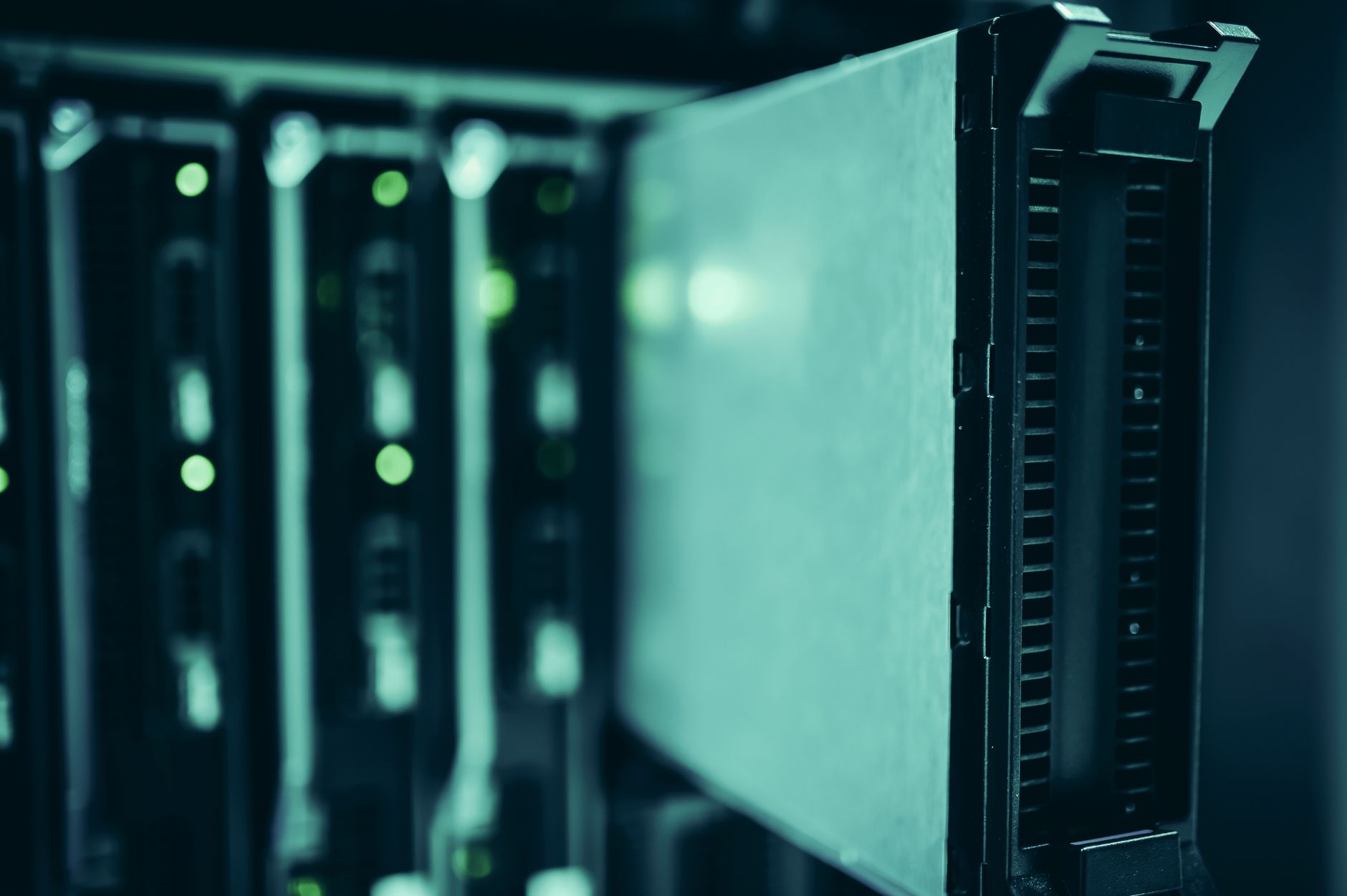
Data centers are the backbone of how we store, process, and manage data in our digital age. They house critical IT infrastructure, including servers, storage systems, and networking equipment. Understanding what a data center does and its essential components can enlighten businesses and consumers alike about how data is successfully managed and delivered.
This article will delve into the various functionalities of data centers, explore their components, and discuss their roles in cloud computing and enterprise operations. From servers to storage solutions, let’s get a deeper understanding of what data centers do.
What Does a Data Center Do?
A data center serves as a centralized location for managing and storing data. It performs various crucial functions, including:
- Hosting applications and websites
- Storing and backing up data
- Data processing and analysis
- Networking and communication
- Supporting cloud computing services
Data centers also ensure system reliability, security, and availability for businesses operating in the digital environment. As organizations continue to adopt advanced technologies, the role of data centers in enhancing productivity and operational efficiency becomes increasingly vital.
Components of a Data Center
Data centers consist of several key components that work together to store, process, and manage data. The primary components include:
1. Servers
Servers are the heart of any data center. They perform the computing tasks necessary to process and manage data. There are various types of servers, including:
- Web Servers: Host websites and serve content over the internet.
- Application Servers: Provide a platform for running applications.
- Database Servers: Store and manage databases used by applications.
- File Servers: Store files and facilitate file-sharing among users.
Servers in a data center can range from single-processor machines to high-density solutions that pack multiple processors into one unit. They are designed to handle heavy workloads and provide high availability.
2. Storage Systems
Storage systems are critical for data centers as they store vast amounts of data. There are various types of storage solutions, including:
- Hard Disk Drives (HDDs): Traditional spinning disks used for data storage.
- Solid State Drives (SSDs): Faster and more reliable storage devices that use flash memory.
- Network-Attached Storage (NAS): Dedicated file storage that allows multiple users and devices to access files via a network.
- Storage Area Networks (SAN): Dedicated high-speed networks that provide access to consolidated block-level storage.
The choice of storage system largely depends on the data center’s specific needs and the types of applications being hosted.
3. Networking Equipment
Networking equipment is essential for interconnecting servers, storage systems, and end-user devices. Key networking components include:
- Switches: Devices that connect multiple devices on a network by using packet switching to receive, process, and forward data to destination devices.
- Routers: Devices that forward data packets between computer networks, directing traffic to its intended destination.
- Firewalls: Security devices that monitor and control incoming and outgoing network traffic based on predetermined security rules.
The right network configurations are crucial for performance, scalability, and security in data centers.
4. Cooling Systems
Cooling systems are vital in data centers to manage heat generated by servers and other hardware. Overheating can lead to component failure and reduced operational efficiency. Common cooling solutions include:
- Air Conditioning Units: Used to cool the air and maintain a consistent temperature.
- Liquid Cooling: Employs liquids to absorb heat from devices more efficiently than air.
- Hot Aisle/Cold Aisle Containment: An arrangement of server racks that positions cooling airflow optimally.
Maintaining the right temperature and humidity levels is essential for the reliability and longevity of equipment.
5. Power Supply
Power supply is critical for data centers to ensure a constant operational environment. Components involved in power management include:
- Uninterruptible Power Supply (UPS): Provides backup power in the event of a power failure.
- Power Distribution Units (PDUs): Distribute power to various equipment within the data center.
- Generators: Backup systems that maintain power supply during extended outages.
Ensuring reliable power sources minimizes downtime and protects data integrity.
The Role of Data Centers in Cloud Computing
The rise of cloud computing has transformed how businesses approach data management. Data centers are integral to cloud services for several reasons:
1. Scalability
The architecture of data centers enables service providers to scale their resources efficiently. Organizations can typically increase their data storage or compute capacity without significant upfront investments in physical infrastructure.
2. Flexibility
Cloud-based solutions allow organizations to consume resources based on their actual needs rather than investing in excess capacity. This flexibility enhances organizational efficiency and cost management.
3. Accessibility
Data centers supporting cloud services offer remote access to applications and data, facilitating collaboration across various platforms. Users can access resources from virtually anywhere, improving productivity.
4. Cost Management
Adopting a cloud approach supported by efficient data centers reduces the need for ongoing maintenance and hardware updates. This shift allows organizations to follow a pay-as-you-go model, freeing up resources for other business initiatives.
Security Considerations in Data Centers
Security is a significant concern for data centers due to the sensitive nature of the data they manage. Essential security measures include:
1. Physical Security
Data centers employ strict physical security measures, including:
- Access control systems (biometric scanners or key cards)
- Video surveillance and monitoring
- Security personnel on-site
Protecting hardware from unauthorized access is vital in maintaining data integrity.
2. Cybersecurity
Data centers use various methods to secure data from cyber threats:
- Firewalls: Control traffic and prevent unauthorized access.
- Intrusion Detection Systems: Monitor network traffic for suspicious activity.
- Encryption: Protect sensitive data during storage and transmission.
Balancing accessibility and security is an ongoing challenge for data centers.
Trends in Data Center Operations
The data center landscape is always evolving. Some of the trending practices shaping the future of data centers include:
1. Virtualization
Virtualization technology allows multiple virtual machines to run on a single physical server, optimizing resource usage and improving efficiency.
2. Edge Computing
As data processing shifts closer to the source, edge computing reduces latency while improving response times. This trend enhances data center capabilities and responsiveness in a world driven by real-time data.
3. Green Technology
Environmental concerns have pushed data centers towards greener technologies, such as energy-efficient equipment, renewable energy sources, and better cooling solutions.
4. Automation and AI
Automation tools and AI-driven analytics contribute to improved operational efficiency by simplifying workflows and predictive maintenance, which helps minimize the risk of outages.
Conclusion
Data centers play an integral role in modern data management, providing the infrastructure necessary to store, process, and secure data in a scalable and efficient manner. Understanding how data centers function allows organizations to make informed decisions when it comes to hosting applications, managing data, and embracing emerging technologies.
Exploring related tech topics can further enhance your understanding of data management. Check out our guides on data lakes and data warehouses for more insights on data storage solutions.