
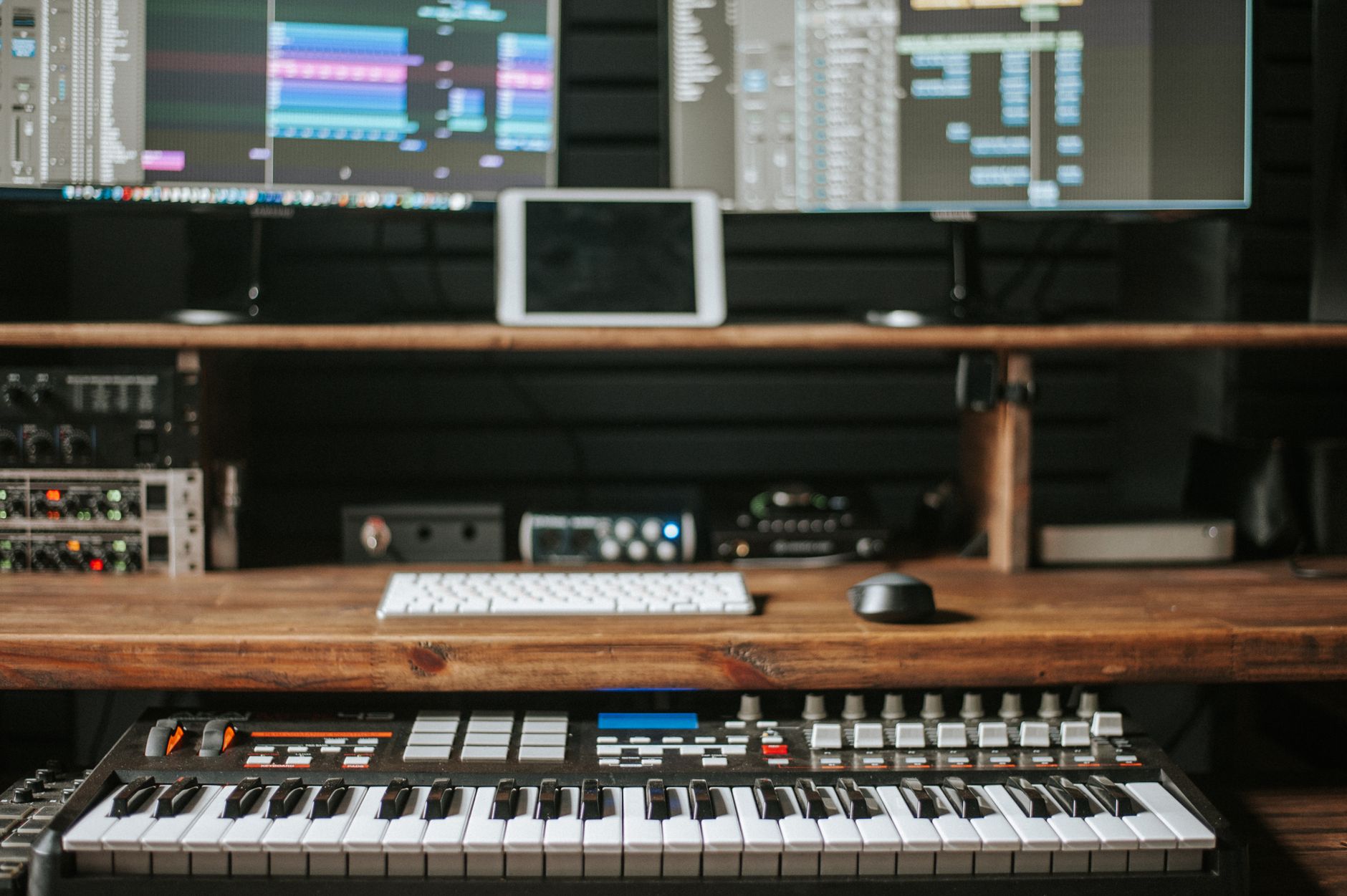
A MIDI (Musical Instrument Digital Interface) file is a standardized way to store musical data that can be interpreted by various software and hardware devices. Unlike audio files that contain actual sound, MIDI files provide information about which notes were played, their duration, and expressive details like velocity and pitch bend. This allows musicians to create complex compositions with precise control over every aspect.
The versatility of MIDI files makes them essential for music production, helping streamline the workflow for both amateur and professional musicians. In this article, we will explore the different formats of MIDI files, their features, and how to effectively use them in various applications.
What Is a MIDI File?
A MIDI file is a data file that contains information about music performance, not the audio itself. This performance data includes details like note on/off messages, control changes, and system messages which allow electronic instruments and computers to communicate and play music. These files can be easily edited, which is one of their major advantages over traditional audio files.
Formats of MIDI Files
MIDI files come in several formats, each serving different purposes. The most common formats include:
- MIDI Type 0: This format contains a single track that integrates all MIDI data. It is simpler and takes up less space, but lacks the ability to separate tracks for different instruments.
- MIDI Type 1: This more modern format consists of multiple tracks, making it easier to manage complex arrangements with multiple instruments. Tracks can be played simultaneously or separately.
- MIDI Type 2: Often used for specific applications, this format supports multiple sequences within the same file but is rare in general usage.
Key Features of MIDI Files
MIDI files offer a variety of features that enhance their usability and versatility in music production:
- Small File Size: Because MIDI files only store performance data and not audio, they take up significantly less space than audio files.
- Precision: MIDI data allows for fine-tuning of every note, including articulation, dynamics, and timing.
- Flexibility: You can easily edit MIDI files by changing notes, instrument assignments, and effects without having to re-record performances.
- Interoperability: MIDI files can be used across different software and hardware systems, making them a standardized choice in music technology.
- Real-Time Control: Musicians can manipulate MIDI data in real-time using MIDI controllers and sequencers, allowing for dynamic performances.
How MIDI Works
MIDI works by sending messages between devices. These messages can include:
- Note On/Off: Signals when a note is played or released.
- Velocity: Indicates how forcefully a note is played, affecting its loudness and timbre.
- Control Change: Transmits changes in various parameters like modulation or volume.
- Pitch Bend: Adjusts the pitch of notes, adding expressiveness to performances.
In simple terms, when you press a key on a MIDI keyboard, it sends a Note On message to your software or hardware device, which then interprets that message to produce sound based on the assigned instrument. When you release the key, a Note Off message is sent.
Using MIDI Files in Music Production
MIDI files are widely used in digital audio workstations (DAWs), music notation software, and various MIDI-compatible hardware. Here’s how you can use MIDI files in music production:
1. Importing MIDI Files into a DAW
- Open your DAW software.
- Navigate to the file menu and select the option to import or open a MIDI file.
- Choose the MIDI file you want to work with and open it.
- The MIDI data will appear in the tracks section and can be assigned to virtual instruments or external MIDI hardware.
2. Editing MIDI Files
- Adjust Notes: You can drag notes to change their pitch or duration easily.
- Velocity Editing: Change the velocity values to adjust the loudness or feel of the performance.
- Adding Effects: Apply various virtual instruments and effects to MIDI tracks to shape the final sound.
3. Exporting MIDI Files
- After editing, navigate to the export or save options in your DAW.
- Select the option to export as a MIDI file.
- Choose your desired format (Type 0 or Type 1) and save the file.
MIDI Controllers and Their Role
MIDI controllers are hardware devices that send MIDI data to software or other hardware. These include keyboards, drum pads, and other specialized input devices. Here’s how they function:
- Performance Input: MIDI controllers allow musicians to input musical data live, capturing nuances in performance.
- Control Over DAWs: Many MIDI controllers offer sliders, knobs, and buttons to control parameters within your DAW, enhancing creative flow.
- Integration with Software: They often come with bundled software to help users get started with music production quickly.
MIDI in Film and Game Scoring
MIDI files play a crucial role in film and game scoring. They allow composers to quickly draft and revise musical ideas. Using MIDI in this context has several benefits:
- Rapid Prototyping: Composers can quickly create music using MIDI files, enabling rapid iteration and feedback.
- Sound Library Access: MIDI files can be routed through high-quality virtual instruments, providing cinematic quality scores.
- Collaboration: MIDI files can be shared easily among collaborators for seamless edits and improvements.
Common MIDI File Errors and Troubleshooting
While working with MIDI files, you may encounter various issues. Here are some common problems and their solutions:
1. MIDI Files Not Playing in Your Software
Ensure that the correct virtual instrument is assigned to the MIDI track. Sometimes, changing the output settings or re-importing the MIDI file can resolve playback issues.
2. Missing Notes or Glitches
These can occur due to corrupted MIDI files. You might try opening the MIDI file in a different DAW to see if it plays correctly. If not, consider re-recording or exporting from the original source.
3. MIDI Controller Not Responding
If a MIDI controller is not sending data to your DAW, check the following:
- Ensure that the MIDI device is connected and powered on.
- Verify that the DAW recognizes the MIDI controller under preferences or settings.
- Check the MIDI channel settings; your controller must match the MIDI channel set in your DAW for communication.
Best Practices for Using MIDI Files
To maximize the potential of MIDI files in your music production workflow, consider these best practices:
- Organize Your Tracks: Label your MIDI tracks clearly and use color coding to keep your project organized.
- Save Versions: Regularly save versions of your project to previously working states to avoid losing work if issues arise.
- Backup MIDI Files: Always keep backups of your MIDI files separate from your main projects in case of data loss.
- Explore MIDI Libraries: Use existing MIDI files as templates or inspiration for your own compositions.
Conclusion
MIDI files are powerful tools in the realm of music production, offering numerous features and benefits that cater to musicians of all levels. From their versatility and precision to their interoperability across various platforms, understanding MIDI files can greatly enhance your musical creations. Whether you are composing for a film, creating a digital track, or experimenting with sound, mastering the use of MIDI files opens up a world of possibilities.
As you delve deeper into the world of music production, explore various software options and MIDI controllers to find the best combination that suits your workflow. Utilizing MIDI files effectively can lead to more dynamic and fulfilling music-making experiences.
For further reading, you might want to check out our articles on what a DAW is and more information about MIDI files.