
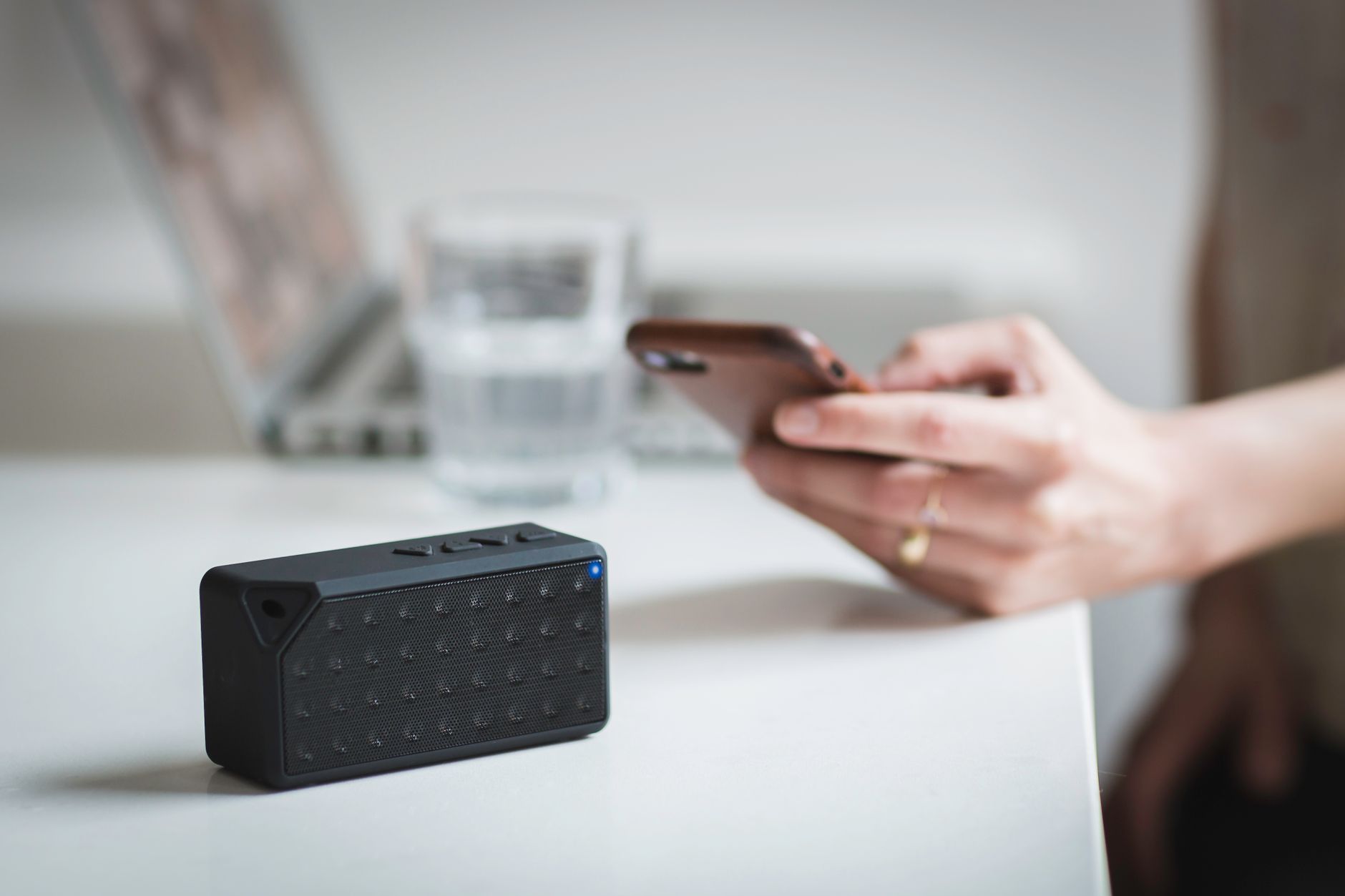
Bluetooth is a wireless technology standard designed for short-range communication between devices. It allows devices to exchange data without the need for physical connections, enabling seamless integration and convenience in our increasingly connected world. Understanding how Bluetooth works is crucial in utilizing its full potential across various devices and applications.
This article covers Bluetooth’s functionality, pairing process, range, devices that utilize it, and key considerations regarding security and troubleshooting. With this knowledge, you’ll be better equipped to discuss Bluetooth in context and navigate the wide array of Bluetooth-enabled technology.
What Is Bluetooth?
Bluetooth is a wireless technology standard that facilitates short-range communication. It operates between devices by using radio waves to transmit data over distances typically ranging from a few centimeters up to about 100 meters (328 feet), depending on the device classes and environmental factors. Since its introduction in 1998, Bluetooth has evolved significantly, offering continuous improvements in speed, range, energy efficiency, and security.
Bluetooth Technology Fundamentals
At its core, Bluetooth enables devices to connect and communicate wirelessly. The technology functions using a protocol stack composed of several layers, ensuring reliable and efficient data transmission. Important components of Bluetooth technology include the following:
- Radio Frequency (RF) Communication: Bluetooth uses the 2.4 GHz industrial, scientific, and medical (ISM) band, which allows for robust and effective communication in various environments.
- Profiles: Bluetooth technology supports various profiles, each defining specific use cases and capabilities. For example, the Audio/Video Remote Control Profile (AVRCP) is used for controlling audio devices, while the Hands-Free Profile (HFP) is utilized in hands-free calling applications.
- Pairing and Connection: Devices must be paired before they can communicate. This pairing process establishes a secure connection through authentication and encryption.
Wireless Pairing: Connecting Devices via Bluetooth
Pairing two devices using Bluetooth is a straightforward process that involves discovering nearby devices and establishing a secure connection. Below is a step-by-step guide on how to pair devices:
- Enable Bluetooth: On both devices, ensure Bluetooth is enabled. This can usually be done through the settings menu.
- Discovery Mode: Make the device you want to connect discoverable. This allows other devices to see it when searching for Bluetooth connections.
- Search for Devices: Use the appropriate settings menu on the second device to search for available Bluetooth devices.
- Select Device: Once the target device appears in the list, select it to initiate the pairing process.
- Authentication: Depending on the devices, you may be prompted to enter a passkey, PIN, or confirm a pairing code. This step ensures that the devices are allowed to connect securely.
- Connection Established: When pairing is successful, the devices will connect automatically for future use, provided Bluetooth is enabled on both.
Common Pairing Issues
During the pairing process, you may encounter some common issues:
- Visibility: Ensure that the device you want to pair is in discovery mode and visible to other devices.
- Distance: Stay within the standard Bluetooth range (approximately 30-100 meters, depending on the device) to avoid connectivity issues.
- Interference: Other wireless devices or physical obstacles can interfere with Bluetooth signals. Move away from potential sources of interference.
Bluetooth Range and Classes
Bluetooth devices are categorized into different classes based on their range and transmission power. The following classes assist in understanding how close devices need to be for connectivity:
| Class | Max Range | Typical Use |
|---|---|---|
| Class 1 | 100 meters | Industrial equipment, long-range applications |
| Class 2 | 10 meters | Smartphones, headsets, and other consumer electronics |
| Class 3 | 1 meter | Short-range devices, often low-energy sensors |
Devices That Use Bluetooth Technology
Bluetooth technology is widely adopted across numerous devices, making it versatile and prevalent in day-to-day life. Below are some common categories of Bluetooth-enabled devices:
- Audio Devices: Bluetooth headphones, speakers, and soundbars allow for wireless audio streaming.
- Wearable Tech: Smartwatches and fitness trackers utilize Bluetooth to sync data with smartphones.
- Mobile Devices: Smartphones, tablets, and laptops often leverage Bluetooth for peripheral connectivity.
- IoT Devices: Smart home gadgets like light bulbs, thermostats, and security cameras often connect via Bluetooth for control and monitoring.
Bluetooth Versions and Enhancements
Over the years, Bluetooth technology has seen multiple iterations, each introducing enhancements in speed, range, and energy efficiency:
- Bluetooth 4.0: Introduced Bluetooth Low Energy (BLE), allowing for significant power savings, which is particularly beneficial for battery-operated devices.
- Bluetooth 4.1: Improved connectivity with simultaneous connections and device co-existence with LTE networks.
- Bluetooth 4.2: Added features for Internet of Things (IoT) devices and enhanced privacy and security measures.
- Bluetooth 5.0: Further increased range (up to 240 meters with BLE), speed (up to 2 Mbps), and broadcast capacity.
Security Considerations for Bluetooth
While Bluetooth technology offers great convenience, it is also essential to be aware of potential security risks. Below are some important consideration points:
- Pairing Security: Always use encryption and strong authentication methods during device pairing to secure the connection.
- Visibility Options: Set devices to non-discoverable mode when not in use to prevent unauthorized access.
- Software Updates: Regularly update both your devices and Bluetooth firmware to ensure the latest security enhancements are in place.
Troubleshooting Common Bluetooth Issues
If you find that your Bluetooth devices are not pairing or connecting as expected, here are some troubleshooting steps you can follow:
- Restart Devices: Reboot the devices needing to connect. Restarting can resolve numerous connectivity issues.
- Clear Bluetooth Cache: On mobile devices, clear Bluetooth cache from the settings menu. This can help in refreshing device associations.
- Forget Device: Remove the problematic device from the Bluetooth settings and attempt to re-pair.
- Check for Interference: Eliminate potential sources of interference, such as other wireless devices operating on similar frequencies.
Future of Bluetooth Technology
As technology evolves, the future of Bluetooth is expected to bring further enhancements in speed, capacity, and connectivity. Future iterations may focus on improved integration with emerging technologies such as augmented reality (AR) and virtual reality (VR) or introduce additional features to support the expanding Internet of Things (IoT) ecosystem.
Ultimately, Bluetooth has become an integral part of daily communication between personal devices, significantly enhancing user convenience. By understanding its underlying principles and functionality, users can better leverage its benefits across a variety of contexts.
To apply what you’ve learned, you might consider trying to connect your Bluetooth headphones to a smartphone. You can follow basic pairing instructions as you work through that task. If you encounter any issues, you may want to refer to additional tech tutorials for troubleshooting assistance.
If you’re looking to explore further, consider reading guides on how to restart Bluetooth service on Windows or connect AirPods to your iPhone for more hands-on applications.