
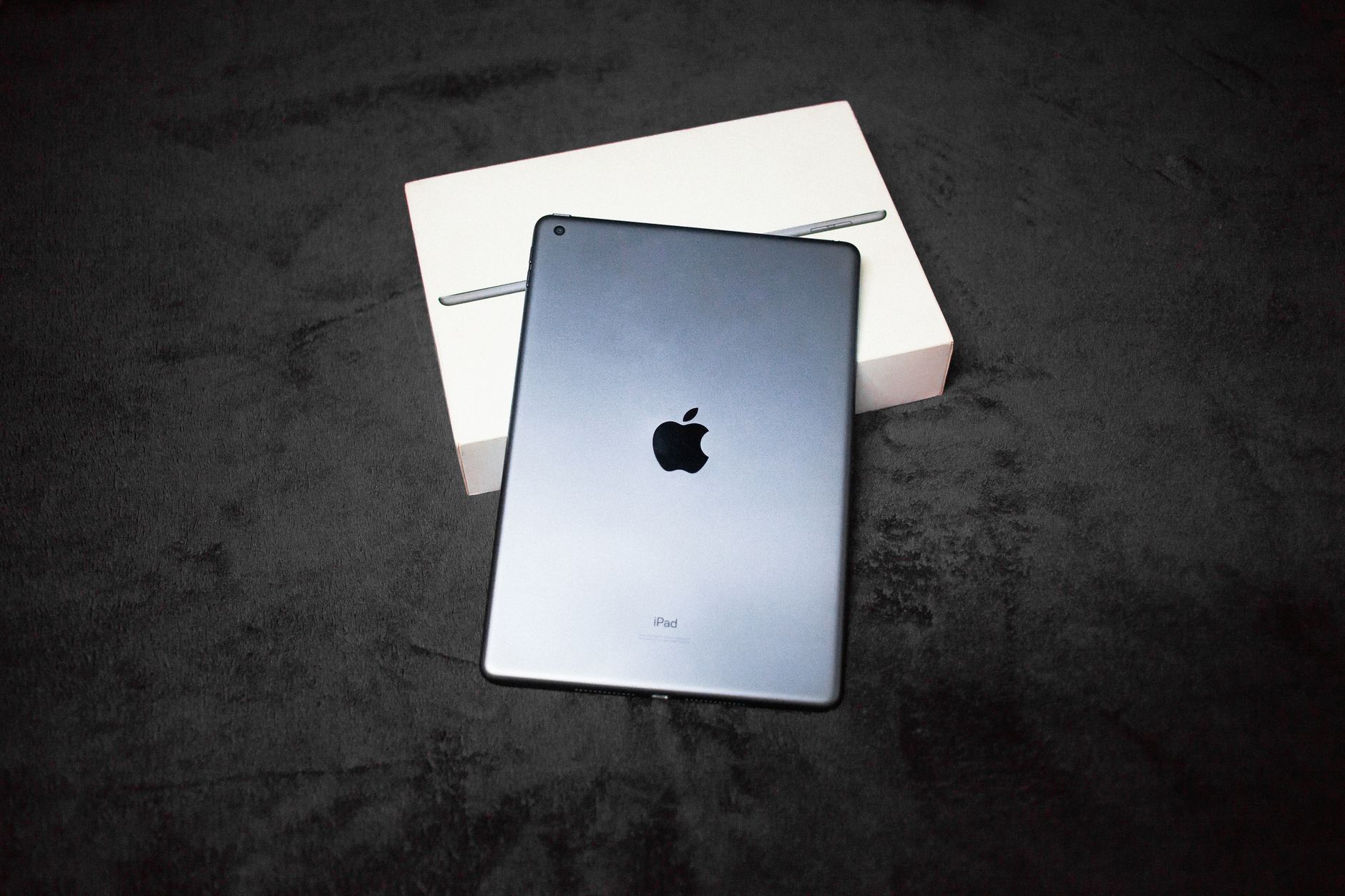
The landscape of tablets has been redefined with the latest offerings from Apple. With consistent updates and improvements, the iPad series maintains its reputation as a powerful tool for both casual users and professionals. This article explores the latest iPad model, detailing its specifications, features, and compatibility.
We will examine the current models available, their hardware specifications, software capabilities, and how they compare to previous iterations. This guide aims to equip you with the necessary information to determine if the latest iPad meets your needs.
What Is the Latest iPad?
The latest iPad model as of October 2023 is the iPad (10th generation), released in 2022. It features significant improvements in performance, design, and versatility compared to its predecessors. Its strong specifications make it a competitive option in the tablet market, suitable for various tasks ranging from entertainment to productivity.
Current iPad Models: Overview
Apple currently offers several iPad models catering to different user needs. Here’s a brief overview of the models available:
- iPad (10th generation)
- iPad Air (5th generation)
- iPad Pro (11-inch and 12.9-inch models, 2022 models)
- iPad Mini (6th generation)
Detailed Specifications
iPad (10th Generation)
The iPad (10th generation) serves as a versatile entry-level option. Its specifications include:
- Display: 10.9-inch Liquid Retina display with True Tone
- Processor: A14 Bionic chip
- Storage Options: 64GB and 256GB
- Camera: 12MP Ultra Wide front camera and 12MP Wide rear camera
- Operating System: iPadOS 16
- Battery Life: Up to 10 hours of surfing the web on Wi-Fi or watching video
iPad Air (5th Generation)
A step up in power, the iPad Air is designed for users needing more performance for productivity and creativity:
- Display: 10.9-inch Liquid Retina display with P3 wide color
- Processor: M1 chip
- Storage Options: 64GB and 256GB
- Camera: 12MP Ultra Wide front camera, 12MP Wide rear camera
- Operating System: iPadOS 16
- Battery Life: Up to 10 hours
iPad Pro (2022)
The iPad Pro lineup is at the pinnacle of Apple’s tablet offerings, with powerful specifications aimed at professionals:
- Display: 11-inch or 12.9-inch Liquid Retina XDR display (12.9-inch model)
- Processor: M2 chip (2022 model)
- Storage Options: 128GB, 256GB, 512GB, 1TB, and 2TB
- Camera: 12MP Ultra Wide front camera, 12MP Wide and LiDAR Scanner rear camera
- Operating System: iPadOS 16
- Battery Life: Up to 10 hours
iPad Mini (6th Generation)
The iPad Mini offers a compact form factor without sacrificing performance:
- Display: 8.3-inch Liquid Retina display
- Processor: A15 Bionic chip
- Storage Options: 64GB and 256GB
- Camera: 12MP Ultra Wide front camera, 12MP Wide rear camera
- Operating System: iPadOS 16
- Battery Life: Up to 10 hours
Key Features and Innovations
The latest iPads introduce several features that enhance the user experience:
- Processor Performance: With powerful chips like the M1 and M2, the latest iPads excel in multitasking and running demanding applications.
- Display Technology: Pro models feature Liquid Retina XDR displays that offer high brightness and color accuracy, perfect for creative professionals.
- Camera Enhancements: Improved camera systems support better video conferencing and photography capabilities.
- iPadOS 16: The latest operating system offers features like Stage Manager for multitasking and enhanced note-taking through Apple Pencil support.
- Accessory Compatibility: Supported accessories include the Apple Pencil (2nd generation) and Magic Keyboard, enhancing productivity.
iPadOS: A Closer Look
The latest iPads run on iPadOS 16, designed to maximize productivity and improve the user interface.
- Multitasking: Features like Stage Manager allow users to organize apps and windows easily.
- Collaboration Tools: Enhanced features for sharing and collaborating in real-time using apps such as Notes and Files.
- Performance Improvements: Optimized settings for gaming, creating, and working ensure smooth operation.
Compatibility with Accessories
Apple continues to promote a range of accessories that boost the functionality of the latest iPads. Key accessories include:
- Apple Pencil (2nd generation): Great for drawing, note-taking, and marking up documents.
- Magic Keyboard: Provides a laptop-like experience with a trackpad and full-size keyboard.
- Smart Folio Covers: Protect the iPad while enabling easy access to features.
Comparing the Latest iPad Models
Understanding the differences among the latest iPads can help you select the best model for your needs. Here’s a quick comparison:
| Model | Display Size | Processor | Storage Options | Price |
|---|---|---|---|---|
| iPad (10th gen) | 10.9-inch | A14 Bionic | 64GB / 256GB | Starts at $449 |
| iPad Air (5th gen) | 10.9-inch | M1 | 64GB / 256GB | Starts at $599 |
| iPad Pro (11-inch) | 11-inch | M2 | 128GB to 2TB | Starts at $799 |
| iPad Pro (12.9-inch) | 12.9-inch | M2 | 128GB to 2TB | Starts at $1,099 |
| iPad Mini (6th gen) | 8.3-inch | A15 Bionic | 64GB / 256GB | Starts at $499 |
Considerations for Choosing the Right iPad
When selecting the right iPad for your needs, think about the following factors:
- Usage: Determine your primary purpose for the iPad. Are you using it for casual browsing, professional work, or creative tasks?
- Budget: The price range varies significantly among models. Consider what you are willing to invest.
- Portability: If you need something lightweight and compact, the iPad Mini may be a better option. For larger screen experiences, consider the iPad Pro.
- Accessory Needs: Think about whether you need accessories like the Apple Pencil or keyboard.
Software Ecosystem and App Availability
Apple’s App Store provides a vast ecosystem of apps optimized for iPad. Some key categories include:
- Productivity: Apps like Microsoft Office, Google Workspace, and Notability are available.
- Creativity: Applications for graphic design, video editing, and music production are tailored for the iPad’s hardware capabilities.
- Entertainment: Streaming services and games optimized for iPad enhance the entertainment experience.
Privacy and Security Features
Apple emphasizes user privacy and security in its devices. The latest iPads include:
- Privacy Settings: User control over personal data sharing across apps.
- Secure Enclave: Protects sensitive information like Face ID and Touch ID data.
- Regular Updates: iPads receive timely updates to fix security vulnerabilities.
Common Troubleshooting Tips
Even the latest technology can encounter issues. Here are some common problems and troubleshooting tips:
- Wi-Fi Connectivity Issues: Ensure Wi-Fi is turned on, and try disconnecting and reconnecting to your network.
- Device Slowdown: Restart your iPad and close unnecessary background apps to enhance performance.
- Battery Drain: Check for apps that may be consuming more battery life than usual and adjust settings as needed.
Final Thoughts
The latest iPad offers a robust combination of performance, versatility, and a rich software ecosystem. Whether you’re a casual user or a creative professional, there is a model suited for your needs. Understanding the specifications, features, and differences among the models can significantly aid in your purchasing decision.
For additional resources, here are some other helpful guides: learn about how to do split screen on iPad and explore how to charge your Apple Pencil. Both tools can enhance your iPad experience and productivity.