
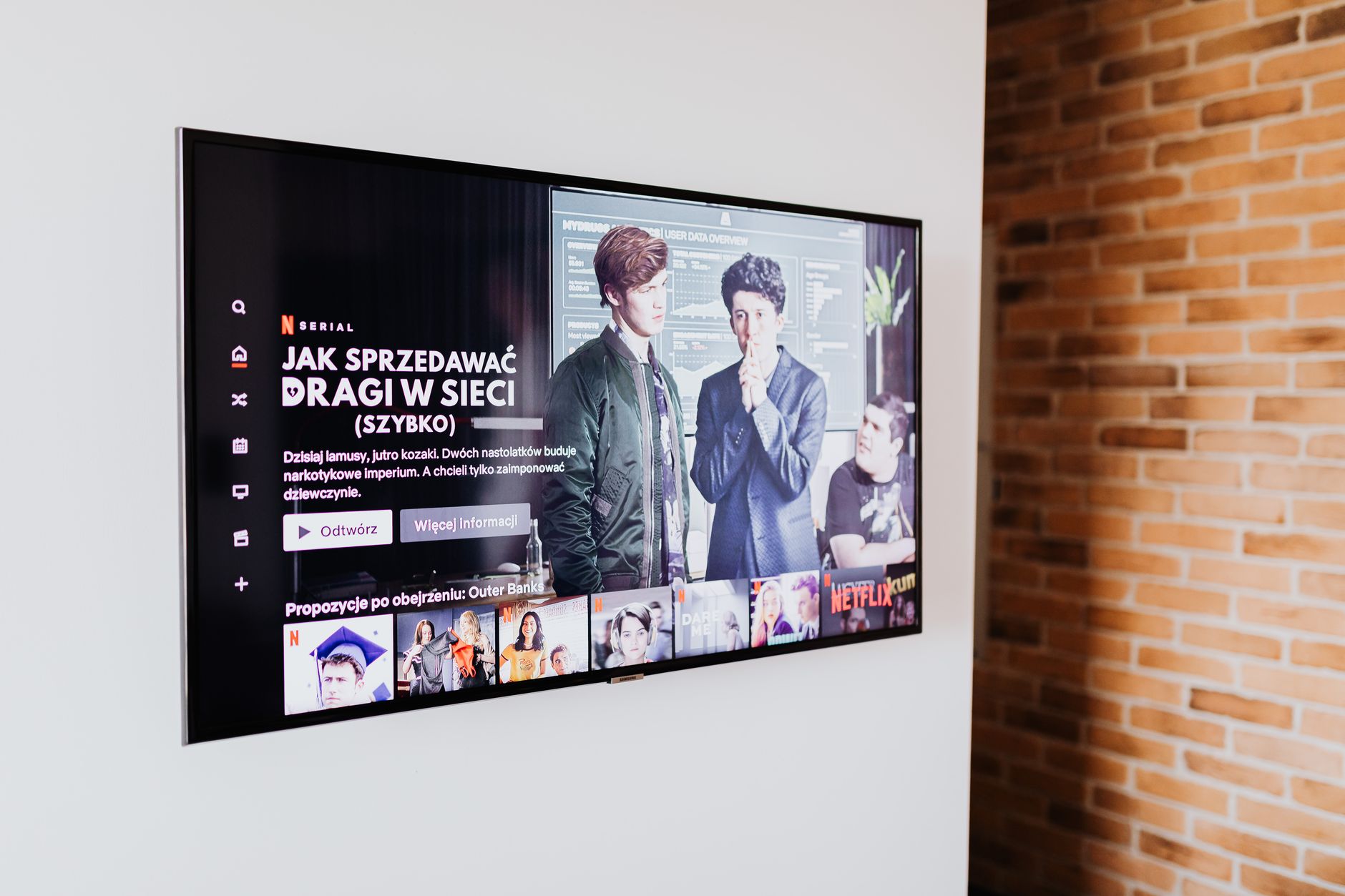
Ultra High Definition (UHD) is a digital display resolution that enhances the clarity and detail of images displayed on screens. As technology progresses, UHD has become a standard feature in televisions, monitors, and other visual devices. This article delves into what UHD is, how it differs from other resolutions, how it affects performance, and the key characteristics that make UHD an attractive choice for consumers.
Understanding the implications of UHD involves more than just resolution; it also incorporates image quality, connectivity options, and advancements in display technologies. This article will guide you through these aspects while helping you make informed decisions on UHD products.
What Is UHD?
UHD, or Ultra High Definition, offers a resolution of 3840 x 2160 pixels, which is commonly referred to as 4K. This resolution quadruples the pixel count of Full HD (1920 x 1080), resulting in a sharper and more detailed image. Additionally, UHD encompasses a wider color gamut and improved contrast ratios, thus delivering a more vivid viewing experience for consumers.
Why UHD Matters: Image Quality and Performance
UHD is critical for enhancing image quality across a range of devices, from televisions to smartphones. With more pixels packed into the same screen size, viewers benefit from finer details and improved clarity. Let’s dive deeper into the significance of UHD regarding image quality and performance.
Image Quality Improvements
- Increased Resolution: With four times the pixel count of 1080p, UHD allows for detailed and clearer images, making it particularly noticeable on larger screens.
- Wider Color Gamut: UHD supports a broader range of colors, allowing for more accurate and rich color reproduction. This helps in delivering images that are closer to what the human eye perceives.
- High Dynamic Range (HDR): Many UHD displays include HDR support, which enhances contrast and allows for more details in both shadows and highlights.
- Improved Viewing Angles: UHD technologies often include advancements that maintain image quality even when viewed from an angle, addressing a common issue with earlier display technologies.
Performance Features
UHD doesn’t just enhance image quality; it also impacts overall performance across multiple dimensions:
- Frame Rate: UHD displays often support higher frame rates, which ensure smoother motion in fast-paced content like sports and action movies.
- Gaming Experience: For gamers, UHD provides a more immersive experience, enhancing graphic details and overall gaming quality.
- Content Availability: An increasing amount of content, including streaming services, movies, and video games, is being produced in UHD, making it a relevant choice for consumers.
The Connection: UHD and HDR
While UHD focuses primarily on resolution, High Dynamic Range (HDR) technology works in tandem to elevate color and contrast quality—essentially enhancing the UHD experience. But how do they complement each other?
Understanding HDR
HDR improves the range of color and brightness, allowing UHD content to shine. When watching HDR-enabled UHD content, you can expect:
- Brighter Highlights: HDR allows for much brighter whites and vivid colors.
- Deeper Shadows: It captures more detail in darker parts of the image.
- Realistic Experience: The enhanced contrast and color depth create a more lifelike viewing experience.
For those interested, you can explore HDR technology further.
Key Features of UHD Devices
When selecting a UHD device, it’s essential to understand various features that can affect your viewing experience. Below are critical aspects to consider:
Connectivity
UHD devices often support various connectivity options, including:
- HDMI 2.0 or 2.1: These ports help transmit UHD signals and are crucial for gaming and watching UHD content.
- DisplayPort: Common in computer monitors, it also supports high refresh rates and resolutions.
- USB Ports: Integration of USB ports allows for the connection of external drives, making content easy to access.
Processing Technology
The internal processing technology also significantly impacts image quality. Review the following:
- Upscaling Features: Many UHD devices feature advanced upscaling technologies that enhance lower-resolution content.
- Color Calibration: Devices with better color calibration options can yield more accurate color reproduction.
- Refresh Rate: A higher refresh rate (120Hz or higher) ensures smoother motion, especially in fast-paced scenes.
Screen Technologies
Several screen technologies can impact performance and image quality:
- LED, OLED, and QLED: Each screen type has advantages, such as better contrast ratios in OLED or enhanced brightness in QLED. Understanding these differences can aid in choosing the best display technology.
- Curved vs. Flat Screens: Curved screens may provide an immersive experience, while flat screens can offer better multi-angle viewing.
For a deeper dive into QLED technology, check out this guide on QLED.
Buying UHD Devices: A Practical Guide
When buying a UHD device, you want to ensure you get the best return on investment. Here are some vital considerations:
Factors to Consider
- Screen Size: Larger screens benefit more from UHD due to the high pixel density.
- Budget: UHD devices range widely in price, so determine your budget before shopping.
- Usage: Consider what you’ll primarily use the device for—for gaming, movies, or general use.
Research and Reviews
Before making a purchase, consider checking reviews and specifications online. User reviews can provide insights into real-world performance, helping you avoid lemons.
Future-Proofing Your Purchase
Investing in a UHD device should also consider its longevity. Look for:
- Latest Standards: Ensure it meets recent HDR and HDMI standards to maximize future compatibility.
- Software Updates: Some brands offer regular firmware updates, enhancing functionality over time.
Common Pitfalls and Troubleshooting
Even with advanced technology, issues can arise with UHD devices. Here are some common problems and how to address them:
Common Issues
- Image Blurriness: This may occur if the resolution settings aren’t aligned with your media source. Ensure your settings are configured correctly.
- No HDR Signal: If HDR content is not displaying properly, double-check if the HDMI cables are HDR compatible and that the appropriate settings are enabled on the device.
- Input Lag: For gamers, input lag can be a concern. Look for settings that reduce latency, such as Game Mode.
Troubleshooting Steps
- Check Connections: Verify all cables are securely connected, especially HDMI cables.
- Update Firmware: Periodically check for firmware updates for your device.
- Adjust Settings: Explore display settings, resolution options, and other configurations to optimize your viewing experience.
Conclusion
Understanding UHD is essential for anyone looking to invest in modern display technologies. With its higher resolution, better image quality, and support for features like HDR, UHD offers significant advantages over traditional standards. By considering important factors such as connectivity, screen technology, and potential pitfalls, you can make an informed decision in your purchase.
For further exploration, consider checking out other tech tutorials, guides, or troubleshooting articles, such as those about HDR technology and QLED displays.