
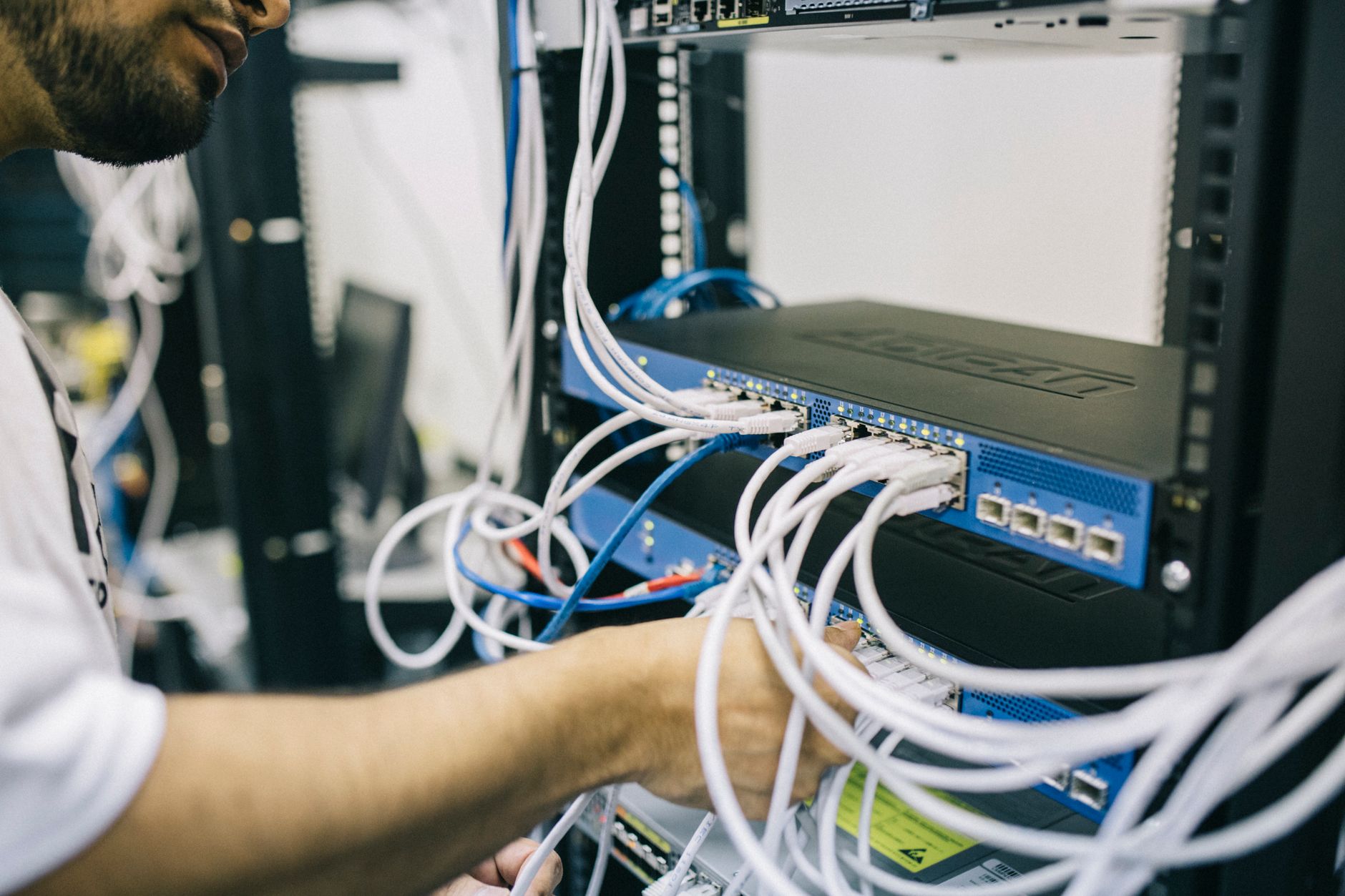
Local Area Networks (LANs) are a vital aspect of modern networking, allowing devices within a limited geographical area to communicate and share resources. Understanding the fundamentals of LANs is essential for anyone looking to optimize their home or office networking experience.
This article delves into the concept of LAN, its uses, various types, and practical examples, all while offering a solid foundation in networking basics. Whether you’re setting up a home network or looking to implement LAN solutions in a business environment, the following sections provide essential insights.
What Is LAN?
A Local Area Network (LAN) is a networking system that connects computers and devices within a localized area, such as a home, office, or school. LANs facilitate resource sharing, communication, and data exchange among connected devices. They can be wired or wireless, enabling flexible access based on user needs.
Key Components of a LAN
A LAN comprises several essential components that work together to establish a functioning network. Here are the primary elements of a LAN:
- Network Interface Card (NIC): A hardware component that connects a device to a network, enabling communication either through wired or wireless connections.
- Switches: Devices that connect multiple devices within a LAN, allowing for data packets to be directed to the appropriate device efficiently.
- Router: A device that connects multiple networks, including a LAN to the Internet, and manages traffic between them. It determines the best path for data to travel.
- Access Points (APs): Devices that extend a wireless network, enabling wireless communication within a defined area.
- Cabling: Physical cables (such as Ethernet cables) used to connect devices in a wired LAN setup.
Types of LAN
LANs can be categorized into several types based on various factors such as geographical spread, the technology used, and their purpose:
1. Wired LAN
A wired LAN uses physical cables to connect devices. Ethernet is the most common standard for wired LANs. Benefits include consistent speeds, security, and lower latency, making wired LANs ideal for environments that require high performance.
2. Wireless LAN (WLAN)
A wireless LAN employs radio waves or infrared signals for communication, eliminating the need for cables. WLANs provide mobility and ease of installation, making them popular in homes and businesses. However, they may be subject to interference and security vulnerabilities.
3. Virtual LAN (VLAN)
VLANs segment a single physical network into multiple virtual networks for better management, security, and performance. This offers flexibility and allows administrators to limit broadcast traffic, enhancing efficiency in larger networks.
How Does LAN Work?
A LAN operates based on networking protocols that determine how devices communicate and share data. The most prevalent protocol for LANs is Ethernet. Here’s a simplified explanation of the process:
- Data packets are generated by a device (e.g., a computer).
- These packets include sender and receiver addresses, ensuring that the data reaches the correct destination.
- The NIC sends the packet to a switch, which directs it to the appropriate device within the LAN.
- If the destination device is on a different network, the packet is sent to the router, which forwards it to the next network, possibly the internet.
Uses of LAN
LANs serve a variety of purposes in both home and corporate settings. Here are some common uses:
- File Sharing: Facilitates easy access to shared files and storage devices among multiple users.
- Resource Sharing: Enables printers, scanners, and other peripheral devices to be shared across connected devices.
- Internet Access: LANs allow multiple devices to connect to a single Internet connection, sharing bandwidth efficiently.
- Gaming: Local area networks enable multiplayer gaming experiences, allowing players to compete or cooperate in real-time.
- Application Hosting: Organizations often host applications on LAN servers for internal use, ensuring quick access and improved collaboration.
Benefits of LAN
Implementing a LAN offers numerous benefits:
- High Speed: LANs typically provide faster data transfer rates compared to wide area networks.
- Cost-Effectiveness: Sharing resources reduces the need for individual devices, saving money on equipment and maintenance costs.
- Data Security: LANs are often more secure, allowing administrators to set up firewalls and access controls.
- Scalability: They can be easily expanded by adding more devices without significant changes to the existing infrastructure.
Common LAN Topologies
LAN topology refers to the arrangement of different network elements. Here are the most common topologies:
1. Star Topology
Devices connect to a central hub or switch that forms the network’s backbone. This layout allows for easy troubleshooting and isolation of devices but relies heavily on the central device.
2. Bus Topology
All devices share a single communication line (the bus). It is more straightforward and cost-efficient but can lead to data collisions and decreased performance as more devices are added.
3. Ring Topology
Devices are connected in a loop, where data travels in a circular fashion. It can offer better performance but can be disrupted by a single device failure.
4. Mesh Topology
Each device connects to every other device, providing high redundancy and reliability. However, it can be complex and costly to install and maintain.
Setting Up a LAN: Step-by-Step Guide
Creating a basic LAN involves careful planning and execution. Here’s a step-by-step guide to help you set up your own:
- Plan Your Network: Determine the number of devices you want to connect and decide between a wired or wireless setup.
- Gather Necessary Equipment: Obtain the required devices: a router, switches (for wired), or access points (for wireless).
- Install Hardware: For wired connections, use Ethernet cables to connect devices to the switch, and connect the switch to the router. For wireless, place the access points for optimal coverage.
- Configure Network Settings: Access your router’s settings through a web browser and configure IP options, SSID, and security settings.
- Connect Devices: Ensure all devices are connected to the network and can communicate with one another. Adjust settings as necessary on individual devices.
- Test the Network: Use ping commands or network utility tools to ensure all devices can connect and share resources smoothly.
Troubleshooting Common LAN Issues
Even the best networks encounter issues. Here are some common LAN problems along with tips on troubleshooting:
1. Connectivity Issues
If a device cannot connect to the network, check:
- Network cables (for wired setups) are securely plugged in.
- The device’s Wi-Fi is enabled (for wireless setups).
- Network settings are configured correctly, including IP addresses.
2. Slow Network Performance
Slow performance can stem from various issues:
- Overloading the network with too many devices.
- Physical obstacles interfering with wireless signals.
- Malware or unwanted applications consuming bandwidth.
3. Network Security Breaches
Ensure your LAN is secure by checking:
- Enable firewalls on all devices.
- Use strong, unique passwords for Wi-Fi and network resources.
- Regularly update firmware on your router and connecting devices.
Examples of LAN in Real Life
Here’s how LANs function in various environments:
Home Networks
In a typical home, a router connects all devices, such as computers, tablets, smartphones, and smart TVs. Family members can stream videos, play games, and share files seamlessly without additional setup.
Corporate Environments
Businesses often establish robust LANs to support data sharing, application hosting, and collaboration among employees. Large offices may utilize VLANs to enhance efficiency and security, segregating different departments.
Educational Institutions
Schools and universities deploy LANs to connect students’ devices, enabling access to shared resources, online educational tools, and intra-campus communications. This setup fosters collaboration and enhances the learning experience.
Future of LAN
The evolution of LAN technology continues to progress with innovations like Wi-Fi 6 and mesh networking. These advancements address challenges like capacity, coverage, and speed, aiming to enhance user experience and streamline connectivity.
Conclusion
A Local Area Network (LAN) is a crucial aspect of modern digital communication, serving a diverse range of applications from home networking to corporate use. Understanding the components, benefits, and setup procedures of LANs can significantly enhance your networking experience.
To further enhance your networking knowledge, consider exploring topics such as understanding routers and how to set up a router.