
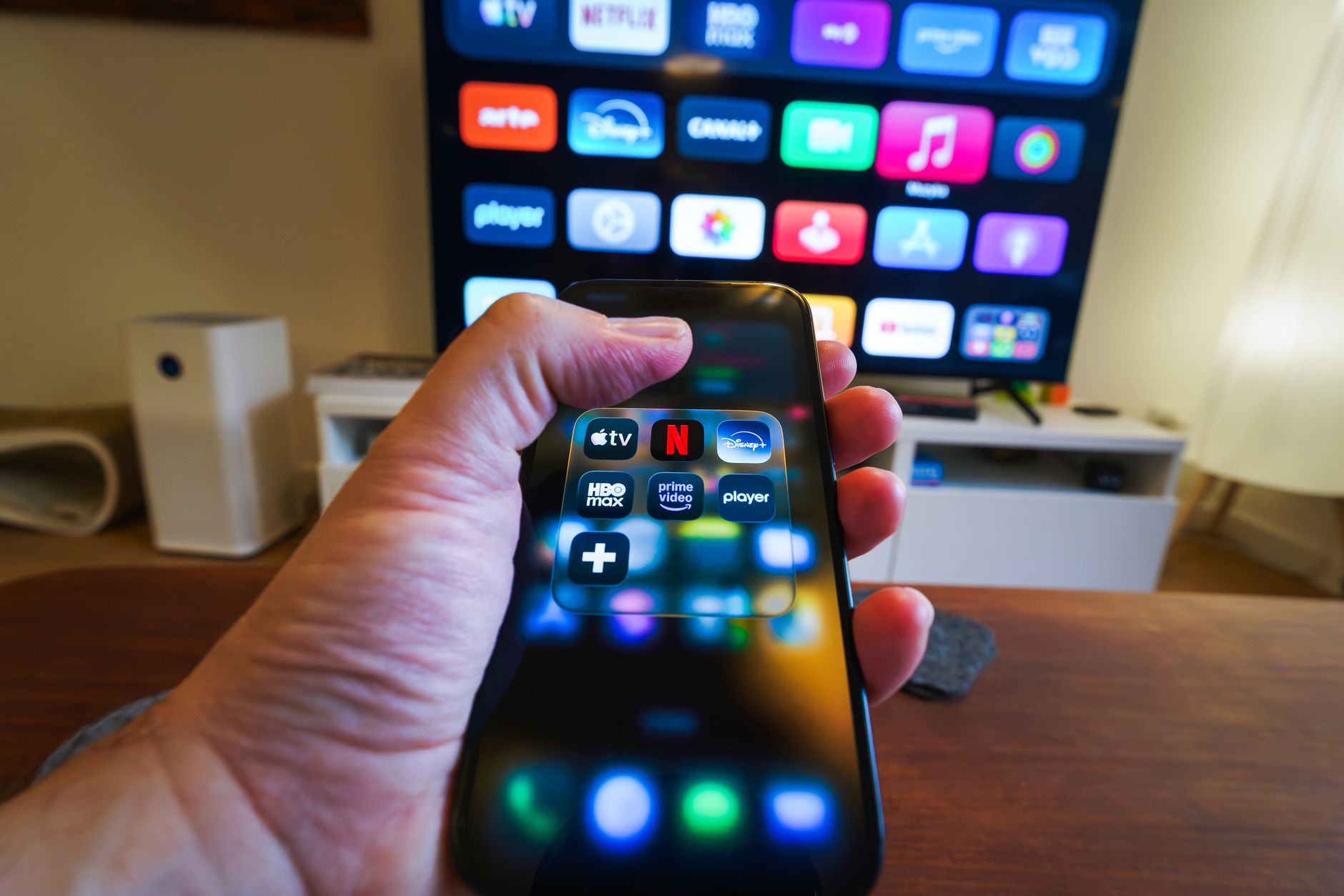
Apple TV is a streaming device that opens the door to an expansive array of entertainment options. However, before diving into the world of seamless streaming and exclusive content, many consumers want to know: how much does Apple TV actually cost? This article will break down the pricing, various plans associated with Apple TV, and what you get for your money.
From the device options to subscription costs for Apple TV+, understanding the full picture is essential for making an informed decision. Let’s explore the details of pricing, features, and plans that come with Apple TV in this comprehensive guide.
How Much Is Apple TV?
The pricing for Apple TV primarily divides into two categories: the cost of the hardware itself and subscription services. The base cost of Apple TV hardware ranges between $129 and $199, depending on the model you choose. Additionally, Apple TV+ subscriptions are priced at $9.99 per month, and bundles may be available with services like Apple Music or Apple Arcade, which can be cost-effective for users interested in those offerings.
Understanding Apple TV Hardware Options
Apple offers two primary models of its streaming device, each with its own set of features.
Apple TV 4K
- Price: The latest model of Apple TV 4K starts at $179 for the 32GB version and $199 for the 64GB version.
- Key Features:
- Supports 4K HDR video
- A12 Bionic chip for improved performance
- Dolby Vision and Dolby Atmos support
- Apple HomeKit integration for smart home control
- Universal search across all streaming platforms
- Voice control via Siri
- Access to Apple Arcade games
- Apple fitness features
Apple TV HD
- Price: The Apple TV HD is priced at $129.
- Key Features:
- Supports 1080p HD video
- A8 chip (older than the A12 Bionic)
- Limited support for modern audio and video formats compared to the 4K model
- Access to Apple services and a vast array of streaming platforms
When considering which model to choose, think about whether you have a 4K-compatible TV and if 4K streaming is essential for you. The Apple TV 4K provides a richer visual experience and advanced features, making it a better fit for users wanting the latest technology.
Apple TV+, What’s Included?
Alongside Apple TV hardware, Apple has made waves with its streaming service, Apple TV+. Launched in November 2019, this subscription-based service provides access to a range of original programming, including movies and series that are exclusive to the platform.
Pricing for Apple TV+
- Monthly Subscription: $9.99 per month
- Annual Subscription: $99 per year (this option saves you a bit compared to the monthly plan)
What You Get with Apple TV+
Apple TV+ offers a variety of benefits:
- Access to Apple Originals, including highly acclaimed series like “The Morning Show,” “Ted Lasso,” and movies such as “Greyhound.”
- Content is available for streaming and downloading for offline viewing.
- Ad-free experience, enhancing your viewing pleasure.
- Family sharing features, allowing you to share your subscription with family members.
It’s important to note that Apple TV+ does not house content from other platforms. Instead, its focus is on its exclusive programming and films. This distinct separation means that subscribers relying heavily on third-party content might find this service less appealing.
Comparing Pricing with Other Streaming Services
When exploring how much Apple TV costs, it’s also useful to compare it with similar platforms. Here’s a quick overview of pricing for major streaming services:
| Service | Monthly Cost | Original Content |
|---|---|---|
| Apple TV+ | $9.99 | Strong selection of originals |
| Netflix | $15.49 (Standard) | Extensive library, including originals |
| Amazon Prime Video | $14.99 | Mix of originals and third-party content |
| Disney+ | $7.99 | Strong family-oriented original content |
As seen from the table, Apple TV+ is fairly competitive, especially considering the amount of original content produced. However, it might not appeal to users who prefer a broader array of third-party content.
Bundling Options with Apple Services
Apple offers a variety of bundling options that can provide better value for users interested in multiple services.
Apple One Bundle
Apple One allows you to bundle services like Apple Music, Apple Arcade, Apple TV+, and iCloud storage into a single monthly subscription. Here’s how the bundling works:
- Individual Plan: Starts at $19.95 per month—includes Apple Music, Apple TV+, and 50GB of iCloud storage.
- Family Plan: $29.95 per month—offers similar services as the Individual Plan but includes sharing with up to six family members.
- Premier Plan: $39.95 per month—includes Apple News+, Apple Fitness+, Apple Music, Apple TV+, iCloud with 2TB storage, and more.
These bundles can save you money compared to subscribing separately to each service. If you already utilize services such as Apple Music or iCloud, the Apple One bundle might be the best option for you.
Promotions and Discounts
Apple occasionally runs promotions for Apple TV and Apple TV+ subscriptions. Keep an eye out for:
- Free Trials: New subscribers may receive a free trial period ranging from 7 days to three months, depending on the offer.
- Device Purchases: Purchasing certain Apple devices often includes a subscription offer (e.g., free Apple TV+ for one year with the purchase of a new Apple device).
These promotions can be a great way to explore the service without upfront costs, allowing you to gauge whether it’s a good fit for your streaming needs.
Understanding Compatibility and Required Equipment
To use Apple TV, you’ll need a compatible television or display that supports HDMI input. Additionally, the following are essential for the best viewing experience:
- A high-speed internet connection, preferably a broadband connection.
- An HDMI cable (not always included)
- Access to an Apple ID to set up the service and subscribe to Apple TV+.
Smart TVs and other devices may also support the Apple TV app. This app allows users who do not own an Apple TV device to access Apple’s content, but the full range of features is best experienced on Apple’s dedicated hardware.
Common Questions About Apple TV Pricing
Is it worth purchasing Apple TV if I already have other streaming devices?
It depends on your viewing habits. Apple TV offers a seamless integration with Apple services and unique features such as Apple Arcade and Fitness+. If you frequently use these features, investing in Apple TV may enhance your experience.
Are there any additional costs associated with Apple TV+?
While the Apple TV+ subscription cost is fixed monthly or annually, certain content might incur rental fees or additional purchases. Users should review offerings regularly to stay updated on possibilities for extra payments.
Can I use Apple TV without a subscription to Apple TV+?
Yes, Apple TV functions as a standard streaming device. If you prefer using it to access other platforms like Netflix, Hulu, and Amazon Prime, you can still enjoy a full range of services without subscribing to Apple TV+.
Final Thoughts on Apple TV Pricing
In summary, when asking how much Apple TV costs, it’s crucial to consider both the hardware prices and associated subscription fees for Apple TV+. With the options of the Apple TV 4K, Apple TV HD, and Apple TV+, potential buyers have flexibility in what they choose based on their preferences and budget. Whether you’re prioritizing high-definition content or seeking exclusive originals, understanding the full range of offerings aids in making an informed decision.
Potential buyers should keep options like bundling subscriptions in mind, as these can offer significant savings and enhance the overall Apple ecosystem experience. Overall, the value proposition of Apple TV will depend significantly on individual consumer needs and viewing habits.
To explore more about how to optimize your tech experience, check out additional resources related to your interests in our tech tutorials or comparisons on various hardware and software options.