
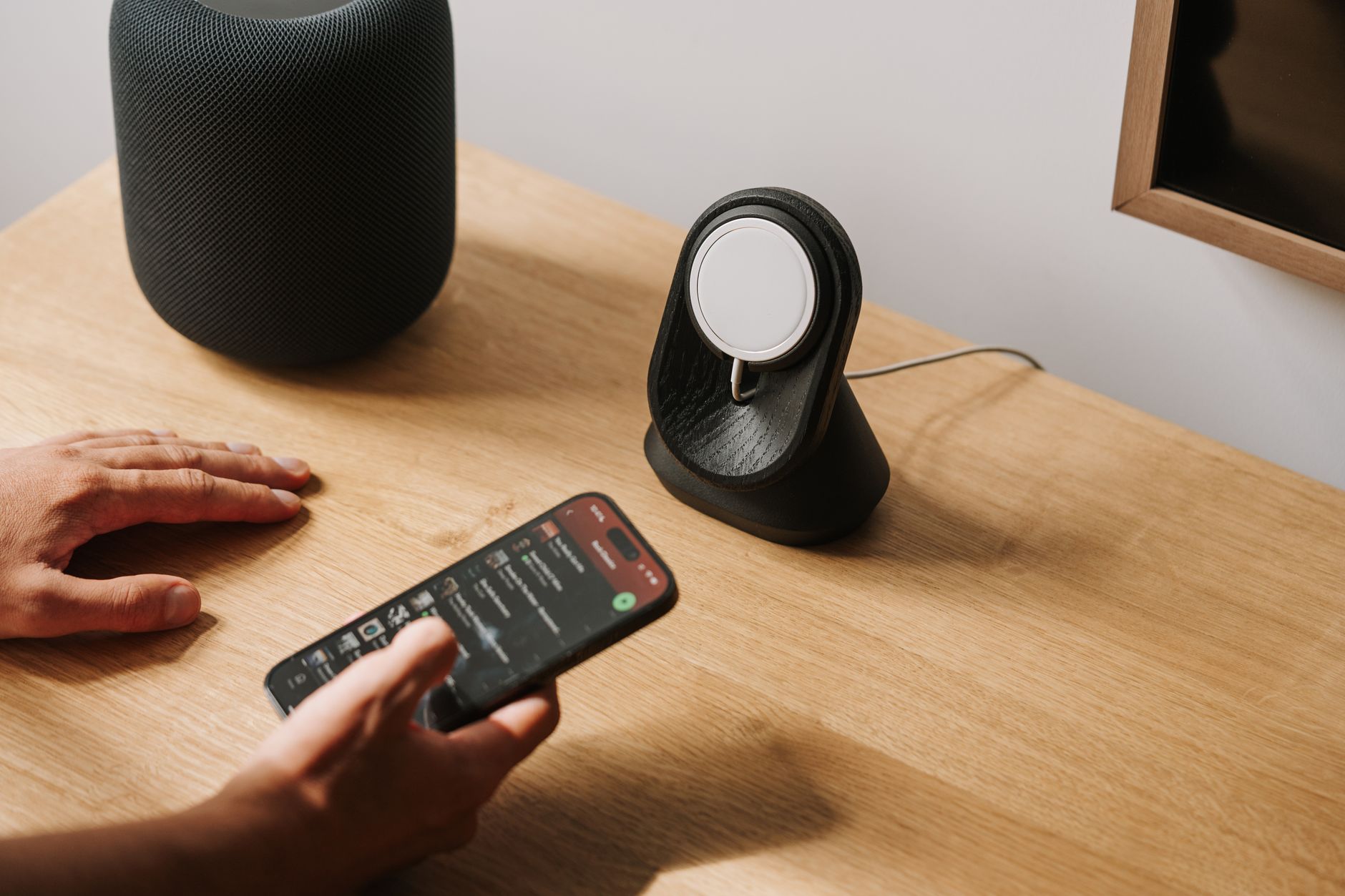
MagSafe, initially launched by Apple for its MacBook line, has evolved into a multifunctional feature that offers enhanced connectivity and charging solutions for various devices, including iPhones and accessories. This article will delve into what MagSafe is, how it works, its features, compatibility, and real-world applications.
With the combination of magnetic technology and smart design, MagSafe has redefined user experiences with Apple’s ecosystem, promoting convenience and efficiency. Understanding MagSafe can help you leverage its capabilities for better device management.
What Is MagSafe?
MagSafe is a technology that utilizes magnets to create a secure connection between devices and accessories, improving the ease of charging and accessory compatibility. Initially developed for MacBook chargers, it has since expanded to various Apple products, facilitating services such as wireless charging, accessory attachment, and enhanced connectivity.
This magnetic design allows for quicker alignment, reducing wear and tear on ports while optimizing the charging process. For iPhone users, MagSafe also brings a range of sleek accessories that easily attach to their devices.
Key Features of MagSafe
MagSafe technology encompasses several key features that enhance user experience and functionality. Below are some of the primary features:
- Magnetic Alignment: Magnets assist in the alignment of the device with the charger or accessory, ensuring an optimal connection every time.
- Fast Wireless Charging: MagSafe supports fast wireless charging, allowing for quicker charging speeds up to 15W for compatible devices.
- Accessory Compatibility: A wide range of accessories, including cases, wallets, and mounts, can be utilized with MagSafe, which easily attach for added convenience.
- Easy Connection: The user can simply place the device near a MagSafe accessory to connect, eliminating the need for precise placement.
- Safety Features: MagSafe includes safety protocols to prevent overheating and safeguard against overcharging.
- Enhanced Functionality: Certain accessories can utilize the MagSafe system to perform additional functions, like pairing with apps on the iPhone.
How Does MagSafe Work?
MagSafe operates by using a series of magnets and a specialized coil system. Here’s how it works:
- Magnetic Alignment: When bringing a MagSafe charger close to an iPhone or other compatible device, the magnets on each device align, ensuring that they connect properly.
- Wireless Charging: The device then engages the charging coil, which activates the wireless charging mechanism, allowing power to flow from the charger to the device.
- Secure Engagement: Thanks to the magnetic connection, users can feel a solid attachment, minimizing the risk of accidental disconnection.
MagSafe-Compatible Devices
MagSafe compatibility extends across various devices within Apple’s ecosystem. Below is a list of notable MagSafe-compatible devices:
- iPhone Models:
- iPhone 12 series and later
- iPhone 13 series
- iPhone 14 series
- AirPods:
- AirPods Pro with MagSafe Charging Case
- AirPods 3rd generation with MagSafe Charging Case
- MacBooks:
- MacBook Air (Magsafe 3)
- MacBook Pro (Magsafe 3)
Further accessories like the MagSafe Charger, various cases, and wallet attachments are designed to work seamlessly with compatible iPhone models.
MagSafe Accessories
The MagSafe ecosystem offers a variety of accessories that enhance the functionality of compatible devices. Some popular options include:
- MagSafe Charger: A wireless charger that supports fast charging specific to compatible iPhones.
- MagSafe Cases: Protective cases that include magnets to ensure a secure connection with the MagSafe Charger and other accessories.
- MagSafe Wallet: A magnetic wallet that connects to the back of the iPhone, providing a convenient way to carry cards.
- MagSafe Battery Pack: An external battery that magnetically attaches to the back of your iPhone for additional power on the go.
- Car Mounts: Magnetic mounts that securely hold iPhones while driving for GPS and hands-free calls.
Benefits of Using MagSafe
Adopting MagSafe technology offers numerous benefits for users within the Apple ecosystem. Here are some key advantages:
- Convenience: The magnetic alignment makes it easier to connect and disconnect accessories, enhancing overall user experience.
- Versatility: A variety of accessories are available, allowing users to customize their devices according to their needs and preferences.
- Faster Charging: The capability for fast wireless charging results in less downtime, keeping devices powered up and ready for use.
- Reduced Wear and Tear: Using MagSafe minimizes the need for plugging and unplugging, leading to less wear on physical ports.
- Enhanced Design: Accessories designed for MagSafe often have a sleek and minimalist aesthetic that matches Apple’s design philosophy.
Considerations When Using MagSafe
While MagSafe offers many advantages, users should be aware of some considerations:
- Limited Compatibility: Not all accessories from third-party brands will support MagSafe, so it is essential to ensure compatibility.
- Heat Generation: Wireless charging may generate more heat than wired charging, which could affect battery longevity.
- Battery Charging Best Practices: Frequent wireless charging may not be ideal for some users, as it can reduce overall battery lifespan in some cases.
- Cost: MagSafe accessories can be more expensive than standard accessories, which might be a concern for budget-conscious consumers.
How to Use MagSafe
Using MagSafe is straightforward and intuitive. Follow these steps to make the most out of this technology:
- Acquire Compatible Devices: Ensure you have an iPhone 12 or newer with MagSafe capabilities.
- Purchase a MagSafe Charger: Select an official MagSafe charger or a compatible third-party option.
- Attach the Charger: Align the MagSafe charger with the back of the iPhone. The magnets will guide and secure the connection.
- Monitor Charging: Observe the charging icon and notification on the screen for confirmation that charging is in progress.
- Detach After Charging: Simply pull the charger away from the device when not in use.
MagSafe Troubleshooting
Sometimes, users may experience issues when using MagSafe. Here are some common problems and solutions:
- Charging Not Initiating:
- Check if the charger is plugged in and functional.
- Ensure proper alignment of the device with the MagSafe charger.
- Remove any cases or obstructions that might interfere with the magnetic connection.
- Slow Charging:
- Inspect the power source; it should provide adequate wattage.
- Consider that magnetic connection sometimes slows down charging to minimize device heating.
- Accessory Compatibility Issues:
- Verify that the accessory is MagSafe certified or at least compatible with the MagSafe system.
- Restart the device and reattempt attaching the accessory.
Future of MagSafe Technology
The future of MagSafe appears promising as Apple continues to innovate and integrate this technology into their expanding product line. Potential developments include:
- Enhanced Accessories: New accessory types that utilize MagSafe technology to provide additional functionalities.
- Cross-Device Compatibility: Increased support for non-Apple devices, allowing broader usage of MagSafe technology.
- Improved Charging Speeds: Future iterations may support even faster charging rates and improved energy efficiency.
As MagSafe becomes more entrenched in Apple’s ecosystem, we can expect more creative uses and innovations that enhance user experience.
Conclusion
MagSafe marks a significant advancement in the user experience for various Apple devices, bringing with it a series of thoughtful features, accessories, and conveniences. By understanding how MagSafe works and what it supports, users can better utilize its capabilities, improving their overall efficiency and enjoyment of their devices.
The best way to leverage MagSafe technology is to familiarize yourself with your specific devices and experiment with available accessories that meet your needs. The further you integrate MagSafe into your daily use, the more streamlined and effective your interactions with your technology will be.
For additional reading, consider exploring our guides on USB-C technology and resetting your Apple Watch for more insights into your Apple devices.