
The iPhone 13 has gained popularity for its advanced features and durable build. However, prospective buyers often wonder about its ability to withstand water exposure. Understanding the iPhone 13’s water resistance capabilities can help users make an informed decision and take proper care of their devices.
This article will address whether the iPhone 13 is waterproof, detail its water resistance specifications, and provide tips on how to maintain that level of protection while prolonging the phone’s lifespan.
Is iPhone 13 Waterproof?
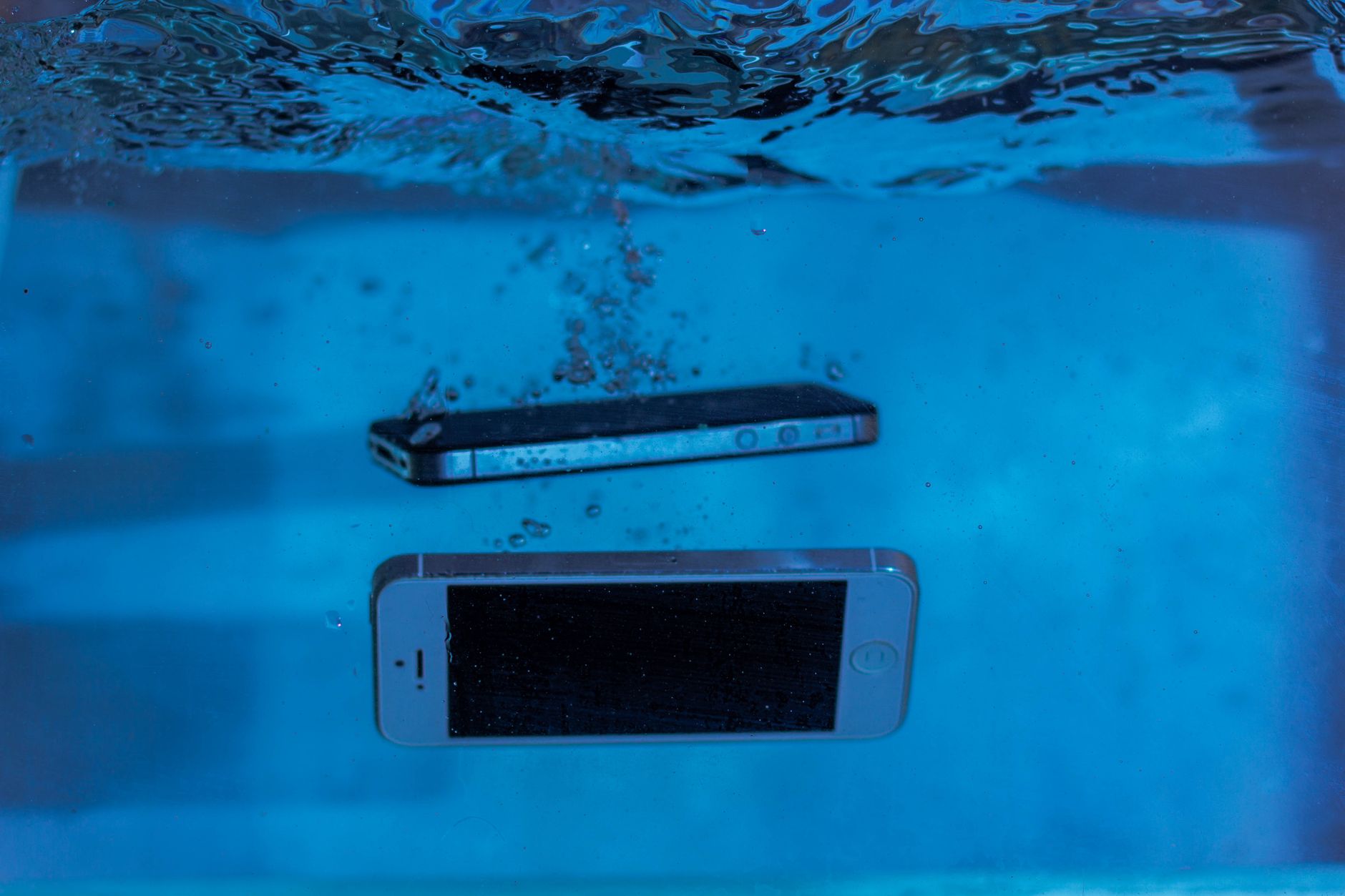
No, the iPhone 13 is not waterproof; it is, however, water-resistant. This distinction is crucial since waterproof devices can be submerged in water without damage, while water-resistant devices can withstand some exposure to liquid but are not guaranteed to function after full immersion.
The iPhone 13 has a rating of IP68 under the IEC standard 60529, which indicates it can handle submersion in water up to 6 meters for a duration of 30 minutes. While this provides a good level of protection, it does not mean that users should intentionally expose their device to extreme conditions.
Understanding IP Ratings
IP, or Ingress Protection, is a standard showing how resistant an electronic device is to environmental factors like dust and water. The IP rating consists of two numbers:
- The first number indicates protection against solids, with a scale from 0 (no protection) to 6 (dust-tight).
- The second number indicates protection against liquids, ranging from 0 (no protection) to 8 (protected against submersion in water). The iPhone 13 scores an 8 on this scale.
Thus, IP68 signifies the iPhone 13’s high resistance level, particularly with water, allowing it to function in damp conditions. However, users should still exercise caution to avoid accidental water damage.
What Water Resistance Means for iPhone 13 Users
While the IP68 rating implies a degree of safety against water exposure, users must remember a few key points:
- The water resistance may diminish over time due to wear and tear, especially from everyday use or accidental drops.
- Apple’s warranty does not cover liquid damage. Therefore, if a user accidentally exposes their iPhone 13 to water outside of the outlined specifications, repairs or replacements are at their own expense.
- Exposure to saltwater, chlorinated water, or other liquids (such as soda or coffee) can further damage the phone, even if the device is briefly submerged.
Practical Scenarios and Usage Tips
Users may wonder about specific situations regarding their iPhone 13’s water resistance. Here are some practical guidelines regarding different scenarios:
Using iPhone 13 by the Pool
It is fine to use the iPhone 13 by the pool, provided it remains dry. If you accidentally drop it in, retrieve it as quickly as possible and dry it off. While the phone may withstand a splash, consider the chlorine’s effect on the phone’s seals over time.
Taking Photos in the Rain
Taking the phone out in light rain should not cause an immediate problem. However, avoid prolonged exposure to heavy rain or moisture. It is advisable to put the phone in a pocket or a waterproof pouch during significant rainfall to ensure its protection.
Using iPhone 13 on the Beach
Similar to pool use, taking your phone onto the beach is okay, but it should be kept away from saltwater. Always rinse the device with fresh water if it gets wet from ocean splash.
Best Practices for Maintaining Water Resistance
To help keep the iPhone 13 as water-resistant as it was on the day of purchase, consider the following care strategies:
- Use a protective case: Purchasing a case specifically rated for water resistance can provide additional safety and mitigate accidental drops.
- Avoid exposing the device to extreme temperatures: High or low temperatures can worsen seals, increasing the likelihood of liquid damage.
- Keep the ports and buttons dry: Make sure to dry any moisture on the exterior of the device promptly.
- Regularly clean the ports: Grit and dirt can accumulate in the lightning port and speaker grilles, compromising the water-resistant seals. Use a soft, dry cloth or a brush to clean these areas gently.
Common Myths About iPhone Water Resistance
It is essential to clear up misconceptions related to water resistance. Here are some common myths:
- Myth 1: An IP68 rating means the device is completely waterproof.
Truth: An IP68 rating indicates resistance but does not guarantee complete waterproofing. - Myth 2: Users can take their iPhone 13 for a swim.
Truth: While it is designed to withstand splashes, prolonged submersion or exposure to saltwater can cause damage. - Myth 3: Water resistance lasts for the entire life of the device.
Truth: Over time, seals wear down, making the device less resistant to water exposure.
Troubleshooting Water Exposure Issues
In the unfortunate event that your iPhone 13 gets wet, it’s crucial to know how to troubleshoot potential issues efficiently:
Immediate Steps After Water Exposure
- Turn off the device: Switch it off immediately to prevent any short circuits that could be caused by water exposure.
- Dry the exterior: Wipe the phone with a dry, soft cloth to remove any visible moisture.
- Avoid heat: Do not use a heating device like a hairdryer or place the phone in direct sunlight to dry, as this can cause further damage.
- Remove SIM tray: This allows for additional airflow and moisture evaporation.
- Allow it to dry: Leave your iPhone 13 in a dry area for at least 24 to 48 hours to simulate a self-drying process.
Assessing Water Damage
After sufficient drying time, turn on your phone and assess any damage:
- If the device powers up and functions normally, you may have averted serious damage. Test all ports, buttons, and features.
- If it does not power up or exhibits malfunctions (such as touchscreen issues or sound problems), it is advisable to visit an Apple Store or authorized repair center.
- The presence of a liquid damage indicator in the SIM card slot can help identify damage, as it changes color when exposed to moisture.
Long-Term Device Care
To maintain your iPhone 13’s water resistance and ensure longevity, adhere to the following long-term care tips:
- Routine inspection: Regularly inspect the phone, especially around ports and buttons, for signs of wear or damage.
- Software updates: Keep the device updated to ensure smooth operation and security patches that can protect against vulnerabilities.
- Back up your data: Regularly back up the data to iCloud or a computer, so in case of unexpected issues, important files remain accessible.
When to Seek Professional Help
Should you encounter persistent issues following exposure to water, seeking professional help is advisable:
- If the device shows signs of corrosion or malfunctioning.
- If the device is less responsive or has dysfunctional screen features.
- If the user wants a thorough inspection and assurance that the device’s seals and components are intact.
Comparative Analysis with Other iPhone Models
When considering water resistance, comparing the iPhone 13 to previous iPhone models may be helpful:
| Model | IP Rating | Water Resistance Depth |
|---|---|---|
| iPhone 11 | IP68 | 2 meters for 30 minutes |
| iPhone 12 | IP68 | 6 meters for 30 minutes |
| iPhone 13 | IP68 | 6 meters for 30 minutes |
| iPhone 14 | IP68 | 6 meters for 30 minutes |
In this comparison, it is clear that Apple has improved water resistance with each iteration while keeping the same IP68 rating. Users of the iPhone 13 can feel reassured by its water resistance capabilities compared to earlier models.
Conclusion
In summary, the iPhone 13 is not waterproof but provides a high level of water resistance with an IP68 rating, allowing it to withstand certain conditions. Users should take care to avoid unnecessary exposure to liquid and adhere to maintenance tips to preserve this functionality. Following proper care protocols will not only help maintain water resistance but also extend your iPhone 13’s overall lifespan.
Explore more tech tutorials and guides to get the most out of your devices. Check out our articles on iPhone 11 water resistance and iPhone 17 features for additional insights.