
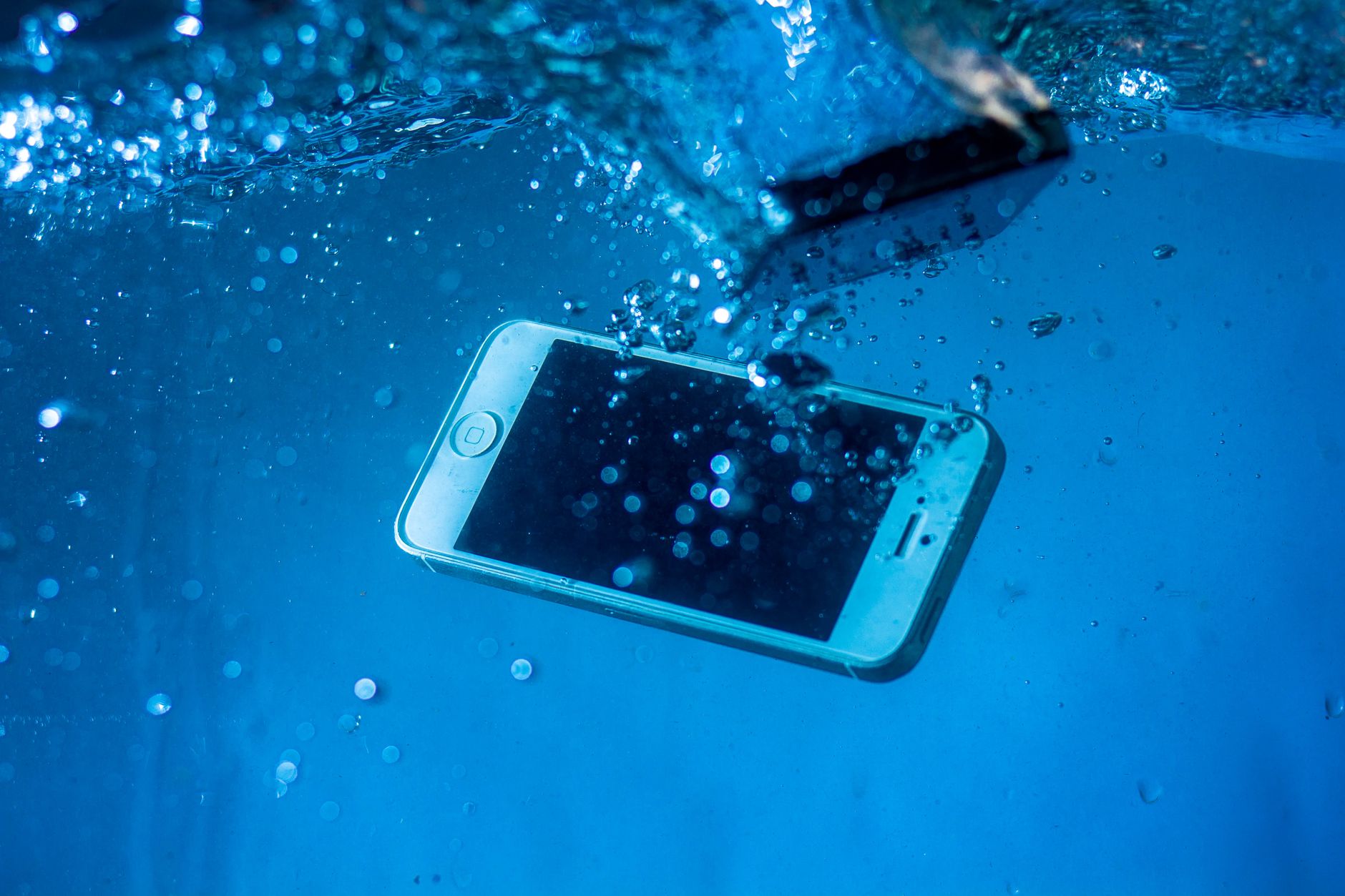
In today’s smartphone market, waterproofing has become a highly sought-after feature. As consumers increasingly rely on their devices for everyday use, understanding how water-resistant ratings impact device longevity and performance is crucial. This article delves into the iPhone 17, focusing on its waterproof capabilities, care tips, and how to handle potential water damage.
With its strong emphasis on durability and functionality, Apple promotes the iPhone 17’s water resistance. This article will clarify how water ratings work, what precautions to take, and common misconceptions regarding smartphone water resistance.
Is the iPhone 17 Waterproof?
The iPhone 17 is water-resistant, meaning it can withstand water exposure to a certain degree. Specifically, the device is rated IP68, which indicates it can be submerged in water up to a depth of 6 meters for as long as 30 minutes without sustaining damage. This rating offers peace of mind, but it’s vital to understand its limits.
Understanding IP Ratings
To fully grasp what IP68 means, we must explore the International Protection (IP) rating system. This system classifies the degree of protection an electronic device provides against solid objects like dust and liquids.
- IP Code Format: The IP code consists of two digits. The first digit indicates protection against solid objects, while the second digit indicates protection against liquids.
- Solid Object Ratings: Ranges from 0 (no protection) to 6 (dust-tight).
- Liquid Ratings: Ranges from 0 (no protection) to 9 (protected against high-pressure and steam cleaning).
What Does IP68 Tell Us?
The “6” in the IP68 rating signifies complete protection against dust. The “8” indicates the device can withstand being submerged in water beyond 1 meter—up to 6 meters for 30 minutes, to be precise. This rating is an excellent benchmark for average water resistance, clearly illustrating that while the iPhone 17 can handle some water exposure, it is not entirely waterproof and has its limits.
Water Resistance vs. Waterproof
It’s essential to distinguish between “water resistance” and “waterproof.” Water-resistant devices, such as the iPhone 17, can withstand certain amounts and conditions of water exposure. However, waterproof devices are entirely impervious to water under all conditions. Hence, the iPhone 17 is best labeled as water-resistant rather than truly waterproof.
Common Misconceptions About Water Resistance
Despite the robust water resistance of the iPhone 17, several misconceptions persist that can lead to misuse:
- Myth 1: The iPhone 17 can be used underwater without concern.
- Myth 2: Water resistance is permanent and won’t degrade over time.
- Myth 3: Submerging the phone in saltwater or chlorinated water is as safe as freshwater.
Understanding these myths is crucial for maintaining your device and ensuring its longevity.
Proper Care Tips for the iPhone 17
Caring for your iPhone 17 can prolong its life and enhance its water resistance capabilities. Here are some practical tips:
- 1. Avoid Extreme Conditions: While the iPhone 17 can handle water exposure, excessively hot or cold temperatures can weaken seals. Avoid exposing your device to extreme environmental conditions.
- 2. Regular Cleaning: If your phone gets wet, especially in saltwater or chlorinated water, rinse it with fresh water and dry it thoroughly afterward. This practice reduces corrosion and damage to the ports.
- 3. Check for Damage: Regularly inspect your iPhone for physical damage. Cracks or flaws in the body or display can compromise its water resistance.
- 4. Avoid Charging when Wet: Ensure your device is completely dry before charging. Charging a wet phone can result in severe damage, including short circuits.
What to Do If Your iPhone 17 Gets Wet
Despite taking precautions, accidents can happen. Here’s how to manage a situation where your iPhone 17 gets wet:
- Turn It Off: If your phone has come into contact with water, immediately turn it off to prevent any internal short circuits.
- Wipe It Down: Use a soft, lint-free cloth to gently wipe the exterior, paying attention to ports and speakers.
- Remove Accessories: Take off any cases, SIM cards, and other accessories to allow airflow during the drying process.
- Air Dry: Place your device in a dry area, preferably in front of a fan or in an open space. Avoid using heat sources like hair dryers, as they can damage components.
- Wait 24-48 Hours: Before turning the phone back on, let it dry completely for at least a day, if not longer.
Signs of Water Damage
Recognizing the signs of water damage on your iPhone 17 is critical for addressing issues promptly. Some common indicators include:
- 1. Screen Issues: Visible water spots or discoloration on the screen.
- 2. Sound Distortions: Difficulty hearing during calls, or muffled speaker sounds.
- 3. Charging Problems: Inability to charge or detect accessories in the Lightning port.
- 4. Unexpected Behavior: Random reboots or unresponsive touch screens.
If you experience any of these signs, it is advisable to seek professional assistance without delay to prevent further complications.
Using Water-Resistant Cases
While the iPhone 17 offers substantial water resistance, using a water-resistant case may enhance protection, especially in risky environments.
- Types of Cases: There are many types of water-resistant cases, including those designed for swimming, heavy-duty outdoor usage, or everyday spills.
- Features to Look For: Consider options that have reinforced seals, enhanced textures for grip, and screen protection.
- Compatibility: Ensure the case fits well without obstructing ports or buttons. A precise fit helps maintain water-resistant features.
Conclusion: Is the iPhone 17 the Right Choice for You?
While the iPhone 17 offers impressive water resistance with its IP68 rating, it is essential to understand the limitations and maintain proper care to maximize this feature. Although it can withstand occasional water exposure, treating your device with respect will ensure it lasts longer and performs optimally.
If you’re considering purchasing the iPhone 17, weigh its water resistance against your lifestyle needs. Correct handling, regular inspections, and proper care are keys to longevity and functionality.
For readers interested in how the iPhone 11’s waterproof capabilities compare, explore this article. If you’re weighing the cost of the iPhone 17 Pro Max, check out this guide for detailed insights.