
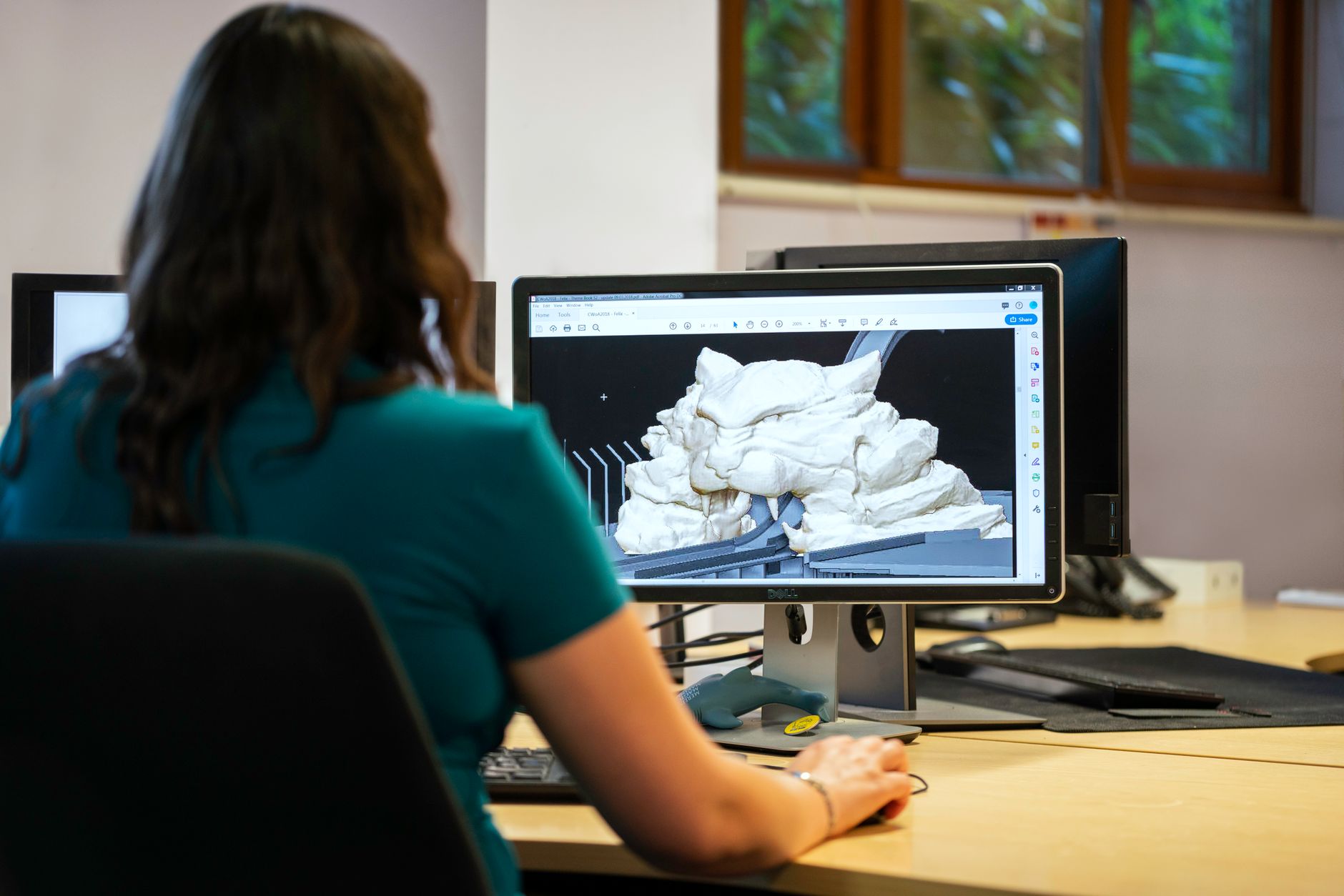
Computer-Aided Design (CAD) refers to the use of computer software to create, modify, analyze, or optimize designs. It has played a transformative role in various industries, enhancing productivity and accuracy in the design process. In this article, we will explore what CAD is, its features, software options, hardware requirements, and its various applications.
Whether you’re an engineer, architect, or product designer, understanding CAD can significantly improve the quality and efficiency of your work. Let’s dig deeper into the world of CAD, learning about its components, benefits, and future trends.
What Is CAD?
Computer-Aided Design (CAD) is a technology that employs computer software and hardware to facilitate the engineering and design processes. CAD systems enable users to create two-dimensional (2D) or three-dimensional (3D) models for a variety of applications including architectural designs, engineering blueprints, and product designs. It streamlines the design workflow, enabling users to visualize their ideas more accurately while implementing a range of powerful tools that assist in drafting, rendering, and analyzing designs.
The Evolution of CAD
The origins of CAD date back to the 1960s when early experiments began in using computers to aid design processes. Over the years, this technology has evolved dramatically. The introduction of 3D modeling in the 1980s brought new capabilities that revolutionized various industries.
Today, CAD systems are a staple in sectors such as engineering, architecture, automotive design, and fashion, among others. With advances in cloud computing and artificial intelligence, CAD is becoming more collaborative and efficient than ever.
Features of CAD Software
CAD software comes packed with features that enhance its functionality. Here are some of the key features:
- 2D and 3D Modeling: Most CAD software can create both 2D drawings and 3D models, allowing designers to visualize their creations from multiple angles.
- Parametric Design: This feature allows users to define parameters and constraints, enabling automatic adjustments when changes are made to a design.
- Rendering: CAD software can generate realistic images of designs using rendering capabilities, showcasing details like textures and lighting.
- Simulation and Analysis: Many CAD systems offer tools for simulating real-world conditions, helping designers analyze performance under varied conditions.
- Collaboration Tools: Modern CAD software facilitates collaboration among teams, allowing multiple users to work on the same project simultaneously.
- Integration: CAD technology can integrate with other software tools such as project management and manufacturing applications.
Types of CAD Software
There are several categories of CAD software suited for different industries and purposes. Here are the main types:
- 2D CAD Software: Primarily used for creating flat drawings and plans, perfect for architects and engineers. Examples include AutoCAD and DraftSight.
- 3D CAD Software: Allows users to design in three dimensions, useful for product design and engineering. Popular choices are SolidWorks and Autodesk Inventor.
- Parametric CAD Software: Focuses on parametric relationships between parts, enabling easy modifications. Examples include Pro/ENGINEER and CATIA.
- BIOMEDICAL CAD Software: Tailored for industries like healthcare, these apps help design medical devices and implants. An example is SolidWorks for Medical.
- Architectural CAD Software: Specialized tools for architects, often incorporating specific building features and regulations. Revit is a widely used software in this category.
Hardware Requirements for CAD Software
Running CAD software effectively often requires robust hardware. Different software packages have varying requirements, but the following components are generally recommended:
- Processor: A multi-core processor (Intel i5 or higher) enhances performance for complex designs.
- RAM: At least 16 GB is typically required for a smooth experience, especially with 3D modeling.
- Graphics Card: A dedicated GPU is crucial for rendering and visualizing 3D designs. NVIDIA Quadro or AMD Radeon Pro cards are popular choices.
- Storage: An SSD is recommended for faster load times, along with ample additional storage capacity for larger files.
- Display: A high-resolution display with good color accuracy makes a significant difference for detailed designs.
Applications of CAD in Various Industries
CAD is utilized in a multitude of industries, each leveraging its capabilities to streamline workflows and improve accuracy. Here are some notable applications:
1. Architecture
In architecture, CAD software is essential for creating floor plans, elevations, and 3D visualizations. Architects use CAD to experiment with different design configurations, ensuring that their buildings are aesthetically pleasing and structurally sound.
2. Engineering
Various engineering fields rely on CAD for design, analysis, and simulation. Mechanical engineers use CAD to generate complex machinery designs, while civil engineers design infrastructure like bridges and highways.
3. Product Design
Companies specializing in consumer products turn to CAD to develop prototypes, facilitating product testing and refinement. CAD allows for rapid iterations, enabling designers to obtain feedback and make changes quickly.
4. Manufacturing and CNC Machining
CAD software plays an integral role in manufacturing processes, particularly CNC (Computer Numerical Control) machining. It helps translate designs into machine-readable code for automated production.
5. Fashion Design
Fashion designers are increasingly utilizing CAD to create digital garment patterns and textile designs, making it easier to visualize the final product and adjust fit and style before production.
6. Animation and Game Development
In the entertainment industry, CAD is used for modeling characters and environments in video games and animated films, enhancing creativity and ensuring consistency in large projects.
Benefits of Using CAD Software
The adoption of CAD in various industries brings numerous advantages:
- Increased Productivity: CAD streamlines workflow, allowing for quicker design iterations and reducing the time spent on manual drafting.
- Enhanced Accuracy: CAD minimizes human errors typical in traditional drafting methods, leading to greater precision in designs.
- Cost-Effective: By catching design flaws early and reducing prototyping needs, CAD can lead to significant cost savings.
- Improved Communication: CAD models facilitate clearer communication between design teams and stakeholders, helping align visions and expectations.
- Access to Advanced Tools: CAD software often includes powerful analysis tools that can simulate real-world conditions and optimize designs.
Common Challenges with CAD Software
Despite its numerous benefits, users of CAD software may face certain challenges:
- Learning Curve: New users may encounter a steep learning curve, as CAD software can be complex and feature-rich.
- Cost: High-quality CAD software licenses can be expensive, particularly for small businesses or startups.
- System Requirements: The need for high-end hardware can be a barrier, especially for users without access to the necessary resources.
- File Compatibility: Users often encounter challenges in file compatibility when collaborating with others using different software.
The Future of CAD Technology
The future of CAD technology looks promising with continued advancements. Here are a few trends shaping its evolution:
- Cloud-Based CAD: Cloud computing is making CAD more accessible, allowing users to collaborate in real-time from different locations and reducing the need for powerful local hardware.
- Integration of AI: Artificial intelligence can reduce repetitive tasks, suggest design optimizations, and enhance simulations, streamlining the design process further.
- Augmented and Virtual Reality: AR and VR technologies are allowing designers to experience their creations in immersive environments, enhancing the evaluation process significantly.
- Parametric Modeling: The shift towards parametric and generative design will enable designers to explore a broader range of design options with less manual input.
Choosing the Right CAD Software
When selecting CAD software, consider the following factors:
- Industry Requirements: Choose software that caters to your specific industry needs and standards to ensure compatibility with industry practices.
- User Experience: Evaluate the interface and functionality against your team’s expertise and preferences.
- Licensing Costs: Assess the licensing model—whether subscription-based or perpetual licensing—and its implications for your budget and usage patterns.
- Support and Training: Research the support options available, including tutorials, user manuals, and community forums.
Final Thoughts
Computer-Aided Design has revolutionized the way professionals approach design across a variety of fields. By understanding the tools, features, and evolving landscape of CAD technology, individuals and businesses can maximize their design capabilities, enhance productivity, and innovate effectively.
If you’re considering adopting CAD software or looking to upgrade, take the time to explore the options available on the market today. The right choice can open up a world of potential for your next project.
For additional resources on technology topics, we invite you to explore related tech tutorials, explainers, comparisons, and troubleshooting guides.