
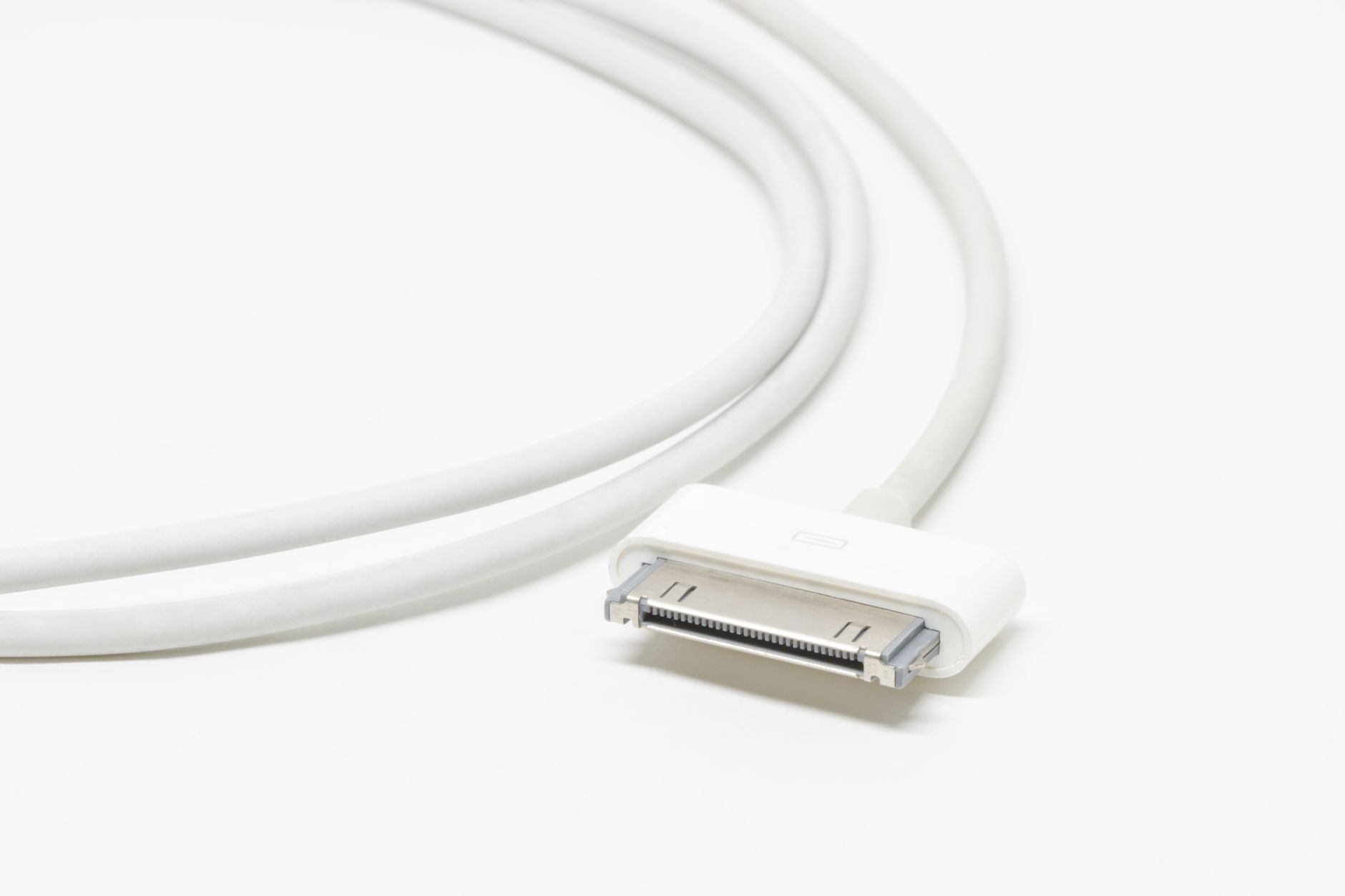
As many Apple users are aware, MagSafe has become a significant term in the tech landscape, especially with the recent devices launching alongside it. Understanding what MagSafe means, how it works, and its various device features can help users appreciate its benefits fully. This article delves into the intricacies of MagSafe technology.
Since its introduction, MagSafe has evolved from a simple charging connector to a sophisticated magnet-based system used for a variety of purposes across several Apple devices. To get started, let’s explore the origin and evolution of this versatile technology.
What Does MagSafe Mean?
MagSafe refers to a magnetic technology developed by Apple that is primarily used for charging devices. Initially designed for MacBooks, it has now expanded its function to iPhones, Apple Watches, and other accessories. MagSafe makes use of magnets to ensure proper alignment and secure connections when charging, while also supporting various attached accessories.
The Evolution of MagSafe Technology
The development of MagSafe technology can be divided into two main phases: the original MagSafe for MacBooks and the new MagSafe for iPhones.
Original MagSafe for MacBooks
Released in 2006, the original MagSafe was a power connector for MacBook laptops. It incorporated magnets, allowing the cord to detach easily if someone tripped over the cable, preventing the laptop from being pulled off a surface. This feature not only added convenience but improved user safety.
MagSafe 2
In 2012, Apple enhanced the MagSafe design with MagSafe 2. This version made the connection slimmer, catering to the thinner MacBook designs. Like its predecessor, it maintained the essential magnetic safety feature, ensuring easy disconnection under pressure.
MagSafe for iPhones
After a hiatus, Apple revived the MagSafe brand in 2020 with the launch of the iPhone 12 line. This version of MagSafe utilizes a series of magnets integrated into the iPhone’s chassis, enabling efficient wireless charging and compatibility with a range of accessories, such as cases, wallets, and even chargers.
How Does MagSafe Work?
The workings of MagSafe technology hinge on a few core principles related to magnets and induction charging.
Magnetic Alignment
One of the standout features of MagSafe is its magnetic alignment. The magnets built into compatible devices ensure that they align perfectly with chargers and accessories every time. This alignment is crucial for optimal charging efficiency and device performance.
Wireless Charging Technology
MagSafe employs Qi wireless charging technology but enhances it by adding magnets to provide a secure connection. Qi charging operates on electromagnetic induction, where power is transferred from the charger to the device without physical contact.
Accessory Support
Beyond charging, MagSafe is designed to support a wide variety of accessories, which attach seamlessly due to the integrated magnets. These accessories include:
- MagSafe-compatible cases
- Wallets
- Chargers, including car chargers
- Battery packs
- Mounts for various uses
Device Features of MagSafe
MagSafe technology enhances user experience across several categories of devices. Below, we highlight key features of MagSafe in iPhones and other supported products.
iPhones with MagSafe
Starting with the iPhone 12, Apple has integrated MagSafe technology into its flagship devices. Here are some of the core features:
- Efficient Wireless Charging: With a maximum charging speed of 15W, MagSafe charging is faster than standard Qi chargers, making it an effective solution for daily use.
- Magnetic Accessories: Users can enhance their iPhone’s functionality through various accessories, like magnetic cases that work seamlessly with MagSafe technology. These cases don’t interfere with charging efficiency.
- Easy-to-Use: MagSafe simplifies the charging process; simply place the device on the charger and let the magnets do the rest. Users no longer need to fumble with cable connections.
MacBooks with MagSafe
While the current MacBooks have transitioned to USB-C charging, older models, including those released before 2016, offer MagSafe. The unique features of MagSafe for these devices include:
- Safe Detachment: In older MacBooks, if the charging cable was pulled or subjected to tension, it would quickly detach, protecting the laptop from damage.
- LED Status Indicator: MagSafe connectors have an LED indicator that shows charging status—green for fully charged and amber for charging.
Apple Watch with MagSafe
Apple Watch employs a form of MagSafe technology in its charging method. Here are the notable features:
- Magnetic Charging: Similar to the iPhone, the Apple Watch charger utilizes magnets for stable positioning, ensuring a secure connection.
- Fast Charging Options: With newer models, fast charging capabilities enable users to charge their devices more efficiently.
FAQs About MagSafe
Below are some frequently asked questions regarding MagSafe technology, which may help clarify its functionalities and advantages.
Is MagSafe compatible with all iPhone models?
MagSafe technology is compatible with iPhone 12 models and later. Older models do not support MagSafe charging or accessories.
Can I use non-MagSafe accessories with my MagSafe device?
Yes, you can still use standard Qi chargers and non-MagSafe accessories with MagSafe-enabled devices. However, the magnetic features and faster charging capabilities will not be utilized.
What happens if my MagSafe charger is not aligned correctly?
Are MagSafe chargers safe to use?
MagSafe chargers are safe when used as intended with compatible devices. Apple focuses on extensive safety testing to ensure that devices charge efficiently and securely.
Common Issues and Troubleshooting MagSafe
Though MagSafe is a reliable charging method, users may encounter some common issues. Here’s how to troubleshoot these problems.
Slow Charging
If your MagSafe charger is not charging your device as quickly as expected, consider the following steps:
- Ensure that the device is properly aligned with the charger.
- Check for any obstructions, such as debris on the charger.
- Confirm that the charger is plugged into a compatible power adapter providing sufficient wattage.
Device Overheating
If your device becomes warm during charging, this can be normal. If the device is excessively hot, try these solutions:
- Remove any cases or accessories that may obstruct ventilation.
- Charge your device in a cooler environment.
- Give the device a break to cool down before continuing to charge.
MagSafe Charger Not Recognized
If your device is not recognizing the MagSafe connection:
- Restart both the device and the charger.
- Inspect the charging interface for damage or debris.
- Try using a different MagSafe charger to see if the problem lies with the charger itself.
The Future of MagSafe
As MagSafe continues to evolve, it’s essential to consider its potential future applications. Here are a few possibilities:
Expanded Device Compatibility
In addition to mobile devices and laptops, MagSafe could integrate into a broader range of gadgets, including accessories designed for home automation and IoT devices, enhancing connectivity and usability.
Enhanced Charging Speed
Future iterations of MagSafe technology may also feature improvements in charging speed and efficiency, reducing the time needed for charging devices.
Accessibility Features
Apple may focus on creating more accessible features within MagSafe. This can include options for users with disabilities, providing them with alternative methods for charging and attaching accessories.
Buying Guide for MagSafe Accessories
If you are considering investing in MagSafe technology or accessories, here are some tips to keep in mind:
Compatibility
Ensure that any accessory you purchase is specifically labeled as MagSafe compatible. This will guarantee that the magnets align correctly and work seamlessly with your device.
Charging Speed
Check the charging speed of your chosen MagSafe charger. The higher the wattage, the quicker the charging process.
Design and Durability
Consider the design and build quality of accessories, especially cases and wallets, to ensure that they not only look good but also offer protection and longevity.
Conclusion
MagSafe technology represents a significant advancement in how we charge and interact with our devices. Understanding what MagSafe means and exploring its various features can help users optimize their experience with Apple products. As technology continues to develop, MagSafe is likely to play an integral role in enhancing convenience and enhancing the usability of Apple devices.
To further enrich your knowledge, check out our articles on What is MagSafe and What is USB-C for more insights into tech innovations.