
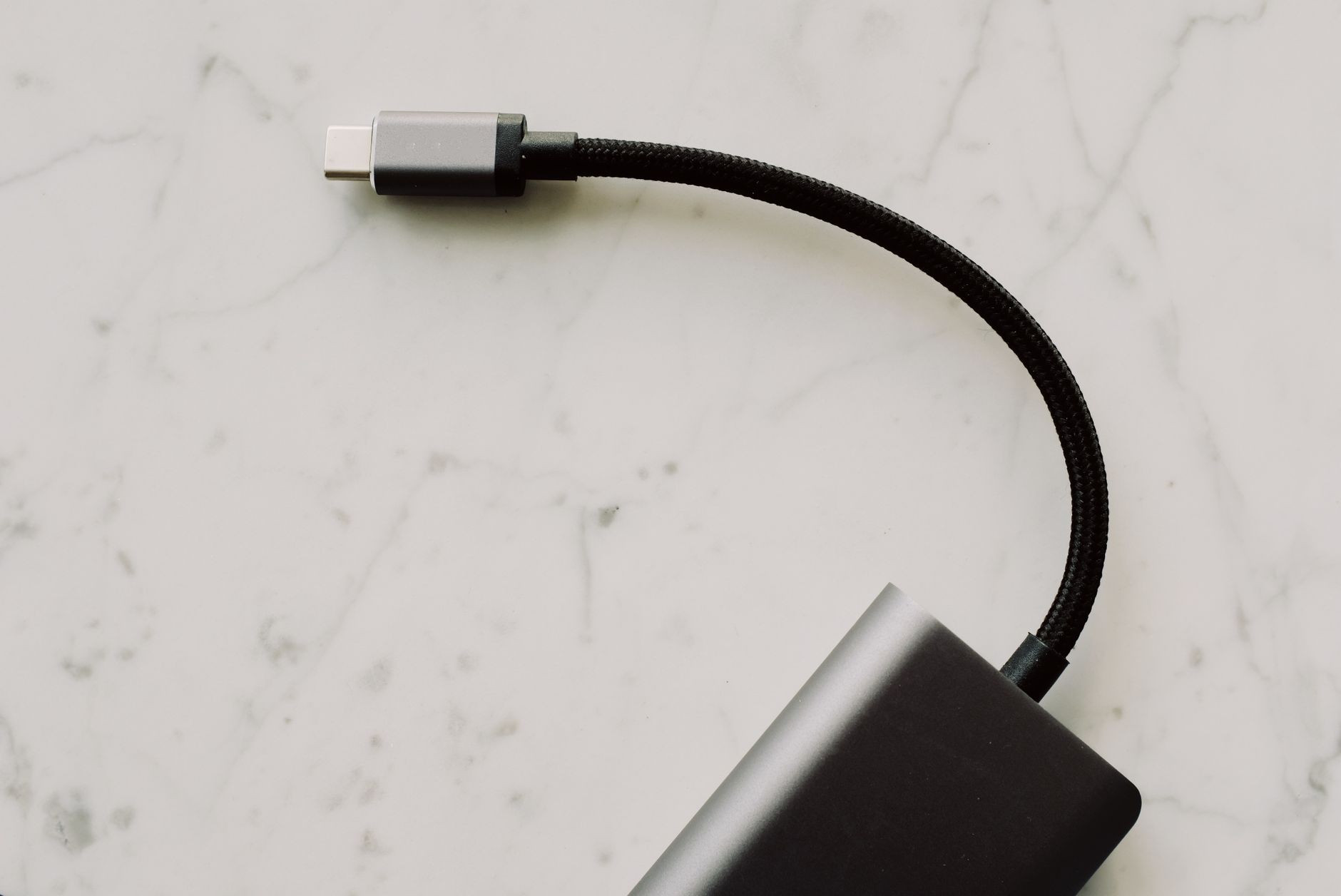
USB-C has rapidly become a standard for connecting a variety of electronic devices, thanks to its reversibility, compact size, and ability to carry both power and data. Understanding what USB-C is and how it integrates into technology is essential for both casual users and tech enthusiasts alike.
This article will explore USB-C comprehensively, covering its ports, cables, charging capabilities, and data speeds. By the end, you’ll have a better grasp of how USB-C can benefit your devices and improve your connectivity experience.
What Is USB-C?
USB-C, or Universal Serial Bus Type-C, is a type of USB connector that was introduced in 2014 as part of the USB 3.1 specification. It serves as a universal port for various devices, enabling both power delivery and data transfer through a single cable. The USB-C connector is distinguishable by its oval shape and symmetrical design, allowing users to plug it in either way, simplifying the connection process.
Understanding USB-C Ports
USB-C ports are increasingly being used in smartphones, tablets, laptops, and other electronic devices. They allow for a range of uses beyond basic charging and data transfer.
- Power Delivery (PD): USB-C supports Power Delivery, a specification that allows for higher charging power. This means that devices can charge more quickly and be powered through the same port used for data transfer.
- Alternate Modes: USB-C can support alternate modes that enable connections to HDMI, DisplayPort, VGA, or other protocols, allowing you to connect to external displays and other equipment.
- Compatibility: USB-C ports can be found in numerous devices, promoting compatibility and convenience for users who own multiple devices or those looking to simplify their cable collection.
USB-C Cables: A Closer Look
The type of cable you use with USB-C ports is crucial, as not all USB-C cables are created equal. They can vary significantly in terms of capabilities.
Types of USB-C Cables
- Standard USB-C Cables: These cables support basic data transfer and charging, typically at lower speeds (up to 10 Gbps) and power levels (up to 18W).
- USB-C Power Delivery Cables: Designed for devices that require more power, these cables can support charging power beyond 60W, making them suitable for laptops and power-hungry devices.
- Data Transfer Cables: These cables support higher speeds and are essential for transferring large files quickly. They can manage speeds up to 40 Gbps, particularly when used with Thunderbolt 3 technology.
Choosing the Right Cable
When selecting a USB-C cable, consider the following criteria to ensure you meet your device’s requirements:
- Device Compatibility: Always check the specifications of your device to determine the type of cable you will need.
- Charging Speed: If you intend to charge a device quickly, opt for a cable that supports USB Power Delivery.
- Data Transfer Speed: For large files, select a cable that supports higher data speeds, especially if you are working with video files or large datasets.
Charging with USB-C
USB-C has transformed the way devices are charged by introducing faster charging capabilities and making it a universal standard. Here’s how it works:
Power Delivery Protocol
The USB Power Delivery (USB PD) protocol allows higher power levels to flow through USB-C connections. It is essential for quickly charging larger devices like laptops and high-capacity smartphones. USB PD allows for:
- Increased voltage levels of up to 20 volts.
- Power levels of up to 100 watts.
- Dynamic power management allowing devices to negotiate charging speed.
Device Charging Levels
Here’s a breakdown of how USB-C charges different types of devices:
- Smartphones: Most modern smartphones support charging at 18W to 30W with USB PD for fast charging.
- Tablets: Tablets may require upwards of 60W, especially those designed for productivity.
- Laptops: Many laptops utilize USB-C for charging, with power requirements ranging from 30W to 100W, depending on size and performance.
Data Transfer Speeds of USB-C
USB-C ports can support various data transfer speeds depending on the underlying technology used. Let’s look into the specifics:
USB Versions and Their Speeds
| USB Standard | Speed | Features |
|---|---|---|
| USB 2.0 | Up to 480 Mbps | Basic data transfer, no power delivery |
| USB 3.0 | Up to 5 Gbps | Faster data transfer, backward compatible |
| USB 3.1 Gen 1 | Up to 5 Gbps | Improved data transfer speed, backward compatible |
| USB 3.1 Gen 2 | Up to 10 Gbps | Higher speed and improved compatibility |
| USB 3.2 | Up to 20 Gbps | Dual-lane operation for faster data transfer |
| Thunderbolt 3 | Up to 40 Gbps | Accessory support and high data throughput |
Factors Affecting Data Speeds
While USB-C can support various speeds, several factors can impact the actual speed you experience:
- Cable Quality: Using a low-quality cable can slow down data transfers and even affect charging speeds.
- Device Capability: Less capable devices may not fully utilize the USB-C port capabilities.
- Connection Type: Not all devices support the same speed; ensure compatibility between your device and the cable.
Comparing USB-C with Other Connectors
USB-C is often compared with its predecessors and competitors. Here’s how it stacks up:
USB-A vs. USB-C
- Design: USB-A has a rectangular shape, whereas USB-C is oval and reversible.
- Speed: USB-C generally supports higher speeds and power levels compared to USB-A.
- Usage: USB-C is becoming standard in modern devices, while USB-A is becoming less common.
USB-C vs. Lightning Connector
- Compatibility: Lightning is exclusive to Apple devices, whereas USB-C is universal across various platforms.
- Speed and Power: USB-C supports higher data speeds and power levels than the Lightning connector in many cases.
Devices That Use USB-C
USB-C is becoming increasingly common across various devices. Here are some categories where it’s found:
- Smartphones: Nearly all flagship smartphones now feature USB-C ports for charging and data.
- Laptops: Major laptop manufacturers like Apple, Dell, and HP have adopted USB-C for charging and peripherals.
- Tablets: Many tablets, especially those designed for professional use, now support USB-C.
- Accessories: Various accessories, including external hard drives and docks, now utilize USB-C connections.
Troubleshooting Common USB-C Issues
Although USB-C is designed to make connections simple, users may still encounter issues. Here are some common problems and solutions:
Device Not Recognized
- Check for debris or damage to the USB-C port.
- Try using a different USB-C cable.
- Ensure the device is powered on and functioning properly.
Slow Charging
- Confirm you are using a PD-compliant charger.
- Inspect the cable to verify it supports higher power levels.
- Test with a different outlet or USB port.
Intermittent Connection
- Inspect the port and cable for hardware defects.
- Try connecting the cable to a different device.
- Update device firmware or software if applicable.
The Future of USB-C
As more devices adopt USB-C for power and data transfer, it is likely to become the universal connector for various electronic devices. Future advancements may include:
- Increased data transfer speeds.
- More devices adopting USB-C in new product releases.
- Enhanced power delivery for fast charging across a wider variety of products.
USB-C’s flexibility and capability make it an essential component of today’s technology landscape. Understanding how to utilize its features can enhance your device’s performance and connectivity. By being informed, you can make the most of your USB-C experience and remain prepared as this technology continues to evolve.
For further reading, check out related topics such as What is a USB-C? or learn about MagSafe technology. These resources will help you deepen your understanding of contemporary connectivity options.