Skip to content
DIY Tech Fixes
  • Home
  • Technology
  • About
  • Contact Us
DIY Tech Fixes
  • Home
  • Technology
  • About
  • Contact Us

Jax Remington

How to Take a Screenshot on a Chromebook (Keys and Tools)

Screenshots are a useful way to capture your Chromebook’s screen …

Finish Up

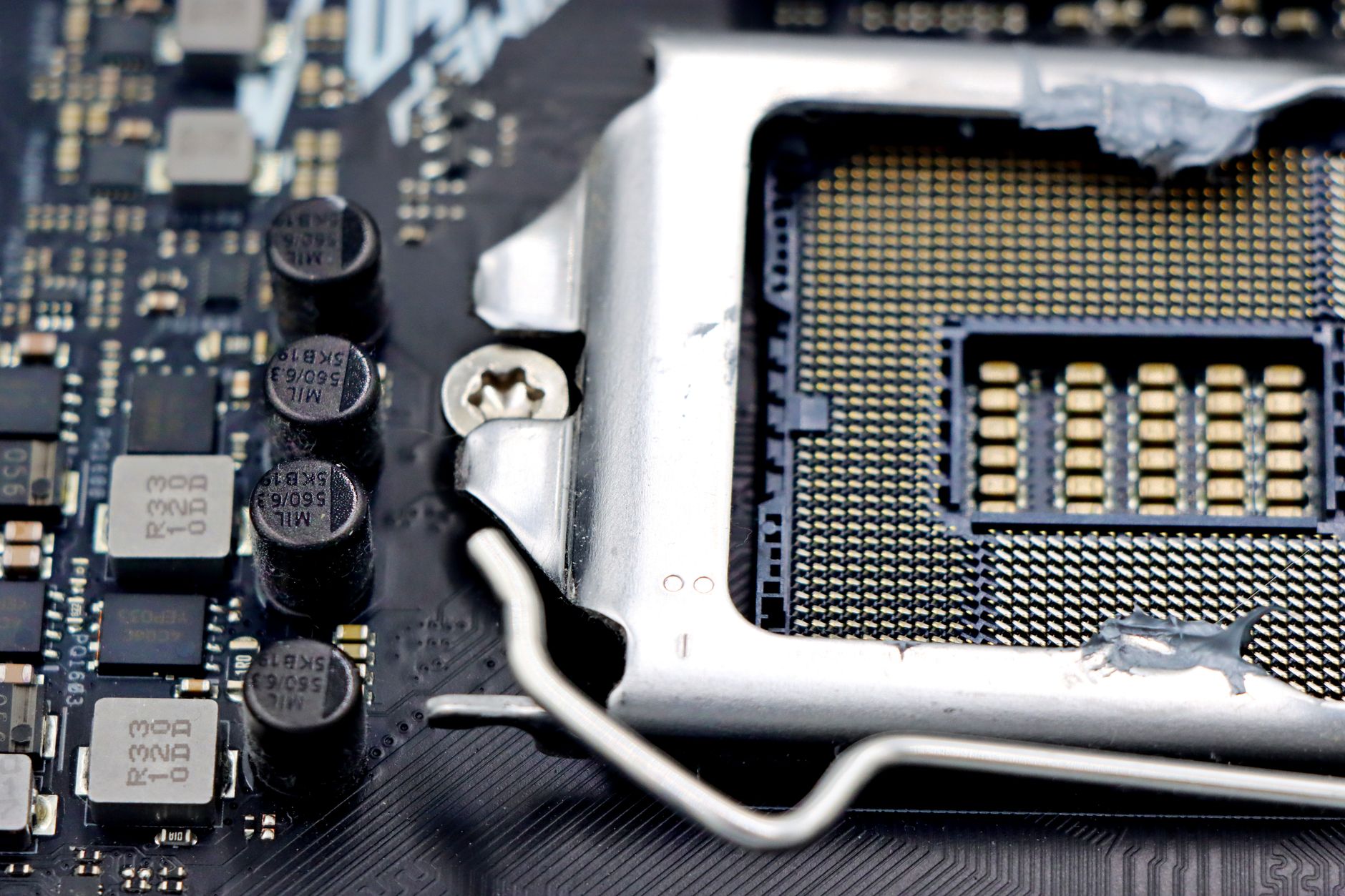
How to Build a PC (Compatibility, Setup, and Safety Checks)

Building a PC can be an exciting and rewarding project, …
Finish Up

How to Update BIOS (Compatibility, Setup, and Safety Checks)

Updating the Basic Input/Output System (BIOS) can profoundly impact your …
Finish Up

How to ZIP a File (Compression, Extraction, and File Tools)

ZIP files are a popular method for compressing one or …

Finish Up

What Is ChatGPT? (AI Features, Uses, and Limitations)

ChatGPT has become a prominent tool in artificial intelligence (AI), …
Finish Up

How to Reset Apple Watch (Backup, Recovery, and Setup Steps)

Resetting your Apple Watch can resolve various issues, such as …
Finish Up

How to Screen Record on iPhone (Audio and Capture Tools)

Screen recording on an iPhone allows users to capture everything …

Finish Up

Is Steam Down? (Live Status Checks and Connection Fixes)

For gamers around the world, Steam is a crucial platform …
Finish Up

How to Use Zoom (Meetings, Video Calls, and Screen Sharing)

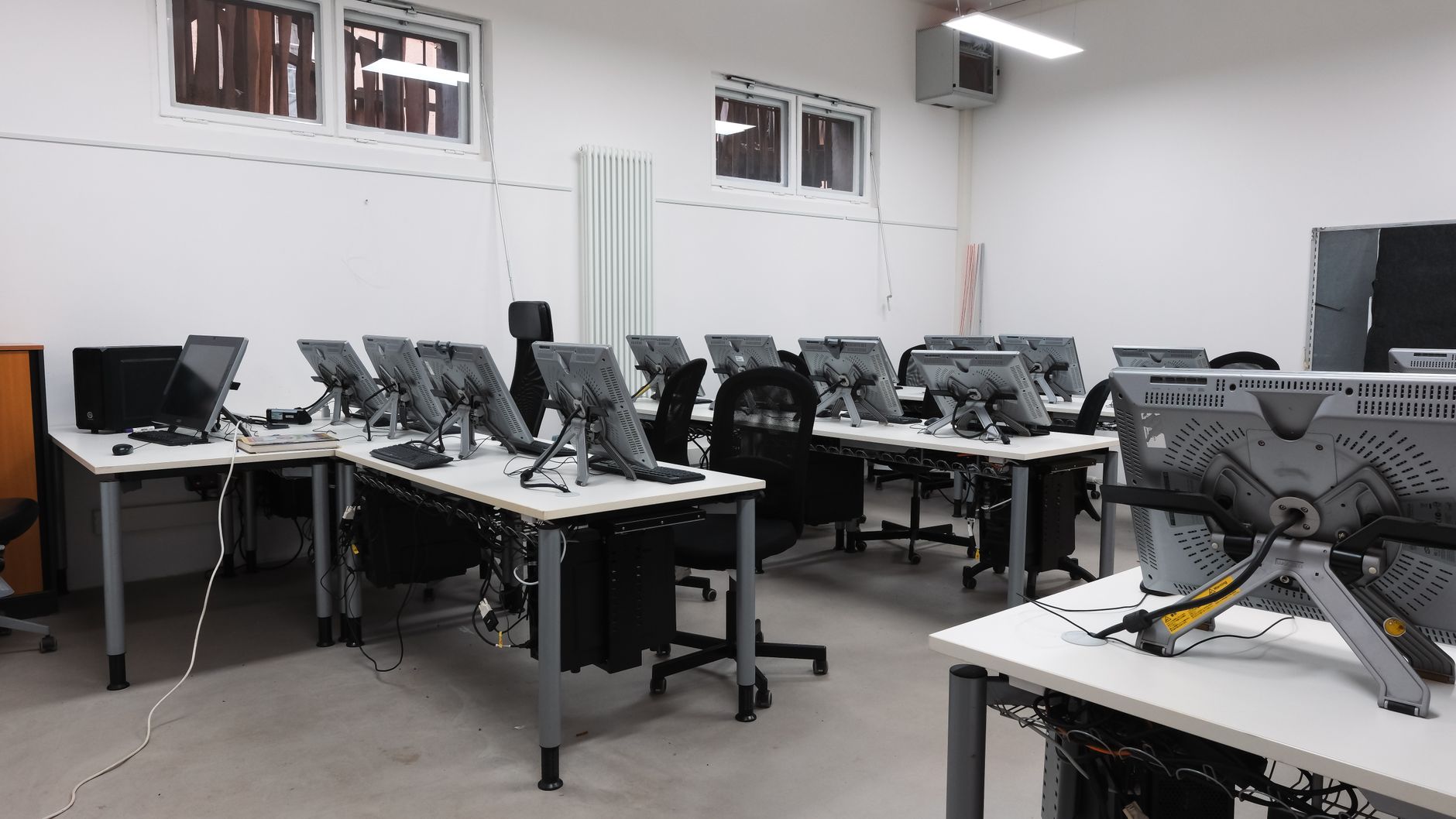
Zoom has become a staple tool for virtual meetings, video …
Finish Up

How to Use Excel (Menus, Shortcuts, and Practical Examples)

Microsoft Excel is an essential tool for data management, analysis, …

Finish Up

Older posts
Newer posts
← Previous Page1 … Page5 Page6 Page7 Next →

Recent Posts

  • What Is WhatsApp? (Messaging, Calls, Privacy, and Features)
  • How to Connect Two Monitors (Setup and Connection Fixes)
  • What Is a CAPTCHA? (Verification and Online Security)
  • How to Recover Deleted Files (Backups and Recovery Tools)
  • How to Clear Cookies (Storage, Settings, and Cleanup Tips)
© 2026 DIY Tech Fixes