
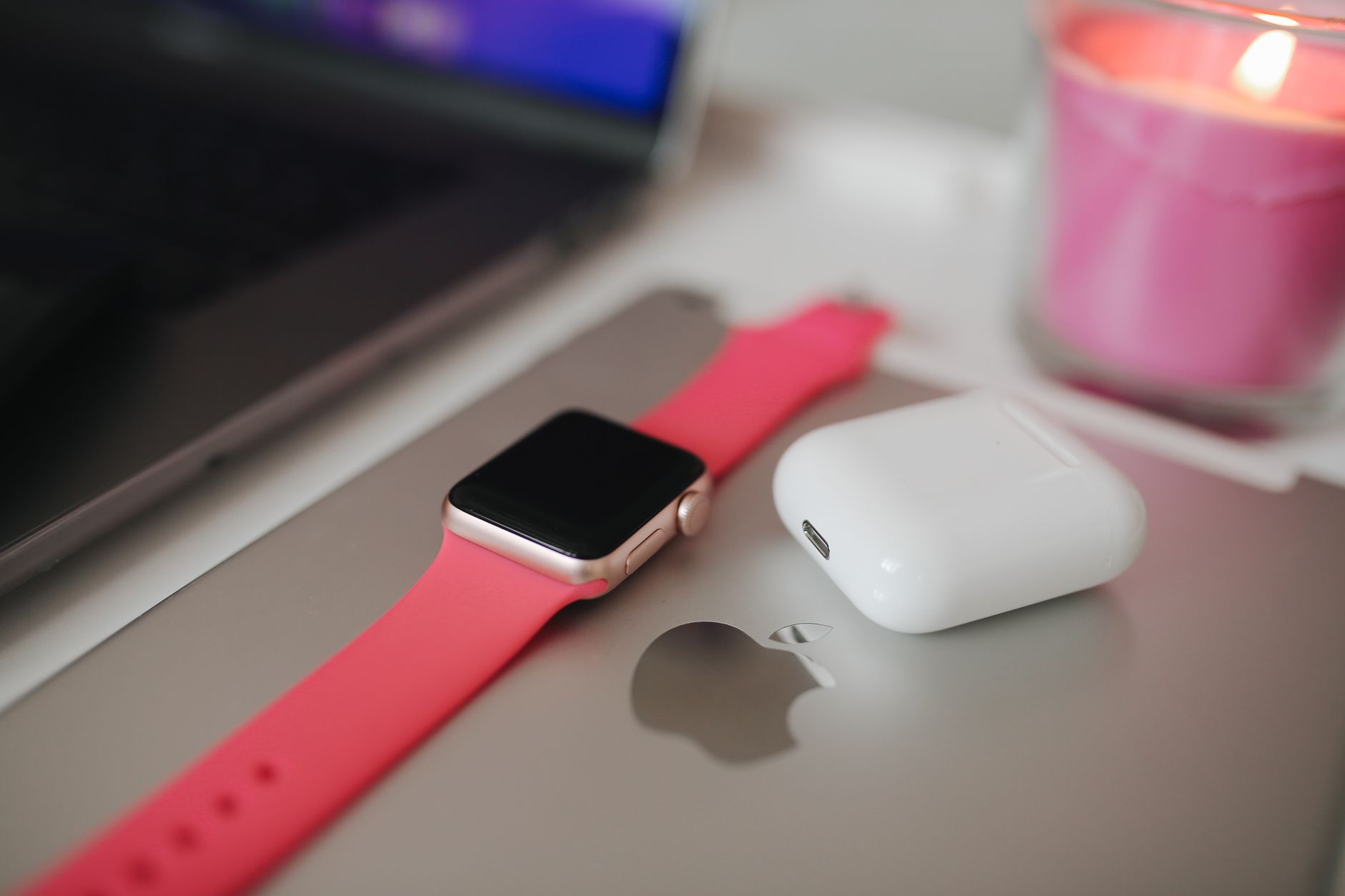
Changing the band on your Apple Watch can refresh its look and feel while ensuring it remains comfortable during daily activities. Whether you want to switch bands for a workout, a formal event, or just for variety, the process is straightforward and requires no special tools. In this guide, we’ll walk you through how to change your Apple Watch band, discuss proper fit and sizing, and explore some additional tips.
With a variety of bands available, from sport bands to leather straps, understanding how to swap them out is essential for maximizing your Apple Watch experience. Let’s dive into the step-by-step process of changing your Apple Watch band, ensuring you can do it effortlessly.
How to Change an Apple Watch Band?
Changing your Apple Watch band is a simple process that can be done in a few steps. This involves properly removing the existing band, selecting a new band, and ensuring it fits correctly. Below are the key steps to successfully change your Apple Watch band.
Prerequisites for Changing an Apple Watch Band
- An Apple Watch: Ensure your watch is powered off or on your wrist.
- A new Apple Watch band: Make sure it’s compatible with your watch model.
Removing the Old Band
Start by removing the existing band from your Apple Watch. You can do this easily without any tools. Follow these steps:
- Place the Watch on a Clean Surface: Lay your Apple Watch face down on a clean, soft surface to avoid scratches.
- Locate the Band Release Buttons: On the back of the watch, you will find two band release buttons located on either side.
- Press and Hold the Release Button: Press and hold one of the buttons while sliding the band to the left or right. This will release the band from the watch.
- Repeat for the Other Band: Repeat the process for the other end of the watch band, pressing the release button and sliding the band out.
After successfully removing both sides, your watch is now ready for a new band!
Selecting the Right Band
Choosing the right band is crucial for both aesthetics and comfort. Here are some popular types of Apple Watch bands to consider:
- Sport Band: Made from flexible plastic and great for workouts.
- Leather Band: Offers a more classic look for formal occasions.
- Metal Band: Durable and elegant, suitable for business settings.
- Woven Nylon Band: Lightweight and breathable, good for casual wear.
When selecting a band, ensure it is compatible with your specific Apple Watch model. Apple Watches have different case sizes; newer models and older versions may require different band fittings.
Attaching the New Band
Once you have chosen your new band, it’s time to install it. Follow these steps for a seamless attachment:
- Align the New Band: Take one side of the new band and align it with the slot on the Apple Watch.
- Slide the Band In: Insert the band into the slot until you hear a click; this indicates it is locked into place.
- Repeat for the Other Side: Follow the same steps to attach the other side of the band.
Your Apple Watch band should be securely attached now. To confirm, gently pull on the band to ensure it is locked in place.
Ensuring Proper Fit and Sizing
A well-fitted band ensures comfort and prevents the watch from sliding around your wrist. Here are some tips for finding the right fit:
- Wrist Measurement: Measure your wrist with a soft measuring tape to determine the correct band size.
- Adjustable Bands: Consider bands that offer adjustable lengths to accommodate changes in wrist size or preferences.
- Test the Fit: Once the band is on, slide two fingers underneath the band. If it feels too tight or too loose, you may need to adjust or choose a different size.
Common Issues and Troubleshooting
While the process of changing your Apple Watch band is generally straightforward, there are common issues that may arise. Here are some problems you might encounter and their solutions:
- The Band Won’t Slide Out: Make sure you are pressing the release button down fully before trying to slide the band out.
- Band Doesn’t Fit Properly: Check the size of the band against your wrist measurement and consider trying a different band size.
- Band is Loose: Look for additional adjustment holes in the band or consider purchasing a smaller size.
Caring for Your Apple Watch Band
Maintaining the appearance and condition of your Apple Watch band can prolong its life. Here are some care tips:
- Cleaning: Wipe down bands regularly with a soft cloth. For sport bands, a cleaner might be necessary occasionally.
- Storage: When not in use, store your bands in a cool, dry place to avoid damage.
- Inspect Regularly: Check for signs of wear or damage. Replace any bands that show significant signs of deterioration.
Buying New Bands
If you’re looking to buy new bands, consider the following:
- Compatibility: Ensure the band you select is compatible with your specific Apple Watch series and model.
- Material: Choose a material that aligns with your activities, whether you’re looking for something casual, sporty, or elegant.
- Price Range: Apple Watch bands come in various price ranges, so evaluate your budget while shopping.
Popular Third-Party Band Options
While Apple offers a variety of official bands, many third-party options can provide unique styles at a competitive price. Here are a few notable options:
- Casetify: Known for customizable and durable designs.
- Nomad: Offers genuine leather bands that mature well over time.
- Spigen: Known for sport and rugged bands at affordable rates.
Always verify compatibility with your specific Apple Watch model when purchasing third-party bands.
Switching Bands Regularly
One of the benefits of owning an Apple Watch is the versatility that comes with interchangeable bands. Regularly switching bands can help adapt your watch to different scenarios. Consider establishing a few go-to bands for various occasions:
- Exercise: A sport band that can withstand sweat and moisture.
- Casual Outings: A woven nylon or silicone band for comfort.
- Formal Events: A leather or metal band that elevates the wrist’s appearance.
Final Thoughts
Changing your Apple Watch band is a simple yet rewarding task that allows for personal expression and comfort enhancement. By following the outlined steps, you can easily switch bands to accommodate your style and activity needs. Always ensure compatibility, choose a suitable band type, and maintain your bands for the best experience.
As you explore different bands, don’t hesitate to experiment with styles and materials. Your Apple Watch is not just a tech accessory; it’s an extension of your personal style. Happy band changing!
If you’re interested in learning more about your Apple Watch, consider exploring our guides on resetting your Apple Watch and printing from your iPhone.