
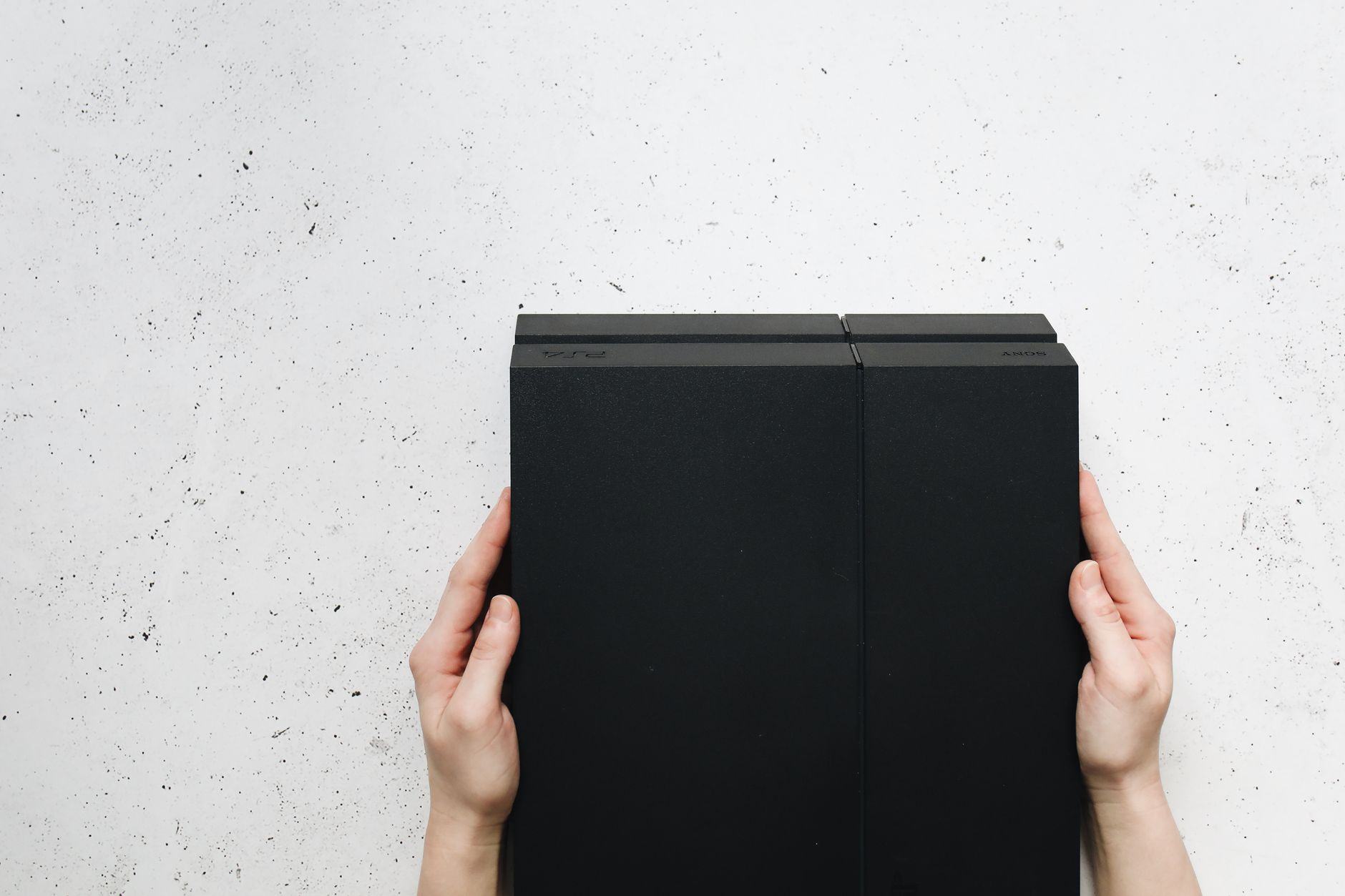
Cleaning your PlayStation 5 (PS5) is essential for maintaining optimal performance and prolonging its lifespan. Dust and debris can accumulate over time, potentially causing overheating and affecting the console’s functionality. This guide will explain effective and safe methods to clean your PS5, including recommended tools, cleaning steps, and care tips.
Whether you’re experiencing performance issues or just want to keep your gaming space tidy, knowing how to clean your PS5 properly can make a significant difference. Let’s get started on ensuring your console remains in the best possible condition.
How to Clean PS5?
Cleaning your PS5 involves a series of safe steps that can be completed easily at home. This process should take about 30 minutes, and it’s advisable to perform it every few months, or more frequently if you live in a dusty environment.
What You Need to Clean Your PS5
Before starting the cleaning process, gather the necessary tools to ensure you clean your PS5 effectively and safely. Here are the recommended tools:
- Microfiber cloths: These are essential for dusting and wiping surfaces without scratching them.
- Compressed air canister: Useful for blowing out dust from hard-to-reach areas.
- Soft brush or paintbrush: Ideal for loosening dust in crevices.
- Isopropyl alcohol (70% or higher): For disinfecting surfaces, if needed.
- Small vacuum cleaner: A handheld vacuum can help remove accumulated dust from vents.
Cleaning Steps for Your PS5
Now that you have your tools in hand, follow these step-by-step instructions to clean your PS5 safely.
Step 1: Power Off and Unplug the Console
- Before cleaning, ensure your PS5 is completely powered off and unplugged. This helps prevent any potential electrical issues.
- Disconnect all cables, including power, HDMI, and any external accessories.
Step 2: Move the Console to a Clean Area
- Carefully relocate your PS5 to a clean, flat surface free of clutter. A table or countertop is ideal.
- Ensure that the area is well-lit, which helps you see dust buildup in various areas of the console.
Step 3: Dust the Exterior
- Using a microfiber cloth, gently wipe down the exterior surfaces of the PS5. Pay special attention to the gaming console’s top, sides, and front.
- For stubborn spots, lightly dampen the cloth with water or isopropyl alcohol. Make sure the cloth is not soaking wet.
Step 4: Clean the Vents
- Utilize the compressed air canister to blow dust out of the vents on your PS5. Hold the canister upright, then spray short bursts into the vents.
- Keep the nozzle about an inch away from the surface to avoid moisture buildup.
- For better access, tilt or rotate the console to target different angles of the vents.
Step 5: Use a Brush for Stubborn Dust
- If there are dust particles lodged in the vents that the compressed air did not remove, use a soft brush or a paintbrush to gently dislodge them.
- Make light strokes to prevent damage to the console’s internal components.
Step 6: Vacuum Any Remaining Dust
- If you have a small vacuum cleaner, use it carefully to remove any dust collected around the vents without making direct contact with the console.
- A vacuum attachment with a soft brush can help, but be cautious with the suction power.
Step 7: Wipe Down Accessories
- As you clean the console, take a moment to clean any accessories such as controllers and headsets. Use the microfiber cloth and isopropyl alcohol if necessary.
- Pay attention to the buttons and thumbsticks on the controllers, ensuring they are free from dust and oils.
Step 8: Allow to Dry
- If you used any liquid cleaning solution, allow the console to dry for a few minutes before reconnecting any power or accessories.
- Ensure that no moisture remains in the vents or around the ports to avoid electrical issues.
Step 9: Reconnect Everything
- Once the PS5 is completely dry, reconnect all the cables and accessories.
- Power on the console and ensure it runs smoothly.
Additional Care Tips for Your PS5
Aside from periodic cleaning, follow these tips to maintain your PS5 in optimal condition:
- **Keep Your PS5 in a Well-Ventilated Area:** Ensure that your console has sufficient space around it to allow airflow, reducing the chance of overheating.
- **Avoid Using Your Console on Carpet:** Placing your PS5 on carpet can trap dust and heat, so it’s best to use it on hard surfaces.
- **Regularly Check for Updates:** Software updates can improve system performance and stability, so keep your system updated.
- **Monitor Ambient Temperature:** Keep your gaming setup in a temperature-controlled environment to help prevent overheating.
- **Keep Drinks and Food Away:** Avoid bringing food or beverages near your PS5 to prevent spills and mess.
Common Cleaning Mistakes to Avoid
Cleaning your PS5 can be straightforward, but it’s crucial to avoid common mistakes during the process:
- **Using Harsh Chemicals:** Avoid using cleaning agents not specifically designed for electronics, as they may cause damage.
- **Neglecting the Vents:** Skipping vent cleaning can lead to overheating. Always clean these areas thoroughly.
- **Cleaning While the Console is On:** Never clean the PS5 while it’s powered on. This can pose a safety hazard.
- **Using Excessive Force:** Be gentle when dusting and cleaning, as excessive force can scratch or damage the surface.
When to Seek Professional Help
While cleaning your PS5 can be a DIY task, there are instances when it may be beneficial to seek professional help, such as:
- If you notice significant performance issues after cleaning.
- If there are strange noises coming from the console.
- If you suspect that dust has gotten inside the console’s internal components.
In such cases, consult with an authorized repair service or technician specializing in gaming consoles.
Conclusion
Cleansing your PS5 is a simple yet important maintenance task that helps ensure its longevity and performance. Following the outlined steps and using appropriate tools will keep your gaming console tidy and functioning optimally.
For optimal results, incorporate these cleaning practices into your regular tech care routine. With proper attention, your PS5 can provide countless hours of gaming enjoyment!
If you want to explore more tech tips, check out our guides on how to clean your MacBook screen or learn how to fix stick drift on PS5.