
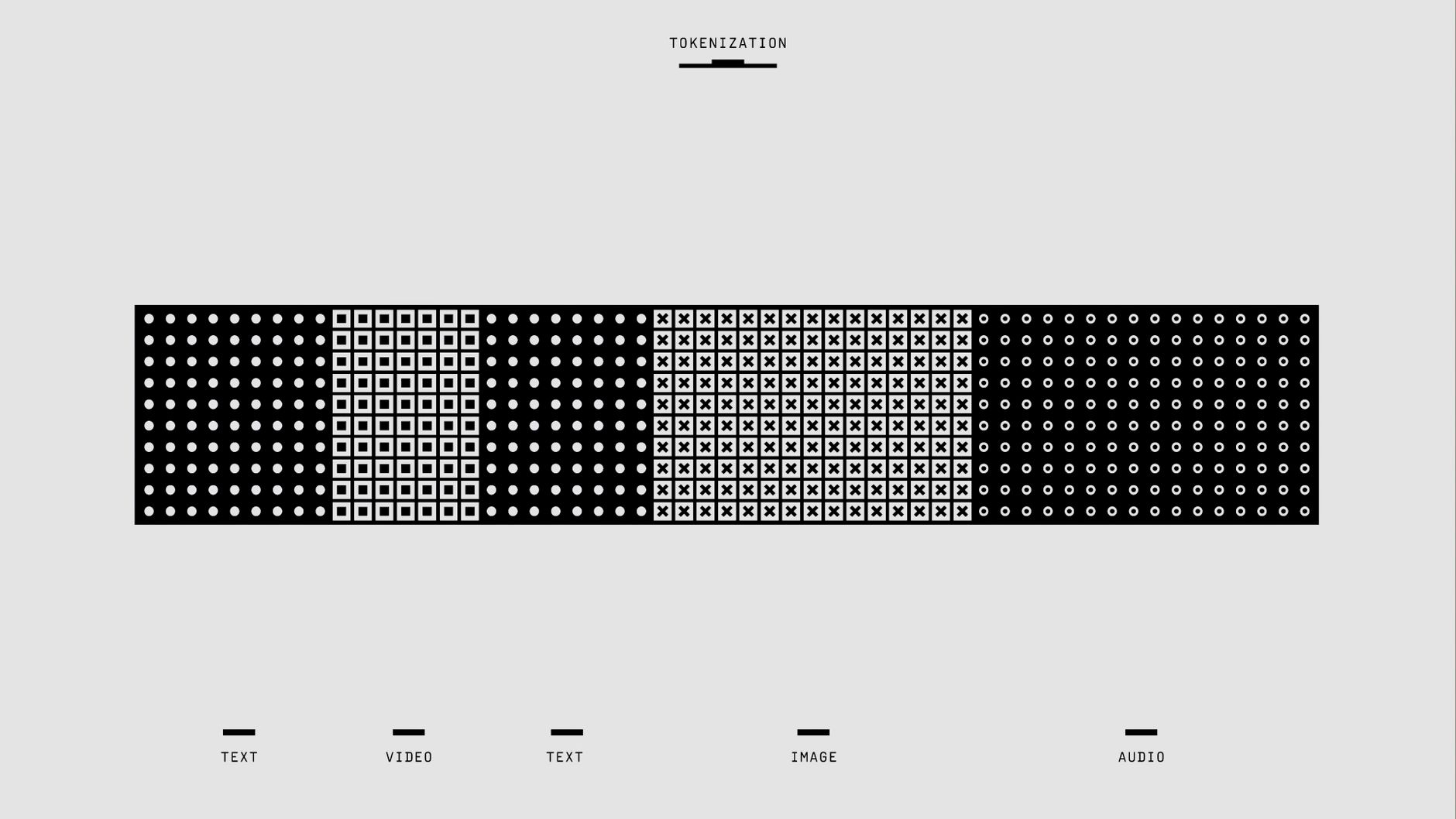
A bit, which stands for “binary digit,” is the most fundamental unit of data in computing and digital communications. Understanding bits is crucial to grasp how computers process, store, and transmit information. This article aims to dissect the concept of a bit, its role in binary systems, and how it impacts storage and computing practices.
We’ll explore the basics of bits, how they function in digital systems, their significance in various technologies, and the implications for data storage and transmission. By the end, you will have a well-rounded understanding of bits and their significance in the tech landscape.
What Is a Bit?
A bit is the smallest piece of data in a computer and can hold a value of either 0 or 1. This binary representation is the heart of digital computing. Computers use bits to process all types of information, from simple calculations to complex data structures.
Bits are collected into larger units called bytes. One byte typically consists of eight bits and can represent 256 different values, ranging from 0 to 255. Understanding bits and bytes lays the foundation for understanding how computers handle data.
The Importance of Bits in Computing
- Binary System: The binary system, which uses bits, is the backbone of all computing operations. It simplifies data representation and processing.
- Data Storage: Bits are used to represent all types of data—text, images, video, and audio—enabling effective storage solutions.
- Data Transmission: In networking, bits facilitate the transmission of digital information across channels, making communication possible.
Bits and Binary Representation
The binary number system consists of only two digits: 0 and 1. This simplicity allows for efficient data processing in electronic systems. Each bit represents an electrical state; 0 can represent a low voltage or off state, and 1 can signal a high voltage or on state.
When bits are combined, they form binary numbers, which can represent more complex data. For example:
Binary Representation:
0000 0000 = 0
0000 0001 = 1
0000 0010 = 2
0000 0011 = 3
0000 0100 = 4
...
1111 1111 = 255
Bits, Bytes, and Beyond
As previously mentioned, a byte consists of 8 bits. Bytes are often the standard unit of data measurement in computing. Here’s how various larger data units are defined:
| Unit | Number of Bits |
|---|---|
| Bit | 1 |
| Nibble | 4 |
| Byte | 8 |
| Kilobyte (KB) | 8,192 |
| Megabyte (MB) | 8,388,608 |
| Gigabyte (GB) | 8,589,934,592 |
| Terabyte (TB) | 8,796,093,022,208 |
These larger units illustrate how bits scale to accommodate larger datasets. When you hear about data storage capacities such as gigabytes or terabytes, you’re essentially referring to millions or billions of bits.
Data Storage and Bits
In the realm of data storage, bits serve as the building blocks for various storage types, including:
- Hard Disk Drives (HDD): Magnetic disks store bits in clusters of magnetic fields, allowing data to be retrieved and written over time.
- Solid-State Drives (SSD): SSDs store data in flash memory, where bits are represented by electrical charges, providing faster access and greater reliability than HDDs.
- Optical Discs: CDs and DVDs store bits using pits and lands that vary in reflectivity, allowing laser technology to read and write data.
- Cloud Storage: Services like Google Drive and Dropbox store data digitally across multiple servers, offering a way to access bits from anywhere.
Understanding how bits function in these storage mediums is essential when considering how data is stored, retrieved, and managed effectively.
Bits in Networking
Networking utilizes bits to transmit data over the internet or local networks. The communication occurs through packets of bits that convey information. These packets contain:
- Header: Metadata that indicates the source and destination of the data.
- Payload: The actual data being transmitted, represented in bits.
- Footer: A part that checks for errors during transmission.
The speed at which bits are transmitted is measured in bits per second (bps), with higher rates indicating faster performance. Common speeds include:
- Mbps (Megabits per second)
- Gbps (Gigabits per second)
Bits and Processing Power
The processing power of a computer directly correlates with how efficiently it can handle bits. CPUs and GPUs operate using a series of complex instructions represented in bits. These instructions dictate how the CPU handles calculations, manipulates memory, and accesses storage.
Understanding bits provides insight into concepts like:
- Word Size: Refers to the number of bits that a CPU can process simultaneously (e.g., 32-bit processors can handle 32 bits at a time).
- Binary Arithmetic: Computers perform calculations using a binary number system, which can include simple arithmetic operations as well as complex algorithms.
Bits and Software Development
In the world of software development, bits play a crucial role in programming languages and data types. Knowing how to manipulate bits is essential for tasks such as:
- Bit Manipulation: Techniques that involve directly modifying individual bits for optimization or control.
- Data Structures: Understanding how data is stored and accessed, including using bit-fields to save memory.
Examples of bit manipulation might include:
int myNumber = 5; // Binary: 0101
myNumber = myNumber << 1; // Shift bits left (Multiply by 2)
Bits and Security
In cybersecurity, bits are essential in encryption processes that protect data. Understanding how bits function in encryption algorithms can help in securing sensitive information. Common encryption methods include:
- Symmetric Encryption: The same key is used to encrypt and decrypt data.
- Asymmetric Encryption: Different keys are used for encryption and decryption, enhancing security.
Both methods rely on sophisticated bit manipulation techniques, ensuring that even if data packets are intercepted, unauthorized users cannot easily access the information.
Common Terms Related to Bits
To fully comprehend the context of bits, being familiar with certain related terms is beneficial:
- Bitrate: A measurement used to express the quantity of bits processed in a given amount of time, commonly used in audio and video streaming.
- Checksum: A value derived from a set of bits used to detect errors in transmission.
- Buffer: A temporary storage area that holds bits while they are being transferred between processes or devices.
Future Developments: Quantum Bits
Looking towards the future, advancements in technology such as quantum computing are introducing new ways of processing information. In this realm, bits are replaced by quantum bits, or qubits, which can represent multiple states simultaneously due to quantum superposition.
This development holds potential for significant improvements in computing power and efficiency, opening up opportunities for breakthroughs in numerous fields including artificial intelligence, cryptography, and complex simulations.
Final Thoughts
Understanding what a bit is and how it forms the basis for virtually all computing processes is crucial for anyone interested in technology. Whether you are involved in programming, data management, or network security, a solid grasp of bits will enhance your ability to navigate the digital landscape.
Delving deeper into bits also leads to meaningful insights into other tech topics. For example, you can explore data encryption practices with BitLocker and learn about the role of semiconductors in modern computing devices by clicking on what is a semiconductor.