
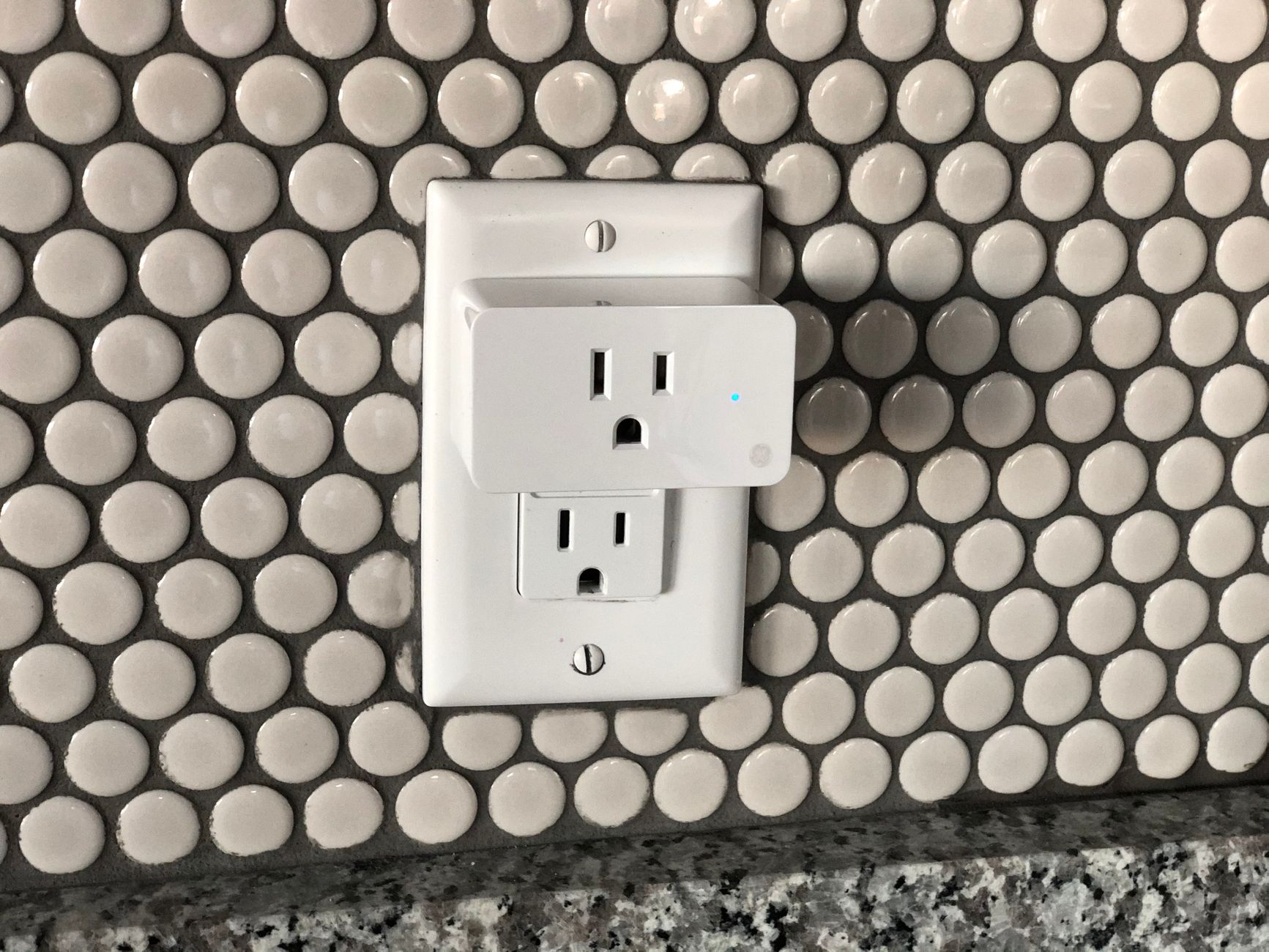
Smart plugs are a convenient addition to modern homes, enabling users to control electrical devices remotely through apps or voice commands. They allow for automation and greater energy efficiency, integrating seamlessly with various smart home ecosystems.
This article will explain what a smart plug is, how it works, its features, benefits, and some tips for selecting the right device for your needs.
What Is a Smart Plug?
A smart plug is a device that connects to your existing electrical outlets, allowing you to control any plugged-in appliance remotely. By using a smartphone app or voice controls, users can manage these devices, schedule their operation, and enhance home automation.
How Does a Smart Plug Work?
A smart plug connects to your home’s Wi-Fi network, enabling communication between the plug and your smartphone or other smart home devices. Here’s how it typically works:
- Connection: After plugging a smart plug into an outlet, users connect it to their home Wi-Fi using a mobile app.
- Device Control: Once connected, users can control the smart plug through the app, allowing them to turn devices on or off remotely.
- Scheduling: Most smart plugs have a scheduling feature, so you can create on/off timers for devices.
- Voice Commands: Many smart plugs integrate with voice assistants like Amazon Alexa, Google Assistant, or Apple’s Siri, enabling hands-free control.
Features of Smart Plugs
Smart plugs come with a variety of features that enhance their functionality. Understanding these can help you decide which models suit your needs best.
- Remote Control: Operate devices from anywhere using a smartphone app.
- Scheduling: Automate devices on a timer, making it easy to control lights, heaters, or appliances.
- Energy Monitoring: Some smart plugs provide insights into the energy usage of connected devices, helping users save on electricity bills.
- Compact Design: Many models are designed to be compact, allowing multiple plugs to fit side by side in a standard outlet.
- Voice Assistant Compatibility: Supports integration with popular voice assistants, allowing for seamless control.
- IFTTT Support: Some smart plugs work with IFTTT (If This Then That), enabling connections with various apps and services for more automated control.
Benefits of Using a Smart Plug
Incorporating smart plugs into your home can significantly enhance convenience and efficiency. Below are some of the primary benefits:
- Energy Efficiency: By tracking usage and automating devices, smart plugs can help reduce energy consumption.
- Convenience: Remote control and scheduling means you don’t have to be physically present to operate devices.
- Increased Security: Use smart plugs to turn on lights or appliances while you’re away, creating the illusion that someone is home.
- Easy Integration: Most smart plugs work with a variety of smart home systems and platforms.
Selecting the Right Smart Plug
Choosing the right smart plug can make a significant difference in your smart home experience. Here are some factors to consider:
Compatibility
Make sure the smart plug is compatible with your existing smart home ecosystem. For example, if you use Amazon Alexa or Google Home, you will want plugs that work seamlessly with those platforms.
Wi-Fi Connection
Most smart plugs connect via Wi-Fi, but check the frequency. Some work only on 2.4 GHz networks, while others may support 5 GHz. Ensure your home network settings align with the plug’s requirements.
Design and Size
Consider the physical design of the smart plug. Look for a compact model if you have limited outlet space. Also, check if it’s suitable for outdoor use if needed.
Energy Monitoring
If energy efficiency is a priority, choose a plug with energy monitoring capabilities. This feature can provide insights into how much power your devices consume.
Security Features
Look for options that offer additional security features, such as two-factor authentication or the ability to schedule operation while you are on vacation.
Price and Warranty
Determine your budget before shopping. Smart plugs come in a range of prices depending on the features. Additionally, check the warranty to ensure you are covered in case of a malfunction.
Common Smart Plug Use Cases
Smart plugs can be used in various scenarios throughout your home. Here are some popular use cases:
Lighting Control
Use a smart plug to control lamps, making it easy to schedule lighting based on your routine. For instance, you can set lamps to turn on at sunset and off at bedtime.
Home Appliances
Control appliances such as coffee makers or heaters. Schedule the coffee maker to start brewing at a specific time to wake up to the aroma of fresh coffee.
Entertainment Systems
Integrate smart plugs with your television and sound systems for easy control. You can automate turning them on or off or create a “movie night” scene with one command.
Setting Up a Smart Plug
To get started with a smart plug, follow these basic steps. Your specific plug model may have slight variations, so refer to the user manual for detailed instructions.
- Plug in the Smart Plug: Insert the smart plug into a wall outlet.
- Download the App: Install the manufacturer’s app from the App Store or Google Play.
- Create an Account: Sign up for an account if required by the app.
- Connect to Wi-Fi: Follow in-app instructions to connect the smart plug to your Wi-Fi network.
- Add a Device: Use the app to add your smart plug by following the on-screen prompts.
- Control Devices: Plug your desired device into the smart plug and start controlling it through the app!
Troubleshooting Common Issues
Sometimes users may encounter issues while setting up or using smart plugs. Here are some common problems and solutions:
Connection Problems
If the smart plug fails to connect to Wi-Fi:
- Ensure the plug is within range of your router.
- Restart your router and try connecting again.
- Confirm that your Wi-Fi network is functioning properly.
App Issues
If the app crashes or fails to respond:
- Check for updates in your app store.
- Try deleting and reinstalling the app.
- Ensure that your smartphone’s operating system is up to date.
Device Control Failures
If you cannot control a plugged-in device:
- Ensure the device is properly plugged into the smart plug and the plug is operational.
- Check that both the plug and the app are up to date.
- Try resetting the smart plug as per the manufacturer’s instructions.
Smart Plug Comparisons
When evaluating different smart plugs, consider comparing specifications and features. Here are some common smart plug brands and their notable features:
| Brand | Voice Assistant Compatibility | Energy Monitoring | Price Range |
|---|---|---|---|
| TP-Link Kasa | Amazon Alexa, Google Assistant | Yes | $15 – $30 |
| Amazon Smart Plug | Amazon Alexa | No | $25 |
| Wemo Mini | Amazon Alexa, Google Assistant, Apple HomeKit | Yes | $20 – $35 |
| Gosund | Amazon Alexa, Google Assistant | Yes | $10 – $25 |
Privacy and Security Considerations
While smart plugs offer convenience, they also come with potential privacy and security implications. Here are some key points to keep in mind:
- Data Security: Ensure that the smart plug manufacturer employs strong security measures to protect your data.
- Wi-Fi Security: Use WPA3 encryption for your home Wi-Fi to enhance security against unauthorized access.
- Updates: Regularly update the firmware of your smart plug to guard against known vulnerabilities.
Conclusion
Smart plugs make it easy to control your devices, automate routines, and save energy. By understanding what a smart plug is and how it fits into your smart home ecosystem, you can make informed decisions about your setup.
To deepen your knowledge, consider exploring topics like smart meters for utilities and routers for your network needs.