
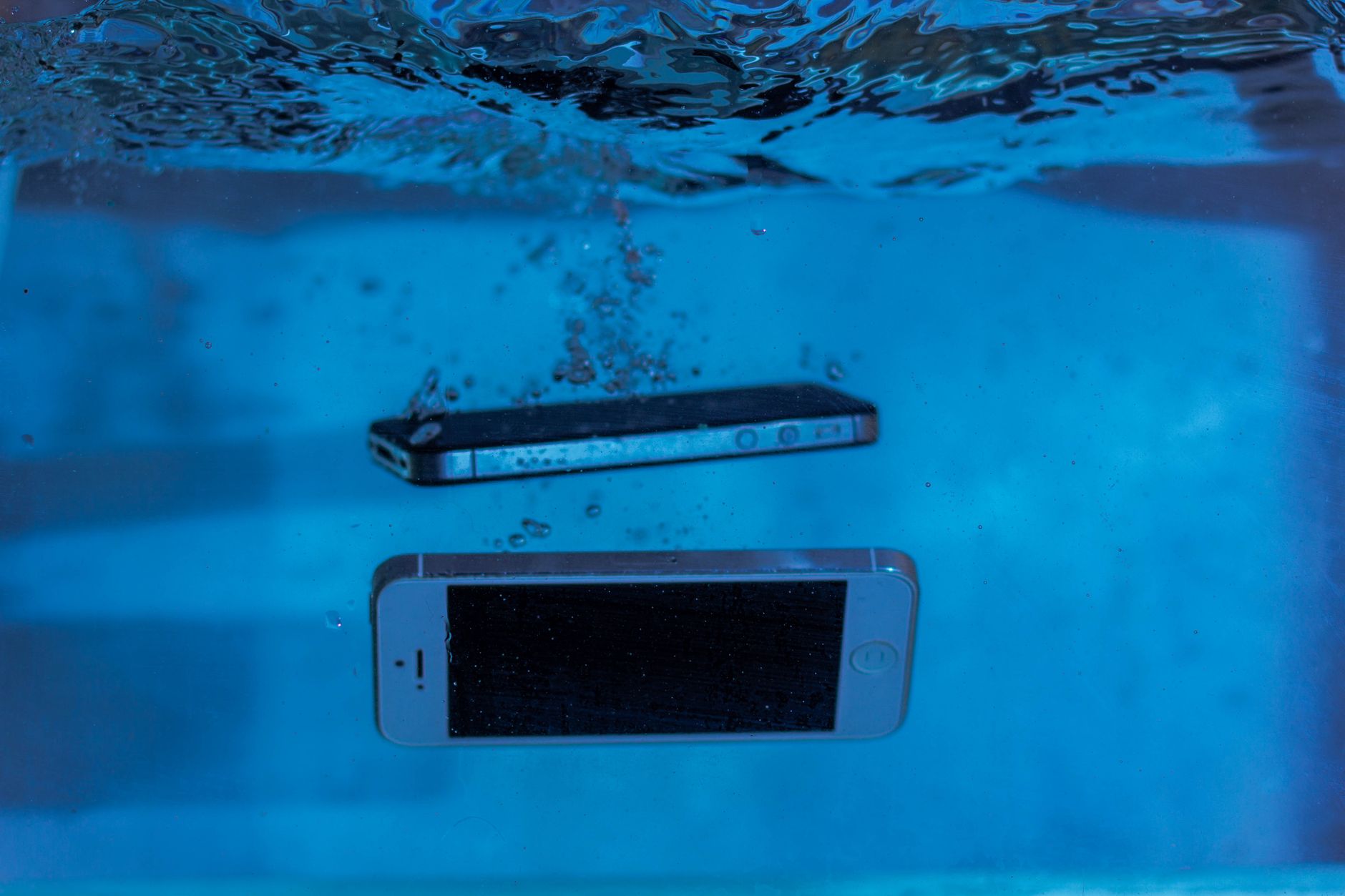
The iPhone 16, like its predecessors, has piqued the curiosity of many consumers, especially regarding its durability against water damage. With an increasingly mobile lifestyle, understanding the extent to which your device can withstand accidental submersion or exposure to the elements is crucial.
This article will delve into the waterproof capabilities of the iPhone 16, discussing water ratings, practical care tips, and precautions to safeguard your device from water damage.
Is the iPhone 16 Waterproof?
The iPhone 16 has an IP68 water resistance rating, which indicates it is designed to withstand being submerged in water up to a depth of 6 meters for a duration of 30 minutes. While this suggests excellent protection against water damage, it is essential to recognize that “waterproof” does not mean indestructible.
Understanding IP Ratings
The IP rating system outlines the level of protection provided against solid objects and liquids. The first digit indicates protection against solids, while the second digit indicates protection against liquids. The iPhone 16’s IP68 rating means:
- 6 (First digit): Dust-tight – no dust infiltration.
- 8 (Second digit): Protection against submersion in water beyond 1 meter.
Limitations of Water Resistance
Even with an IP68 rating, there are limitations to consider:
- Water resistance can diminish over time due to wear or damage to seals.
- Accidental exposure to chemicals (like saltwater or chlorinated water) can cause damage.
- Water damage may not be covered under warranty, as manufacturers often consider it a misuse.
Factors Affecting Water Resistance
While the iPhone 16 is built to withstand water exposure, several factors can influence its water resistance:
- Age of the Device: Over time, the seals that ensure water resistance can wear down and become less effective.
- Physical Damage: Cracks or breaks in the screen or body can compromise its water resistance.
- Environmental Conditions: Exposure to extreme temperatures, high pressure, or certain liquids (salty or chlorinated) may affect performance.
Water Resistance Testing
While you may be tempted to test the limits of your iPhone 16’s water resistance, it’s highly discouraged. Real-world conditions are unpredictable, and results can vary. Moreover, intentionally submerging your device can lead to irreversible damage and void any warranty claims.
What To Do If Your iPhone 16 Gets Wet
If your iPhone 16 does become wet, follow these steps to minimize damage:
- Turn off the device: Prevent any electrical shorts or damage by immediately powering it down.
- Dry the exterior: Gently wipe the device with a soft, lint-free cloth. Avoid using heat sources like hairdryers.
- Remove accessories: Take off any cases, screen protectors, or charging cables, if possible.
- Let it sit: Allow the iPhone to air dry for at least 24 hours in a cool, dry place.
- Do not charge: Avoid plugging in your device until you are sure it is completely dry.
Improving Your iPhone’s Water Resistance
While manufacturers provide a baseline level of water resistance, taking additional precautions can help preserve your device:
- Use a Waterproof Case: Consider using a high-quality waterproof case when engaging in water-related activities.
- Avoid Saltwater Exposure: Saltwater is more corrosive than freshwater and can damage your device.
- Be Cautious Around Pools: Chlorine and other chemicals in pool water can lead to damage.
Care Tips for Maintaining Waterproof Features
Regular maintenance of your iPhone 16 can help maintain its waterproof capabilities:
- Keep Ports Clean: Regularly inspect and clean the charging port and other openings with a soft brush or compressed air.
- Avoid Extreme Conditions: Keep your phone out of hot tubs, saunas, and other extreme environments that can cause damage.
- Regular Backups: Regularly back up your data. In case of water damage, you can restore your data to a new device.
Warranty and Water Damage
Most smartphone warranties do not cover water damage, including that of the iPhone 16. While Apple and other manufacturers claim water resistance, they typically assert that accidental damage through water exposure is the user’s responsibility.
What to Check in Warranty Policies
When considering any warranty or AppleCare+ form of protection, review:
- Coverage Duration: What period is covered under warranty?
- Water Damage Clauses: Check for any specific exclusions related to water damage.
- Repair Options and Costs: Understand the repair costs if water damage occurs.
Alternatives and Comparisons
If water resistance is a primary feature you’re looking for in a smartphone, consider the alternatives to the iPhone 16. Many devices on the market also offer varying degrees of water resistance.
Competitors with High Water Resistance Ratings
| Device | Water Resistance Rating |
|---|---|
| Samsung Galaxy S23 | IP68 |
| Google Pixel 7 | IP68 |
| Xiaomi 13 Pro | IP68 |
Conclusion
The iPhone 16 boasts an impressive IP68 water resistance rating capable of withstanding submersion in water for significant periods. However, users should remain cautious and adhere to maintenance practices to ensure the longevity of this feature. Protect your investment by using waterproof cases and keeping the phone away from extreme conditions.
By understanding the limits of the iPhone 16’s water resistance and regularly checking your device’s condition, you can minimize risks associated with accidental exposure to water. For further insightful information, check out our guides on older models like iPhone 11 and future models such as iPhone 17.