
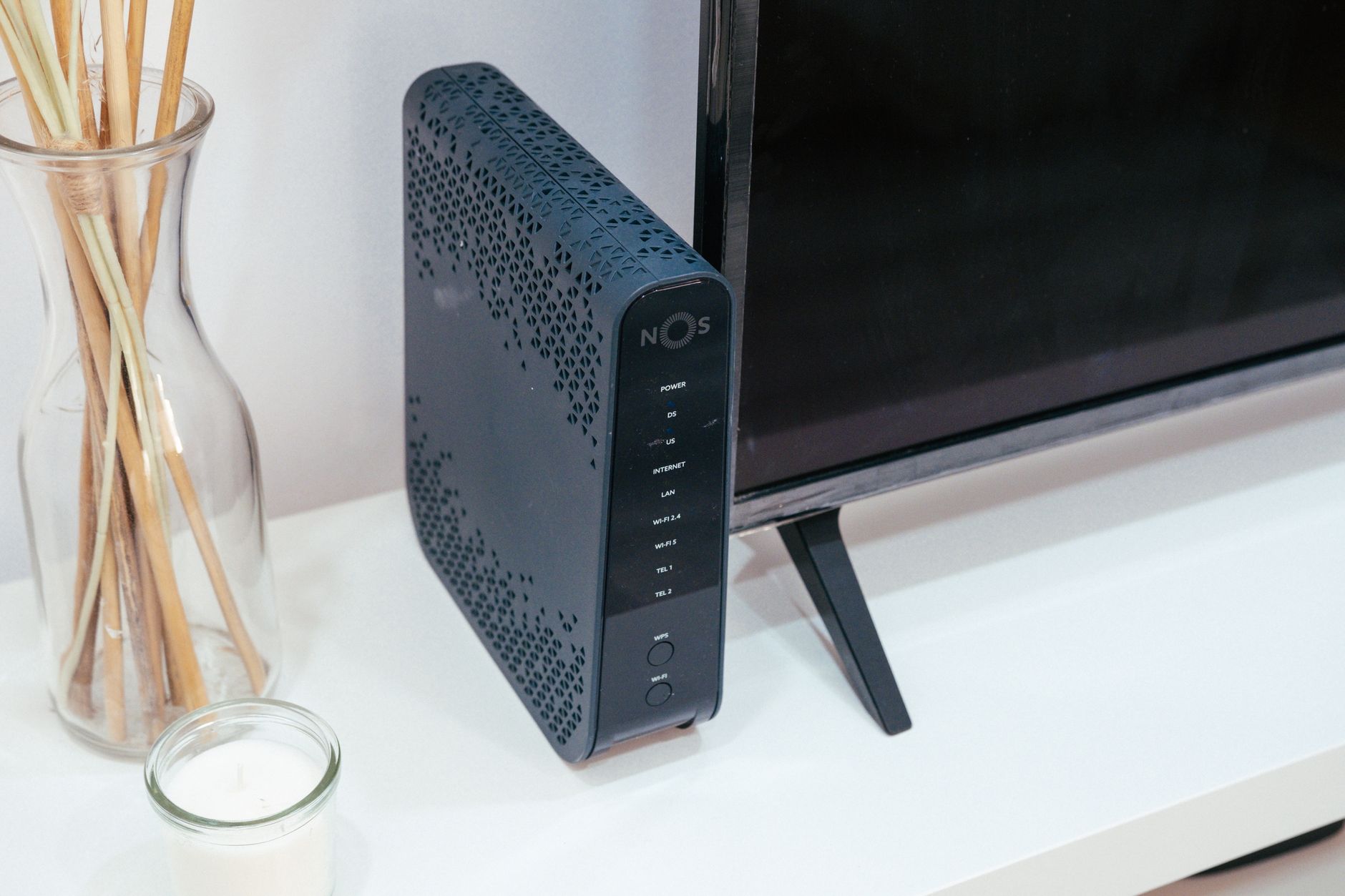
Digital Subscriber Line (DSL) is a technology that provides high-speed internet access using traditional telephone lines. It enables simultaneous voice and data transmission without interrupting phone service, making it an appealing choice for many households and businesses. This article delves into the details of DSL, including its functionality, types, speed, availability, and how it compares to other broadband options.
Understanding DSL can help consumers make informed decisions when selecting an internet service provider (ISP) and understanding their own internet needs. Here, we will cover the basics of DSL technology and its implications for everyday internet users.
What Is DSL?
DSL stands for Digital Subscriber Line. It is a broadband internet connection type that utilizes existing copper telephone lines to transmit data. This means users do not need to have a separate connection, like cable or fiber optics, to access the internet. The DSL technology enables high-speed internet access while allowing users to make phone calls simultaneously.
How Does DSL Work?
DSL works by splitting the telephone line’s bandwidth into separate channels—one for voice communication and the other for data. Through a technology called frequency division multiplexing, DSL allows for data transmission over the higher frequency bands, while the lower frequency bands remain available for voice calls.
The primary components involved in a DSL connection are:
- Digital Subscriber Line Modem: This device connects to the telephone line and translates digital data from the internet into a format suitable for transmission over the line.
- Telephone Line: The existing copper wires are used for both voice and data transmission.
- Internet Service Provider (ISP): The ISP routes the internet traffic to and from the DSL modem, allowing users to access the internet.
Types of DSL
DSL technology is not one-size-fits-all; several variants cater to different needs. Understanding these variants can help users choose the right type of DSL for their situation.
1. ADSL (Asymmetric Digital Subscriber Line)
ADSL is the most common form of DSL. It provides higher download speeds compared to upload speeds. This configuration is ideal for typical internet users, who usually download more data (like streaming videos) than they upload (like sending emails or uploading files).
2. SDSL (Symmetric Digital Subscriber Line)
SDSL offers equal download and upload speeds. This type is suited for business applications that require significant data uploads, such as remote backups and web hosting.
3. VDSL (Very High Bitrate Digital Subscriber Line)
VDSL is a faster version of ADSL and can deliver higher speeds over shorter distances. It is often utilized for high-definition video streaming, online gaming, and other bandwidth-hungry applications.
4. IDSL (ISDN Digital Subscriber Line)
IDSL is a type of DSL that operates over ISDN lines, providing lower speeds than ADSL or SDSL. While IDSL is not as commonly used today, it can be a fallback option in areas where standard DSL technology is unavailable.
DSL Speeds
The speed of DSL varies significantly based on factors like the type of DSL service, the distance from the DSLAM (Digital Subscriber Line Access Multiplexer), and the quality of the telephone lines. Here’s a general breakdown of the typical speeds offered by various DSL types:
| DSL Type | Download Speed | Upload Speed |
|---|---|---|
| ADSL | Up to 24 Mbps | Up to 1.5 Mbps |
| SDSL | Up to 2.3 Mbps | Up to 2.3 Mbps |
| VDSL | Up to 100 Mbps | Up to 50 Mbps |
| IDSL | Up to 128 Kbps | Up to 128 Kbps |
These speeds can vary based on service providers and geographical location. The speeds mentioned may be the maximum obtainable under ideal conditions, and actual performance may be lower depending on various factors.
Factors Affecting DSL Performance
Several factors can impact the performance of a DSL connection, leading to variability in speeds and reliability:
- Distance from the DSLAM: The further a user’s location is from the DSLAM, the weaker the signal and slower the speeds. DSL typically loses quality over longer distances.
- Quality of Telephone Lines: Poor quality or old copper wires can degrade performance significantly.
- Network Congestion: During peak hours, users may experience slower speeds due to increased traffic on the network.
- Modem Quality: The type and age of the modem used can impact speeds and reliability.
DSL Availability
DSL is widely available, particularly in urban and suburban areas where existing telephone infrastructure is in place. However, availability can be limited in rural regions, where other options such as satellite or fixed wireless may be more feasible.
To determine DSL availability in your area, you can:
- Contact local ISPs to inquire about service offerings.
- Visit ISP websites to use availability checkers which often utilize your address to assess service eligibility.
Pros and Cons of DSL
Like any technology, DSL has its advantages and disadvantages. Weighing these can help potential users evaluate if DSL is the right fit for them.
Advantages of DSL
- Existing Infrastructure: Since DSL uses existing phone lines, no additional wiring is necessary, making it easier to set up.
- Simultaneous Service: DSL allows voice calls and internet browsing to occur simultaneously.
- Cost-effective: Generally, DSL plans are more affordable compared to fiber optic and cable internet plans.
Disadvantages of DSL
- Distance Limitations: Speed and reliability decrease over longer distances, limiting performance for some users.
- Lower Speeds: Compared to fiber-optic or cable, DSL speeds may not suffice for heavy bandwidth applications.
- Infrastructure Limitations: In areas without upgraded telephone lines, the quality and speed of service may suffer.
Setting Up DSL
Setting up a DSL connection is usually straightforward. Here is a general step-by-step guide to help users get started:
- Select an ISP: Research local providers to find a plan that meets your needs in terms of speed and pricing.
- Receive your DSL modem: Your ISP will typically provide a DSL modem as part of the service package.
- Connect the DSL modem: Connect the modem to a power outlet, then connect it to your telephone line using the provided cable.
- Configure the modem: Follow the manufacturer’s instructions to set up the modem, which may involve connecting to a web interface.
- Connect devices: Use Ethernet cables to connect devices, or connect wirelessly if your modem supports Wi-Fi.
- Test your connection: Once everything is connected, run a speed test to verify your internet speed and reliability.
If you encounter issues during the setup process, the ISP’s customer support team can assist you in troubleshooting the connection.
Troubleshooting Common DSL Issues
While DSL is typically reliable, issues can arise that require troubleshooting. Here are some common problems and solutions:
1. Slow Internet Speeds
If your DSL internet speeds are lower than expected, consider the following:
- Check the distance from your home to the DSLAM; further distances can cause slower speeds.
- Test your modem’s connection by restarting it and ensuring it’s functioning correctly.
- Run a speed test at different times to determine if network congestion impacts your speed.
2. Frequent Disconnections
Frequent losses of connection can be frustrating. Here are steps to troubleshoot:
- Examine the DSL line for any visible damage or degradation.
- Restart your modem regularly to ensure it functions optimally.
- Contact your ISP for assistance, as they may need to inspect the line or equipment.
3. No Connection
If you cannot connect to the internet at all, you can attempt the following:
- Ensure your modem is plugged in and properly connected to the phone line.
- Check all physical connections, including Ethernet cables, to ensure they are secure.
- Run diagnostics via your modem settings interface or contact the ISP for further analysis.
Comparing DSL to Other Internet Options
While DSL is a popular choice, it is essential to compare it against other internet options such as cable and fiber optics. Here’s a quick comparison:
| Internet Type | Typical Speeds | Pros | Cons |
|---|---|---|---|
| DSL | Up to 100 Mbps | Available in many areas, relatively low cost | Speed decreases with distance, generally lower speeds |
| Cable | Up to 1 Gbps | High speeds, widely available | Connection quality may suffer during peak hours |
| Fiber Optic | Up to 10 Gbps | Very high speeds, reliability, and low latency | Availability may be limited in some areas, higher cost |
Future of DSL Technology
While DSL has served millions of users well, its position in the internet landscape is changing. Fiber optic technology is becoming more prevalent, offering faster and more reliable connections. However, DSL may still remain viable for users in areas without fiber optic infrastructure, especially where existing telephone lines provide broadband access.
As technology advances, existing DSL lines may also be upgraded through innovations like G.fast, which significantly enhances speeds over traditional copper lines. While not as fast as fiber, these improvements can help DSL remain a competitive option for many consumers.
Regardless of technological changes, DSL’s affordability and availability keep it relevant, particularly for those who may not require ultra-fast internet speeds.
Conclusion
DSL remains a viable and cost-effective option for many internet users, leveraging existing telephone lines to provide broadband services. By understanding its capabilities, advantages, and limitations, consumers can decide whether DSL meets their internet needs or if considering alternatives may be prudent.
For those interested in further exploring home networking solutions, including routers, feel free to check our guides on what a router is and how to set up a router.