
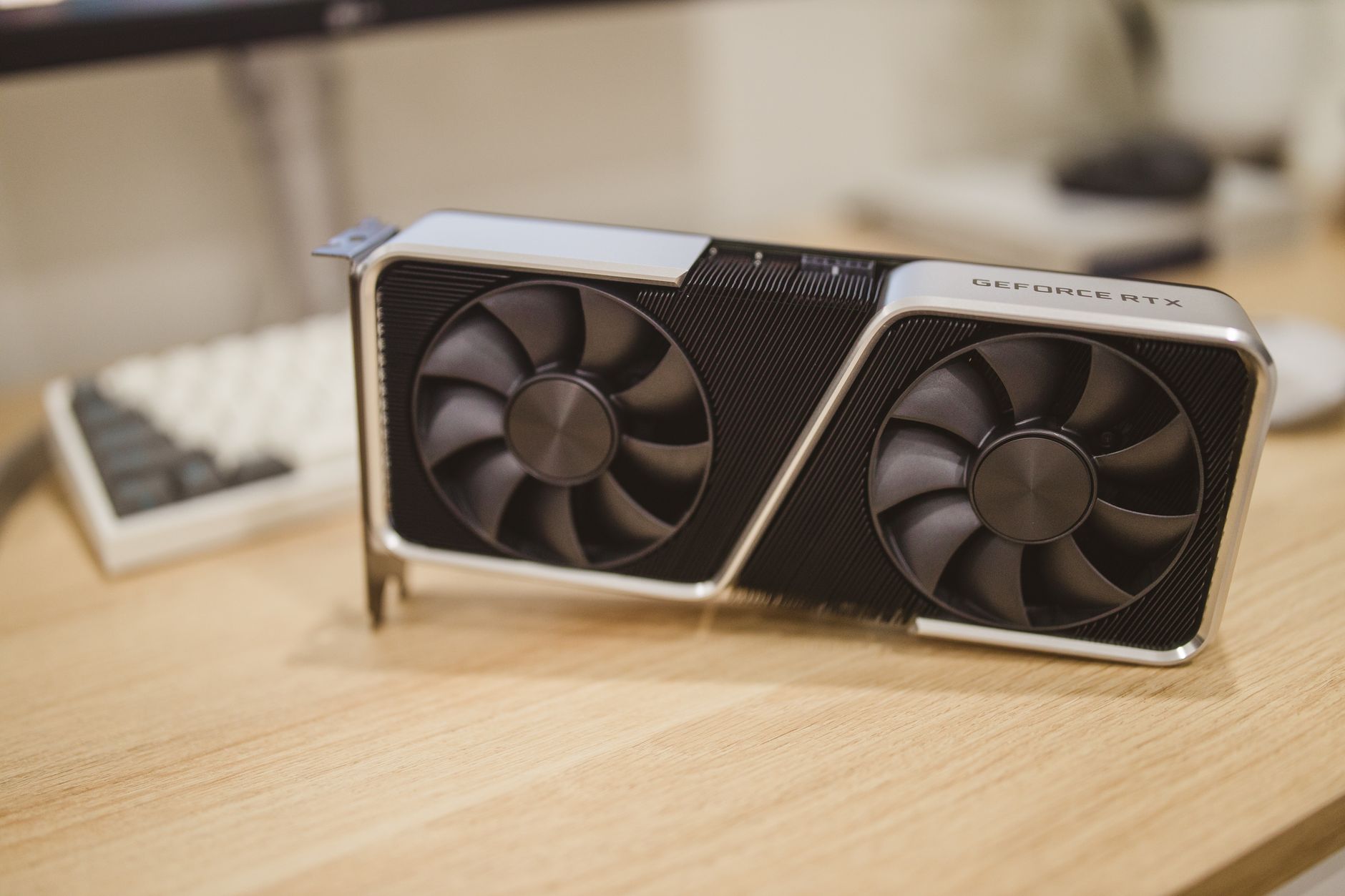
Video Random Access Memory, or VRAM, is a specialized type of memory used primarily by graphics processing units (GPUs) to store image data, textures, and other graphical information. As a key player in how visuals are rendered in games, videos, and graphics applications, understanding VRAM is essential for anyone interested in technology, gaming, or computer performance.
This article delves into the fundamental aspects of VRAM, highlights its features, and discusses its common uses in various tech applications. Whether you’re a gamer, graphic designer, or simply curious about how your devices handle graphics, this guide will provide you with an in-depth overview of VRAM.
What Is VRAM?
VRAM stands for Video Random Access Memory, a type of memory dedicated to managing graphical data. Unlike standard RAM, which handles general system operations, VRAM is optimized for high-speed storage and retrieval of visual data needed for rendering images on screens. It is crucial for graphics-intensive processes such as gaming, video editing, and 3D modeling.
Key Features of VRAM
Understanding the features of VRAM can help you make informed choices when selecting components for your computer based on your intended usage.
- Dual-ported Memory: VRAM is often dual-ported, meaning it can read and write data simultaneously. This is especially beneficial for graphics tasks that require quick access to both images and the data processing them.
- High Throughput: VRAM is designed to provide higher throughput than traditional RAM, which means it can transfer more data in a shorter amount of time, crucial for tasks like rendering textures and graphics.
- Optimized for Graphics Rendering: The architecture of VRAM makes it particularly suitable for storing complex textures, models, and frame buffers, ensuring smooth graphical performance.
- Increased Bandwidth: Due to its design, VRAM typically offers higher bandwidth compared to conventional RAM, ensuring faster access to graphic data and reducing lag during operations.
- Temperature Management: VRAM is engineered to handle higher temperatures than standard memory, allowing it to sustain performance under heavy workloads without overheating.
Types of VRAM
There are several types of VRAM, each tailored for different applications and performance needs. Here are the most common ones:
- Traditional VRAM (Video RAM): This was the first type of video memory, functioning with dual ports for simultaneous read and write operations. However, it has largely been replaced by more efficient types.
- SGRAM (Synchronous Graphics RAM): This type combines the speed of traditional RAM with the dual-port functionality of VRAM, making it popular for modern graphics cards.
- GDDR (Graphics Double Data Rate): GDDR is a widely used type of VRAM in graphics cards. It comes in various generations (GDDR3, GDDR5, GDDR6, etc.) that progressively improve bandwidth and efficiency.
- HBM (High Bandwidth Memory): HBM offers significantly higher bandwidth compared to GDDR, making it suitable for intensive applications like AI tasks and professional graphics editing.
Common Uses of VRAM
VRAM is vital in various scenarios where graphics rendering and performance are key. Here are some common uses:
Gaming
For gamers, sufficient VRAM is essential for running high-resolution textures and complex graphics without lag. VRAM helps load game assets quickly, enabling smoother gameplay and better overall experiences.
Video Editing and Production
Video editing software relies heavily on VRAM for rendering high-definition video content and effects. It allows editors to preview changes in real-time, which is crucial for effective editing workflows.
3D Modeling and Animation
In 3D modeling and animation applications, VRAM stores various image data, models, and render files. A higher VRAM capacity enables designers to work with more complex scenes without experiencing performance drops.
Machine Learning and AI
Machine learning and AI tasks often require substantial graphical processing capabilities. Many AI training processes leverage GPUs with ample VRAM to efficiently process large datasets and complex algorithms.
Choosing the Right Amount of VRAM
When selecting a graphics card or system, the amount of VRAM can play a significant role in your overall experience. Here are factors to consider:
- Resolution: Higher resolutions (like 4K) will generally require more VRAM to handle the increased number of pixels.
- Game Requirements: Different games have varying VRAM requirements. Review the game’s recommended specifications to gauge the minimum VRAM needed for optimal performance.
- Texture Quality Settings: Higher texture settings demand more VRAM. If you enjoy playing games at ultra settings, ensure your graphics card has sufficient VRAM.
- Multi-Monitor Setups: If you use multiple displays, you may need additional VRAM to manage graphics across all screens smoothly.
Performance Impact of VRAM
The performance of a graphics card isn’t solely determined by the amount of VRAM it has, but VRAM does play a crucial role. Here’s how it impacts performance:
- Frame Rates: More VRAM can lead to higher frame rates, especially in graphics-intensive tasks where high-speed access to textures and models is required.
- Texture Quality: With sufficient VRAM, a graphics card can render textures at higher quality, resulting in more detailed and visually appealing graphics.
- Stability: Insufficient VRAM can lead to crashes or stuttering, especially when handling high-resolution graphics or complex computations.
Troubleshooting VRAM Issues
If you experience graphical issues, performance drops, or crashes, your VRAM may be a contributing factor. Here are common issues and some troubleshooting steps you can take:
- Insufficient VRAM: If applications or games do not perform well, consider upgrading to a graphics card with more VRAM. Consult the software’s recommended specifications to ensure compatibility.
- Overheating: When VRAM overheats, it can lead to performance issues. Ensure your PC has adequate cooling, such as proper fan configurations or additional cooling units.
- Driver Issues: Outdated or corrupt graphics drivers can impact VRAM performance. Regularly updating your graphics drivers can resolve numerous issues.
How to Upgrade VRAM
Upgrading VRAM generally involves upgrading your GPU, as VRAM is typically soldered directly onto the graphics card. Here’s how you can approach this upgrade:
- Determine Requirements: Assess your needs based on your usage—gaming, video editing, or other intensive tasks— and look for GPUs that meet or exceed those requirements.
- Select a Compatible Graphics Card: Ensure the new graphics card is compatible with your motherboard and has adequate VRAM for your needs.
- Install the New Card: Power down your system, remove the old graphics card, and securely install the new one. Connect necessary power cables and peripherals.
- Update Drivers: After installation, boot up your system and install the latest drivers from the manufacturer’s site to ensure optimal performance.
Conclusion
VRAM is a crucial component for anyone engaged in tasks that require intensive graphics processing. Its role in gaming, video editing, and other graphical applications cannot be understated. When choosing hardware, consider the amount of VRAM as it directly impacts performance, texture quality, and overall graphical capability.
If you’re interested in installing memory in a laptop or updating your Nvidia drivers, explore our guides on how to install memory in a laptop and how to update Nvidia drivers for additional support.